

What a network represents
A network is a logical grouping that ties together three things:- Participants — the entities that operate within the network (see Network Roles)
- Data — every furnished record carries a network reference, so the network acts as a boundary on what data can be read
- Rules — the querying policies and furnishing policies that govern each product, and how data is allowed to move between this network and neighbouring networks (see Network Governance)
The network tree
Networks are not flat. Every network has at most one parent network, so networks form a tree where smaller, more specific networks live underneath broader ones. A network with no parent sits at the top of the tree and is called a root network. Networks below it are its descendants; the networks directly under it are its children. In the diagram above, Coastal Bank is a child of Federation Root and a parent of Coastal — Credit Cards. Summit Bank is a sibling of Coastal Bank because they share a parent. Coastal — Credit Cards and Summit — Auto Loans are cousins because they share a common ancestor (the Federation) without being in each other’s direct line. This lets a single arrangement — such as a sponsor bank and the fintechs it sponsors — share a parent network while keeping each participant’s data within its own boundary.Relations between networks
These are the words SOLO uses to describe how any two networks relate. They show up throughout the permissioning model, so it’s worth getting them straight up front.SOLO treats siblings as a special case of cousins for permissioning purposes.
Anywhere governance rules talk about cousins, siblings are included.
Kinds of network
Every network carries anetwork_type describing its place in an arrangement:
standard networks are the default, while sponsor and partner
networks describe a sponsor bank and the fintechs it sponsors, nested under it
in the tree. All kinds behave the same way — they can have their own
participants, their own data, and their own governance settings.
When you furnish, the upload targets a network directly, and that network’s
mapping assignments determine how the data is accepted and routed (see
Furnishing Policies).
Network lifecycle
Networks are created deliberately, through the SOLO Dashboard, as part of onboarding your organization or standing up a new arrangement (a consortium, a sponsorship structure, a new line of business). A new network needs:- a name and an optional description,
- an optional parent network, which places it in the tree, and
- a governor entity — the entity that owns and administers it.
- adds participants with the roles they need (furnisher, querier, or additional governors),
- creates and configures the querying policies and furnishing policies for the products the network will use, and
- optionally enables governance rules to open query paths to related networks.
Permissions & roles
Your organization joins a network with one or more roles. Roles describe what you can do, not what data you can see.
A single organization can hold several roles at once (for example, both furnisher
and querier). See Network Roles for the full model.
Policy usage within a network
A network ties products to participants through policies:- A querying policy binds a product to the network and defines, field by field, what queriers may read.
- A furnishing policy defines how one type of furnished record is mapped, validated, and persisted.
_type routes it to the network’s
furnishing policies that claim that type — you never pass a furnishing policy id
yourself.
Joining a network
Membership and roles are arranged with your SOLO account manager. Once you’re a member, you can:- search for entities within the network,
- furnish products into it (as a furnisher), and
- query products from it (as a querier, with consent).
In the dashboard
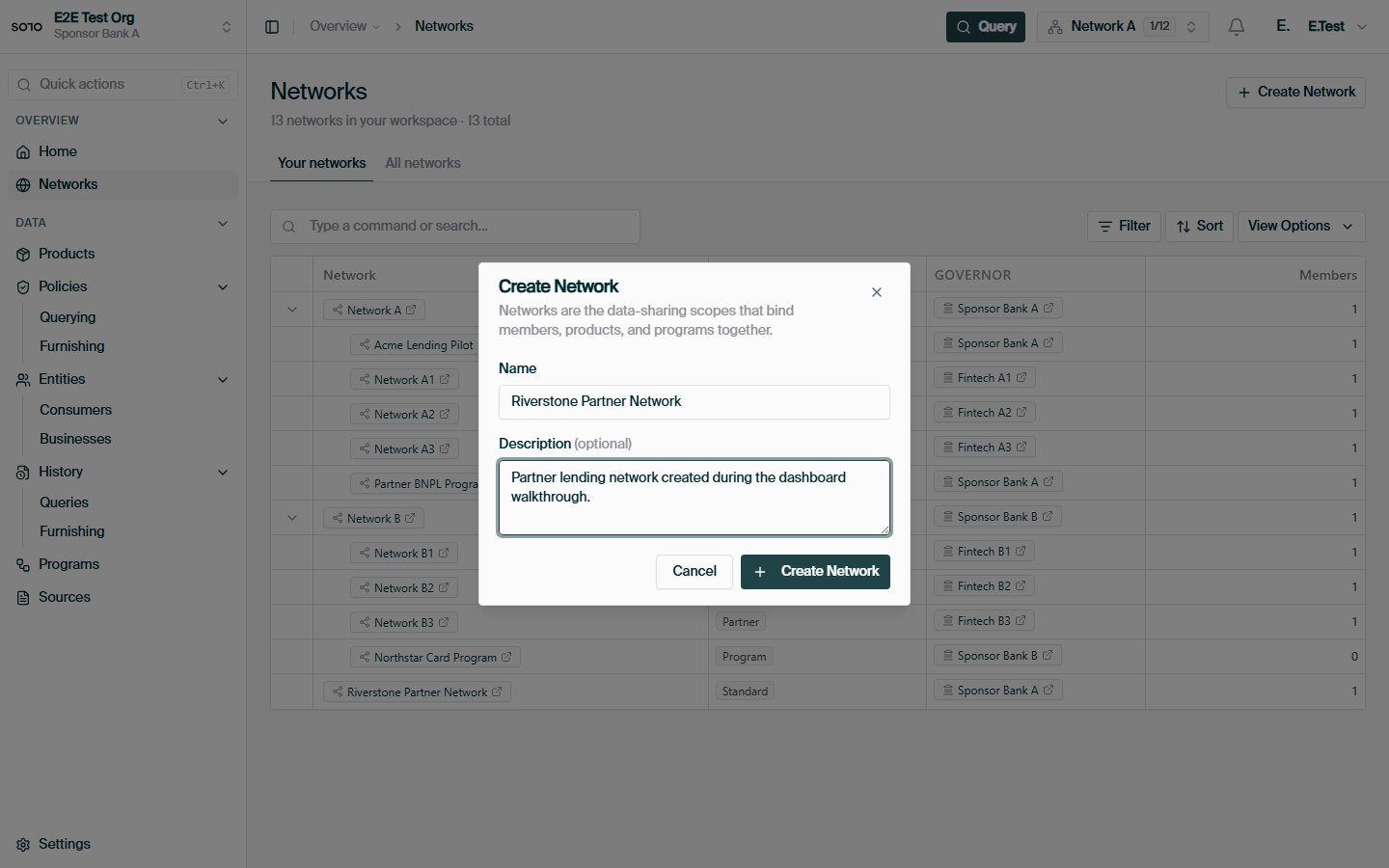
Create network — review and submit
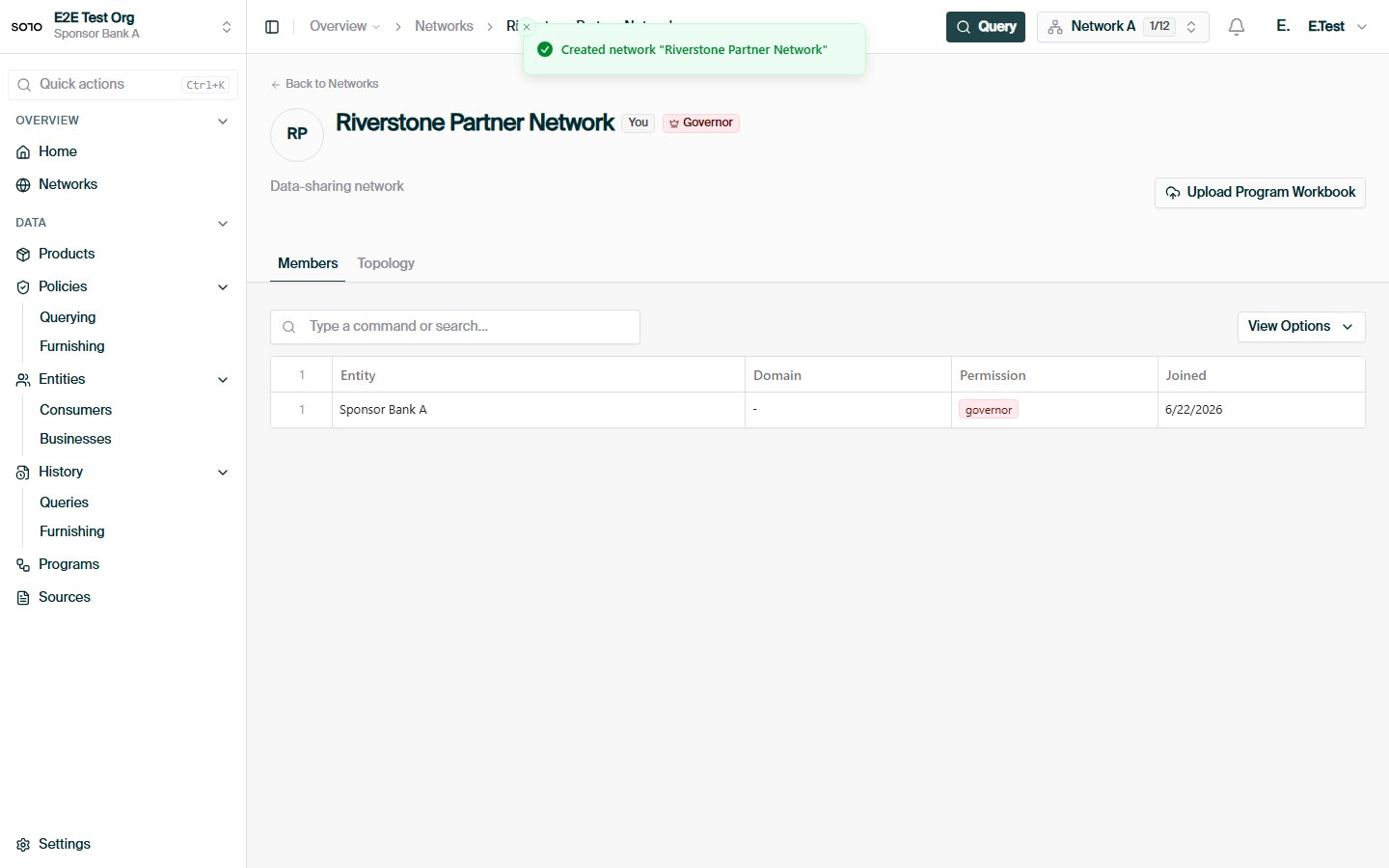
Network created — detail page with new network
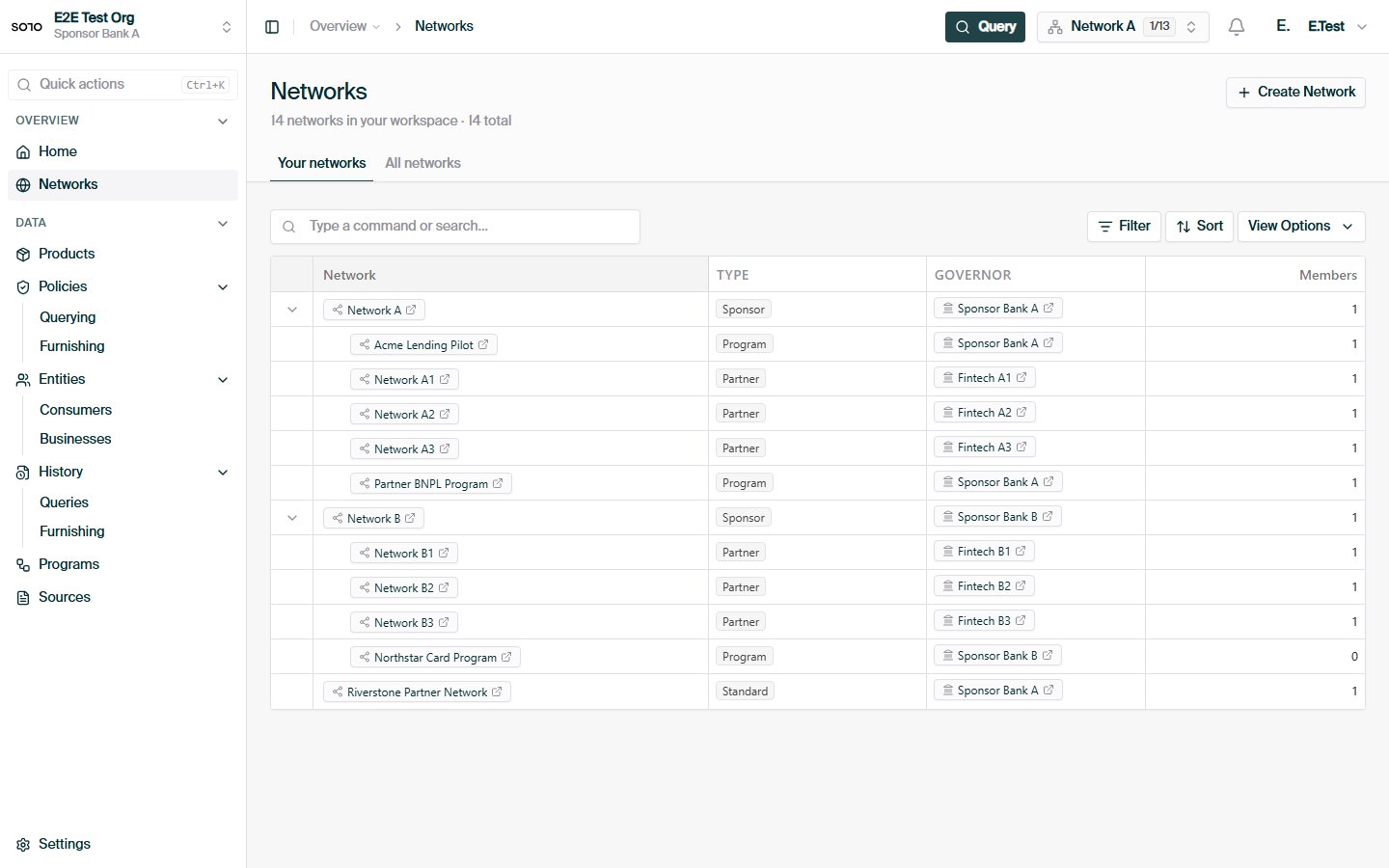
Networks list — newly created network visible
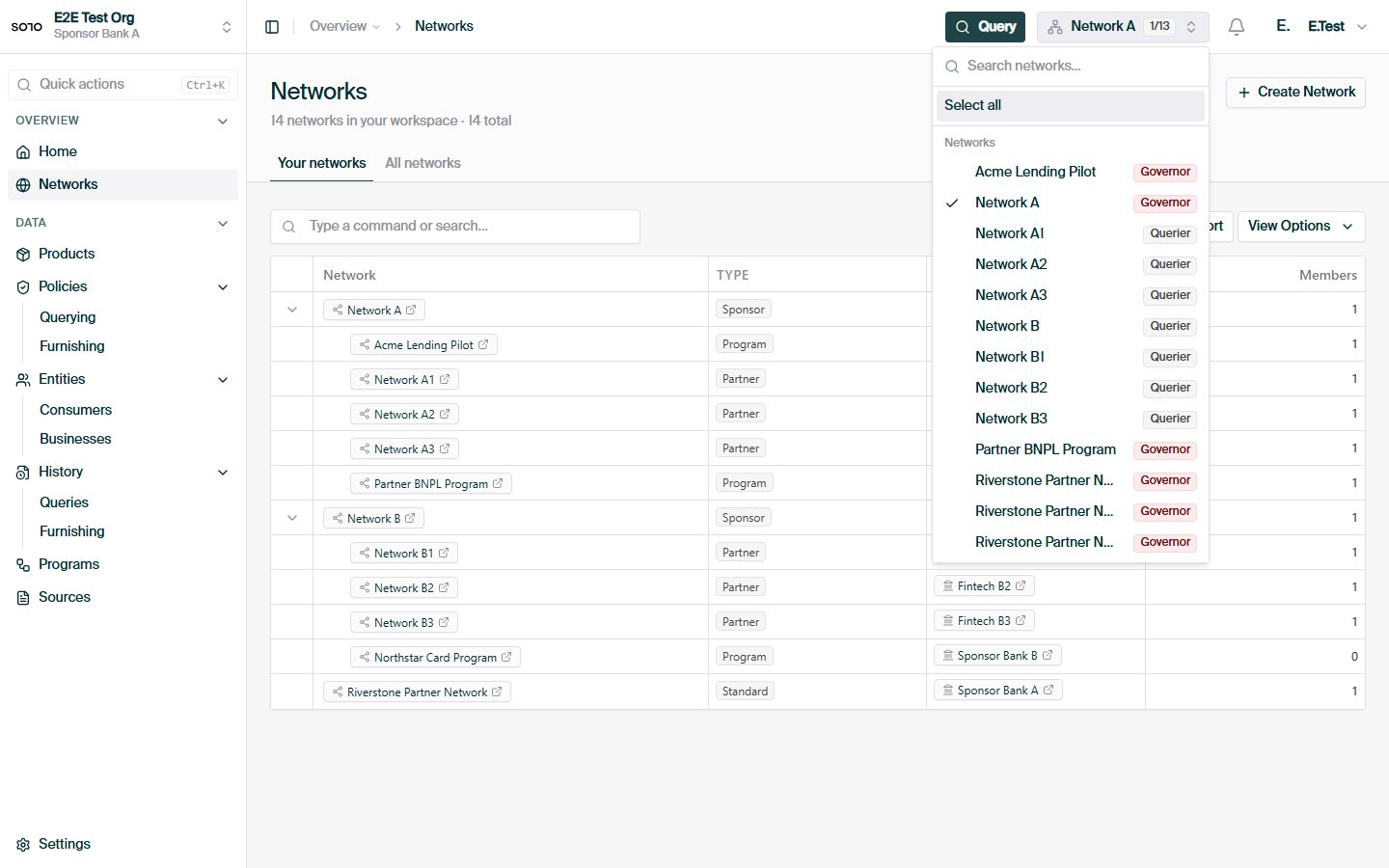
Topbar network multiselect open
Related concepts
Network Roles
How entities participate in a network.
Network Governance
How data can flow between related networks.
Querying Policies
The field-level read rules a network applies to each product.
Furnishing Policies
How furnished data is accepted, validated, and routed.
Entitlement
Why network membership alone doesn’t grant data access.