

Prerequisites
Before you start, you need:
- Network membership and a role — arranged with your SOLO account manager (see step 1 below).
- A bearer token (SDK token) exported as
SOLO_TOKEN. See Authentication. - Your
network_id— the UUID of the network you were added to.
Set up and verify
1
Get added to a network
Network membership and roles are arranged with your SOLO account manager —
there is no self-service signup endpoint. When your organization is added,
you receive:
- a
network_id— the network you’ll furnish into or query from, and - one or more roles that define what you can do in it.
Roles grant capabilities, not visibility. Joining a network — even
governing one — does not let you read other members’ data. Reading requires
consent from the data subject and
entitlement earned by participating.
Roles are covered in depth in
Network roles.
2
Confirm the API is reachable
Before testing your credentials, confirm you can reach the API at all.
All the endpoints in these guides live under the
/version requires no special role and tells you which API versions the
deployment serves:Response
v1 prefix listed in
api_versions. The build block identifies the exact deployment — include
it when reporting unexpected behavior to SOLO. There’s also a
GET /health probe that returns {"status": "healthy"} if the service is
up; point your uptime monitoring at it.3
Verify your network access
The fastest end-to-end check of your token, membership, and A
network_id is
an entity search scoped to your network:Response
200 OK — even with an empty [] body — proves your token is valid and
scoped to the network. network_id is the only required parameter; the
rest narrow the search:first_name,last_name,personal_email— case-insensitive partial matches.social_security_number,date_of_birth— exact matches (YYYY-MM-DDfor date of birth).limit— maximum results, 1–100, default 20.
Inspect the result
Each element of the search response is a consumer core identity visible to you within the network:
An empty array is a perfectly healthy response — it means no consumer in this
network matches your filters yet. After you complete
Furnishing your first entity, the consumer
you furnish will appear here.
Note what the search does not return: certificates, events, or any product
data. Search is an identity lookup. Reading actual data about a consumer
always goes through a product query with a consent record — that separation is
the core of the platform’s privacy model.
The network tree
As you scale, you’ll encounter child networks — narrower trust boundaries nested under a parent network, such as the partner networks a sponsor bank runs for its fintechs. The network tree is explained in Networks, and the rules for who may change what are covered in Network governance.Troubleshooting
401 — token expired or invalid
401 — token expired or invalid
SOLO_TOKEN with a fresh value and
confirm the header reads exactly Authorization: Bearer $SOLO_TOKEN. See
Authentication.422 — missing required parameter
422 — missing required parameter
network_id is required on every search. A 422 always carries a single
detail string in location -> field: message form pointing at the first
invalid input — fix that field and retry.403 — role doesn't permit the operation
403 — role doesn't permit the operation
200 with an empty array
200 with an empty array
Not an error. Your token and membership are fine; the network simply has no
consumer matching your filters. Partial-match fields (
first_name,
last_name, personal_email) are the most forgiving way to probe for
data.Next steps
With membership verified, pick the workflow that matches your role:In the dashboard
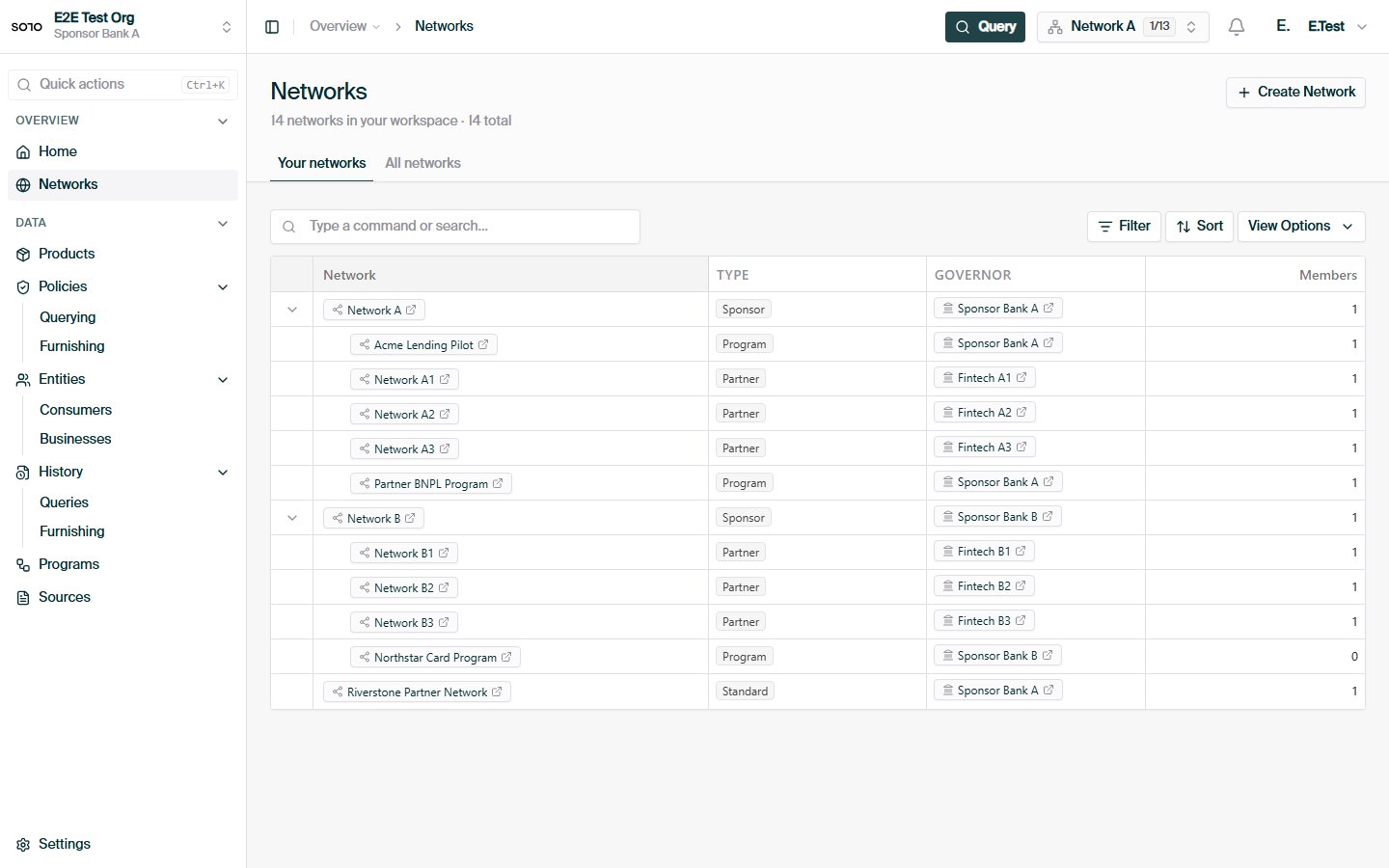
Networks list — newly created network visible
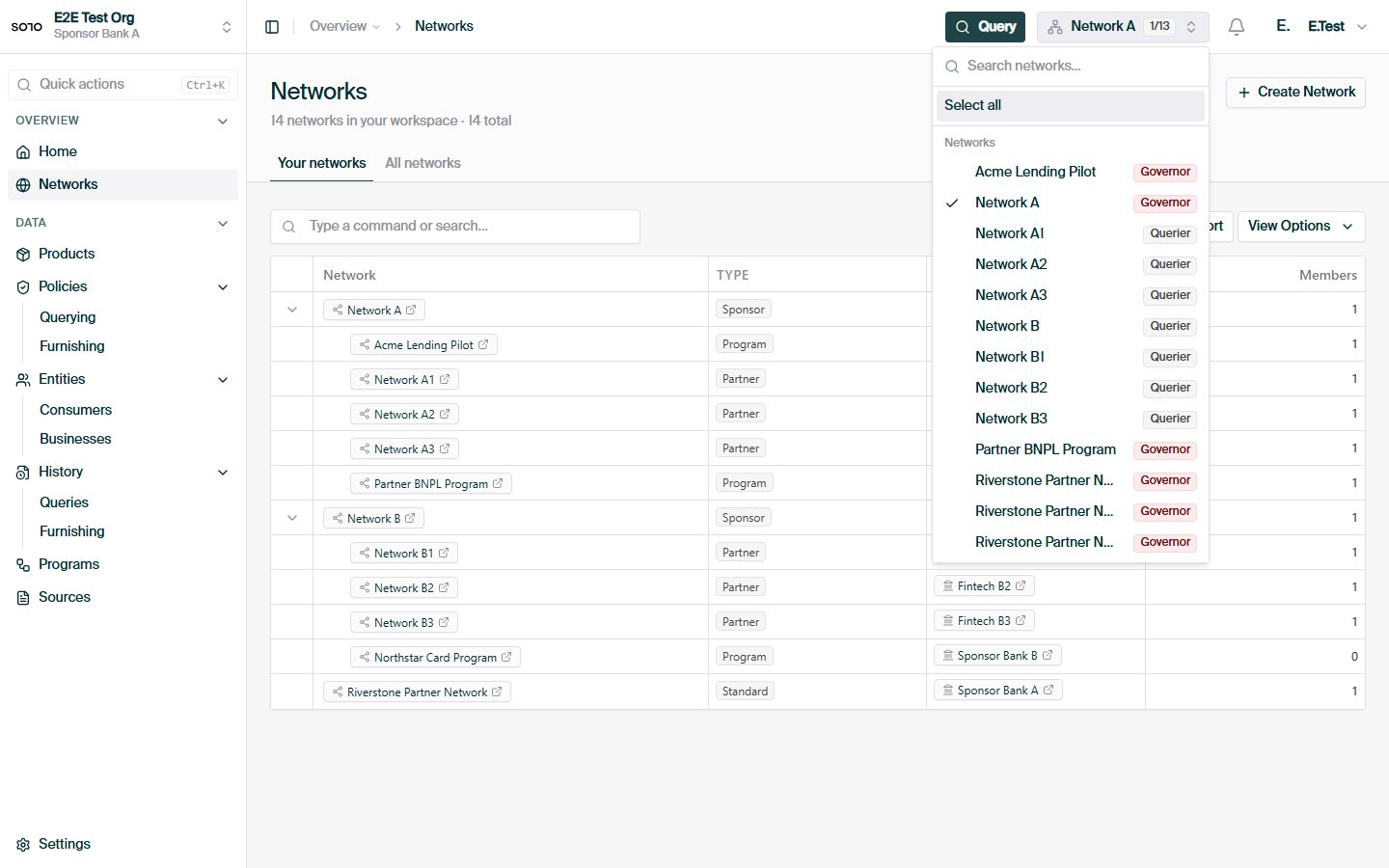
Topbar network multiselect open
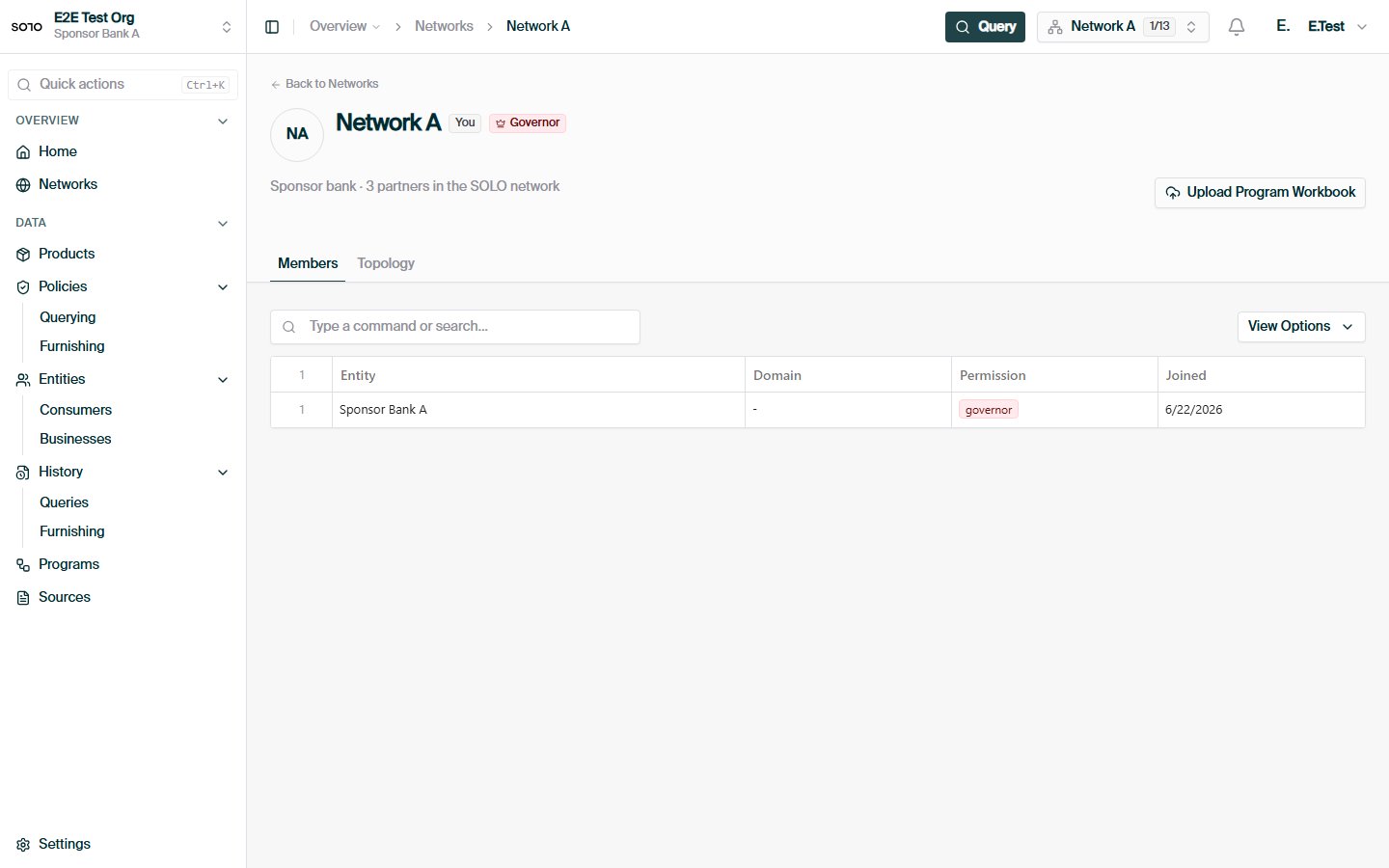
Network detail — overview
Furnish your first entity
For furnishers — record consent and contribute KYC data.
Query your first product
For queriers — read a consolidated certificate back.
Networks
Roles, the network tree, and policy usage in depth.
Network roles
What furnishers, queriers, and governors can each do.