

Contributing is asset creation, not data donation
The natural fear of contributing is “I’m giving away proprietary customer intelligence and losing control.” A SOLO network is designed so that isn’t what happens. When you furnish a verification, it does not vanish into a vendor database — it becomes an attributed, governed asset you still have a stake in:- You keep attribution. Every certificate sub-product your data backs
carries your
furnishing_entity_idandattestation_id. The verification travels with your name on it — see Provenance. - You keep governance. Contributed data is still gated by the subject’s consent, the network’s querying policy, and each reader’s entitlement. Furnishing does not expose your data to passive observers.
- You gain read access. Contributing is how you earn entitlement to read a subject back later (see below).
Why furnish?
Banks furnish for two reasons, one regulatory and one economic:- It’s how the network has anything to say. Every certificate, attestation, and screening result a querier receives traces back to a record some furnisher contributed. A network where nobody furnishes is an empty database with a governance layer.
- It earns you read access. Furnishing an entity makes you entitled to that entity’s data on future queries. Contributing is one of the two ways to earn entitlement — the other is a prior query. For most participants, furnishing the entities you already onboard is by far the cheapest way to build broad read coverage across the network.
The three furnishing channels
There are three ways to get records into a network. All three converge on the same ingestion machinery — the differences are in transport, batch size, and how much automation you want to build.- REST furnish when furnishing is an event in your system — a consumer finishes onboarding, you furnish their record in the same workflow. Lowest latency, immediate feedback, no file handling.
- Bulk file upload when you have a periodic batch job and an HTTPS client but don’t want to manage SFTP credentials or a file-transfer pipeline.
- SFTP when your data already leaves your systems as files on a schedule. Most core-banking and data-warehouse stacks can target an SFTP endpoint with zero custom code, which makes it the usual choice for nightly or monthly drops.
How a furnish works
A furnish brings together a network, a subnetwork, a resolved furnishing policy, and a consumer (or business):Anatomy of a REST furnish
You call the product’s furnish endpoint with the network scope and one or more records. For a KYC certificate:network_id— the network you’re furnishing into. You must hold the furnisher role there.subnetwork_name— names the subnetwork inside that network. Together withapplication_date, this is what the network uses to resolve the applicable furnishing policy.application_date— when the consumer applied. Used in policy resolution (see below), not as a record timestamp.records— one or more consumer records. For KYC certificates each record carriesfirst_name,last_name,date_of_birth, andsocial_security_number— all strings. The SSN is the matching key that connects your record to a consumer entity.
POST /v1/products/kyb_certificate/furnish for
business records.
Subnetwork routing and policy resolution
You never attach a furnishing policy yourself. At ingest, the network resolves it in two steps:- Subnetwork lookup.
subnetwork_nameis resolved to a subnetwork inside the network identified bynetwork_id. An unknown subnetwork name fails the record — subnetworks must be configured by the network’s governor before furnishers can target them. - Policy matching. Each subnetwork is linked to one or more
furnishing policies, each link
carrying an effective date window. Your record’s
application_dateis compared against the policy’s active window and the subnetwork-link’s effective window. Policies whose windows cover the application date apply; records that fall outside every window are filtered — skipped without being treated as errors.
What happens after ingest
Once a record is accepted, the furnishing pipeline takes over:- Validation. The record is checked against the resolved policy’s requirements. Each record is processed independently — one bad record in a batch doesn’t fail its neighbors.
- Entity matching. Identifiers in the record (SSN for consumers; tax identifier and jurisdiction for businesses) are matched to an existing entity, or a new entity profile is created. Re-furnishing the same entity updates the existing profile rather than creating a duplicate.
- Records become network data. The furnished attributes are written as that entity’s data, attributed to your organization as furnisher.
- Certificates and attestations. For certificate products, the furnished operations (document capture, address verification, and so on — whatever the policy requires) become the evidence behind KYC/KYB certificates that queriers later receive. Where your organization has attested to the data, the attestation is linked to the resulting certificates.
- Entitlement is recorded. Your organization becomes entitled to this entity’s data on future queries.
Data quality expectations
The network is only as good as what’s furnished into it. A few expectations hold across every channel:- Identifiers must be real and complete. SSNs, EINs, and dates of birth are matching keys. A typo doesn’t just corrupt one record — it creates a phantom entity or pollutes a real one.
- Treat identifiers as text. SSNs and tax identifiers are strings, not integers. This matters in spreadsheets especially: a numeric cell silently drops leading zeros.
application_dateshould be the genuine application date. It drives policy resolution; backdating or defaulting it to “today” routes records to the wrong policy version.- Furnish what the policy asks for. Policies enumerate required verification operations. Records that don’t satisfy them won’t produce certificates, even if they ingest cleanly.
- Idempotency is on natural keys. Re-submitting a consumer record with the same SSN updates rather than duplicates. Don’t “fix” a bad record by furnishing a second one with a tweaked identifier.
Furnishing vs. querying
Troubleshooting
Record fails with an unknown subnetwork
Record fails with an unknown subnetwork
subnetwork_name must exactly match a subnetwork configured in the network
by its governor. Subnetwork names are matched within the network identified
by network_id — confirm both halves. If the subnetwork genuinely doesn’t
exist yet, the governor needs to create it (over the API or a
subnetworks workbook) before you
furnish against it.Records accepted but no certificate appears
Records accepted but no certificate appears
application_date fell outside
every linked policy’s effective window. Filtered records are skipped
deliberately, not errored. Check the subnetwork’s policy links and their date
windows against the application dates you’re sending.Validation errors on individual records
Validation errors on individual records
1990-01-15), or empty
identifier strings.Duplicate entities after furnishing
Duplicate entities after furnishing
In the dashboard
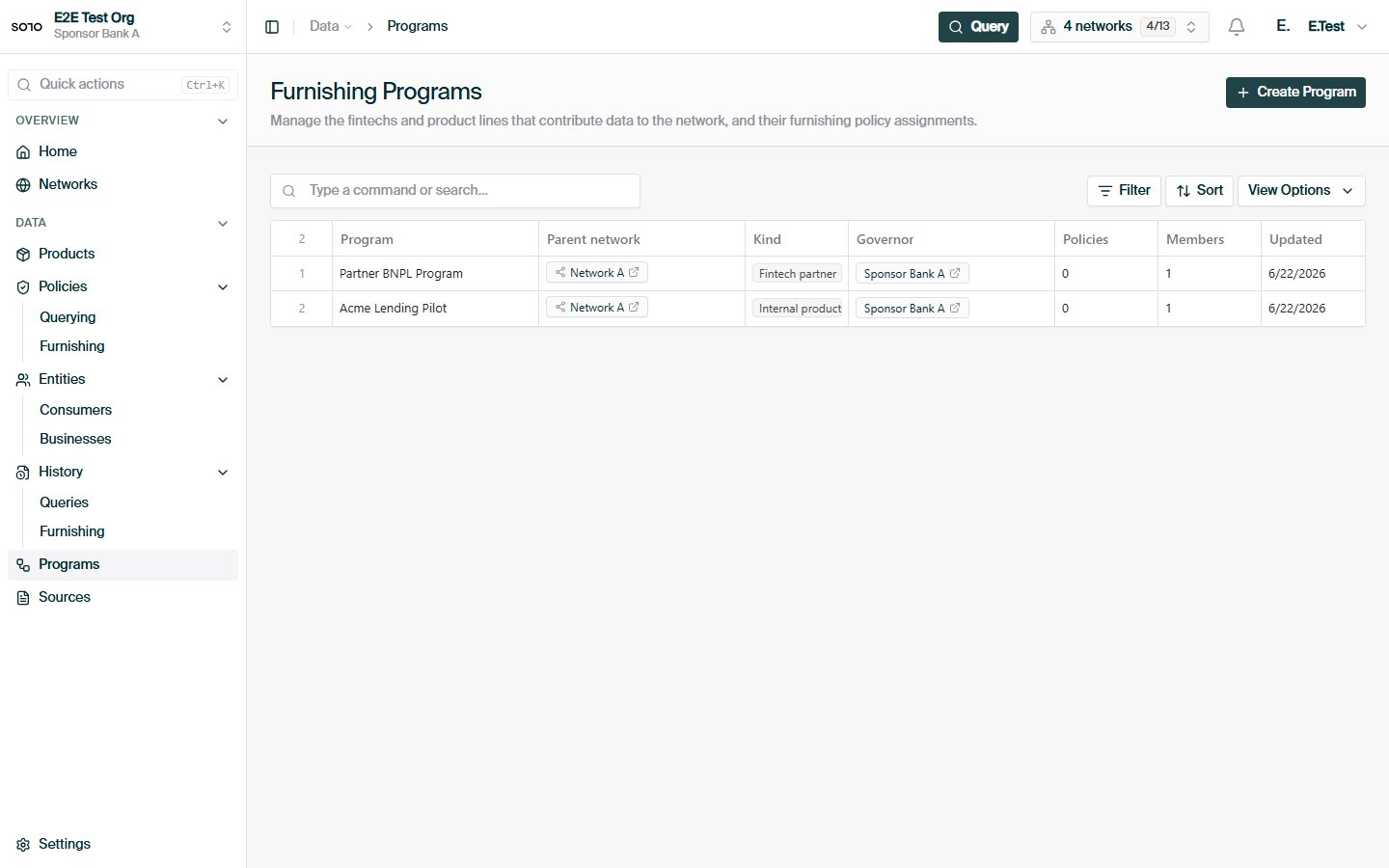
Furnishing subnetworks list — before subnetwork workbook upload
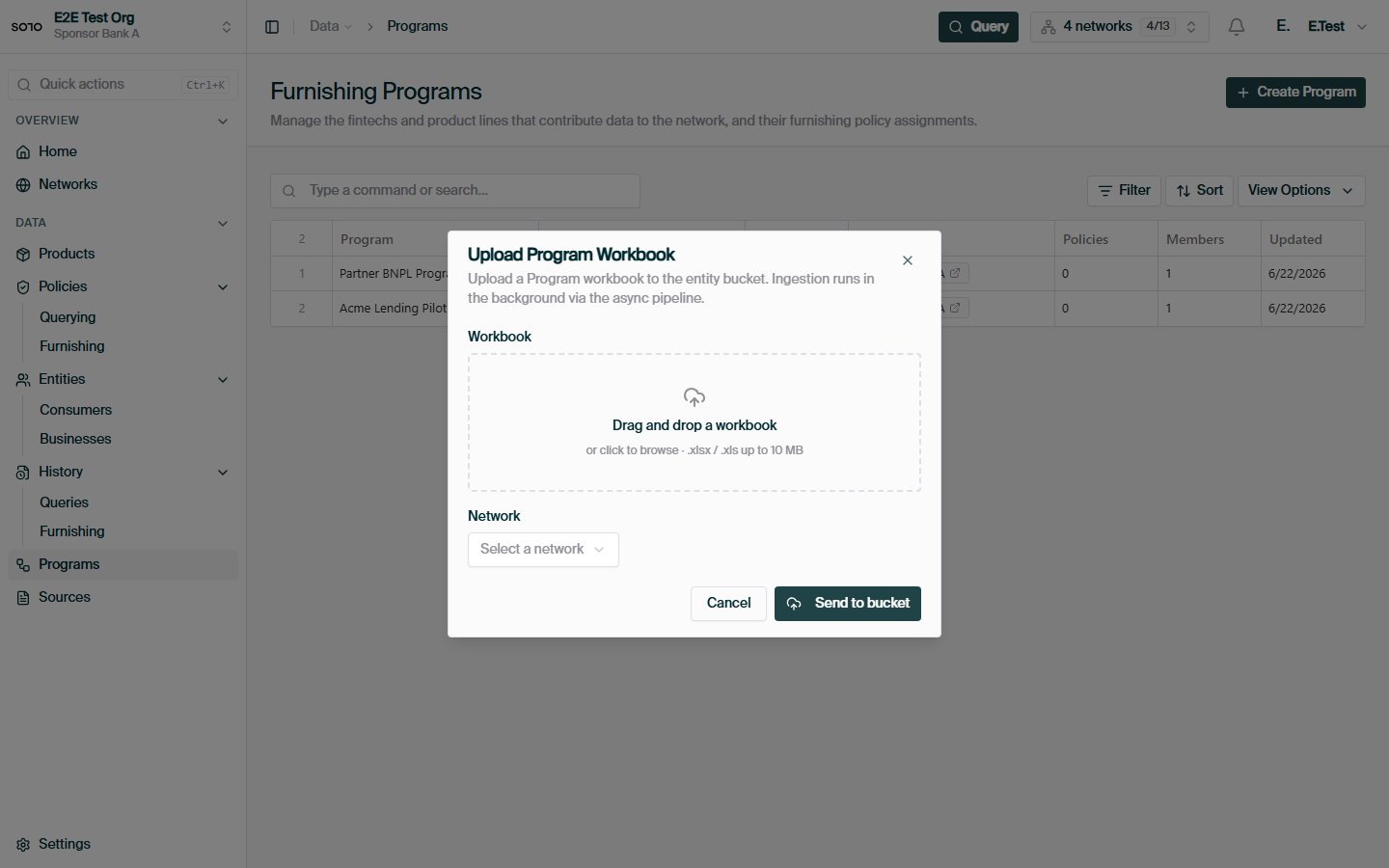
Subnetwork workbook upload dialog
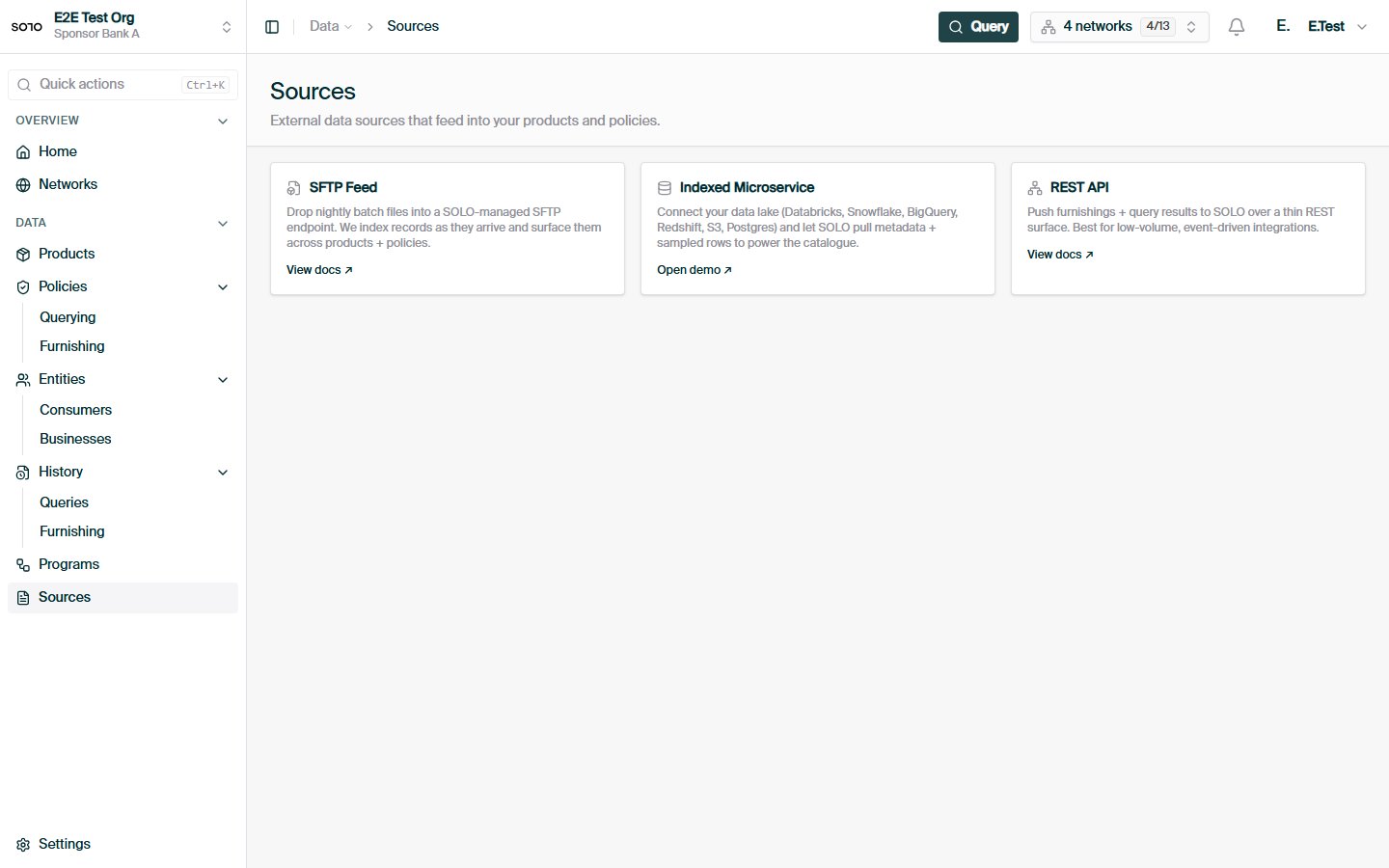
Furnishing channels — REST API, SFTP file drops, and data lake connectors
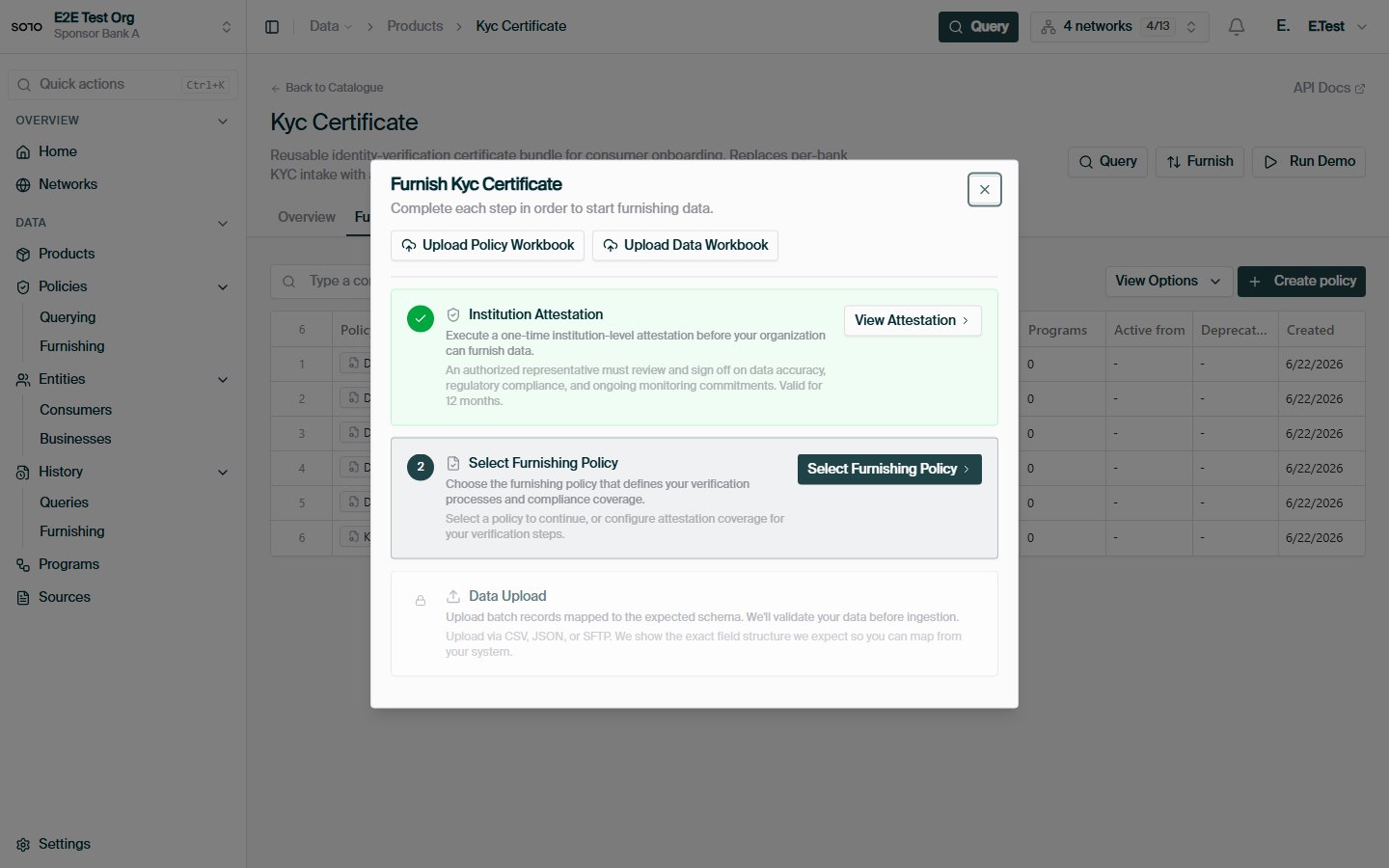
Product furnish onboarding — step overview
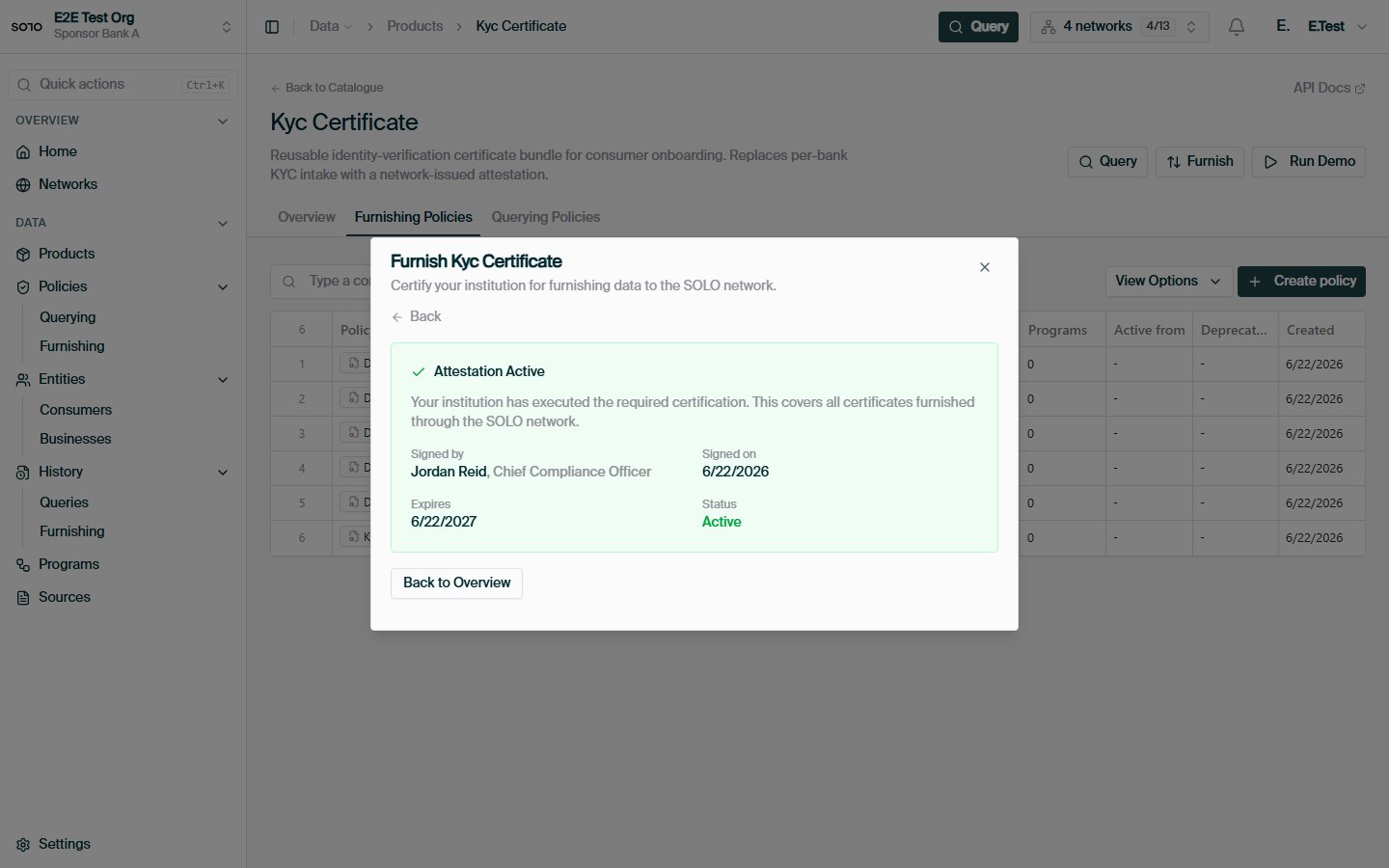
Institutional attestation — active or ready to certify
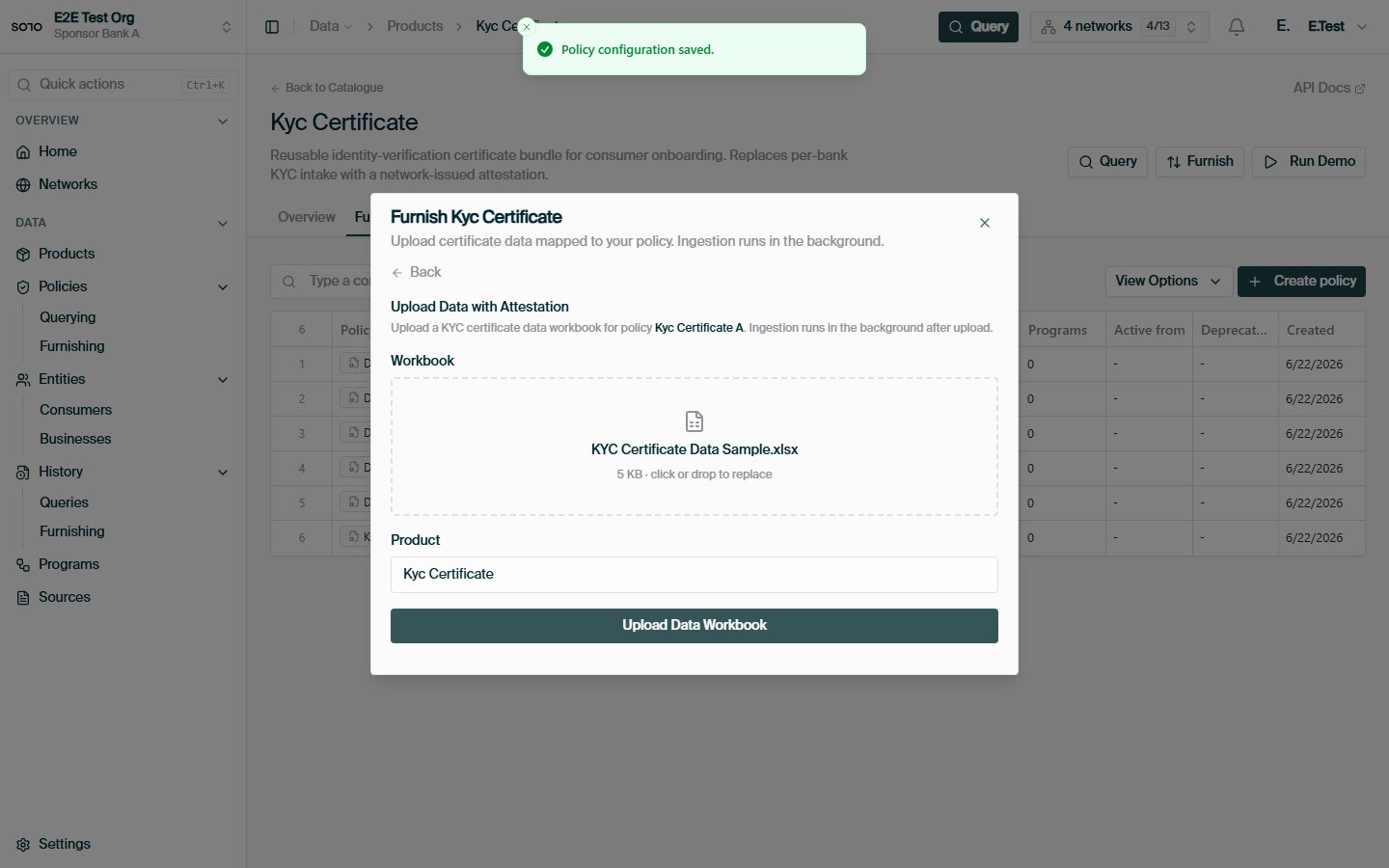
Product furnish onboarding — KYC data workbook ready to upload
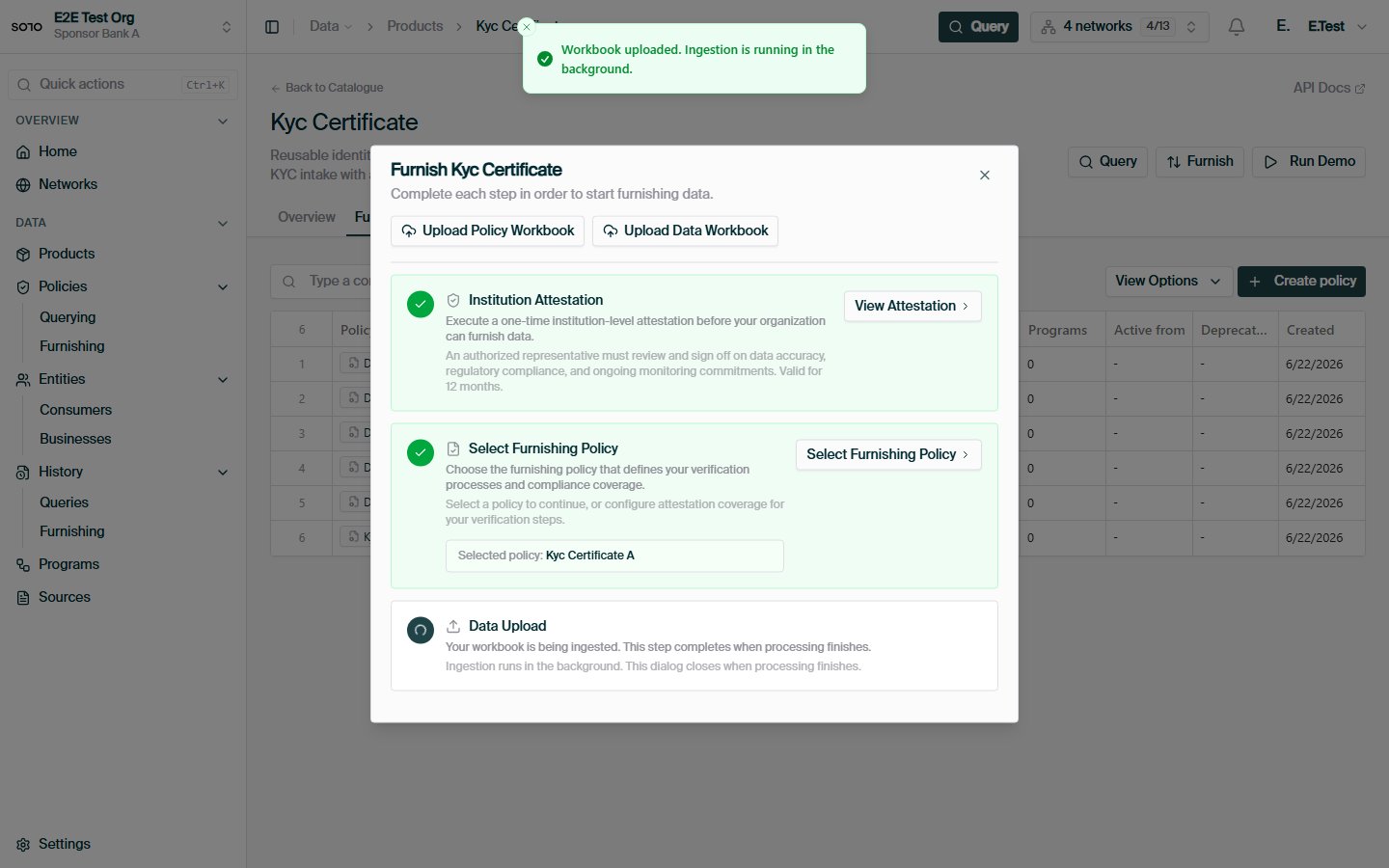
Product furnish onboarding — KYC upload accepted and processing
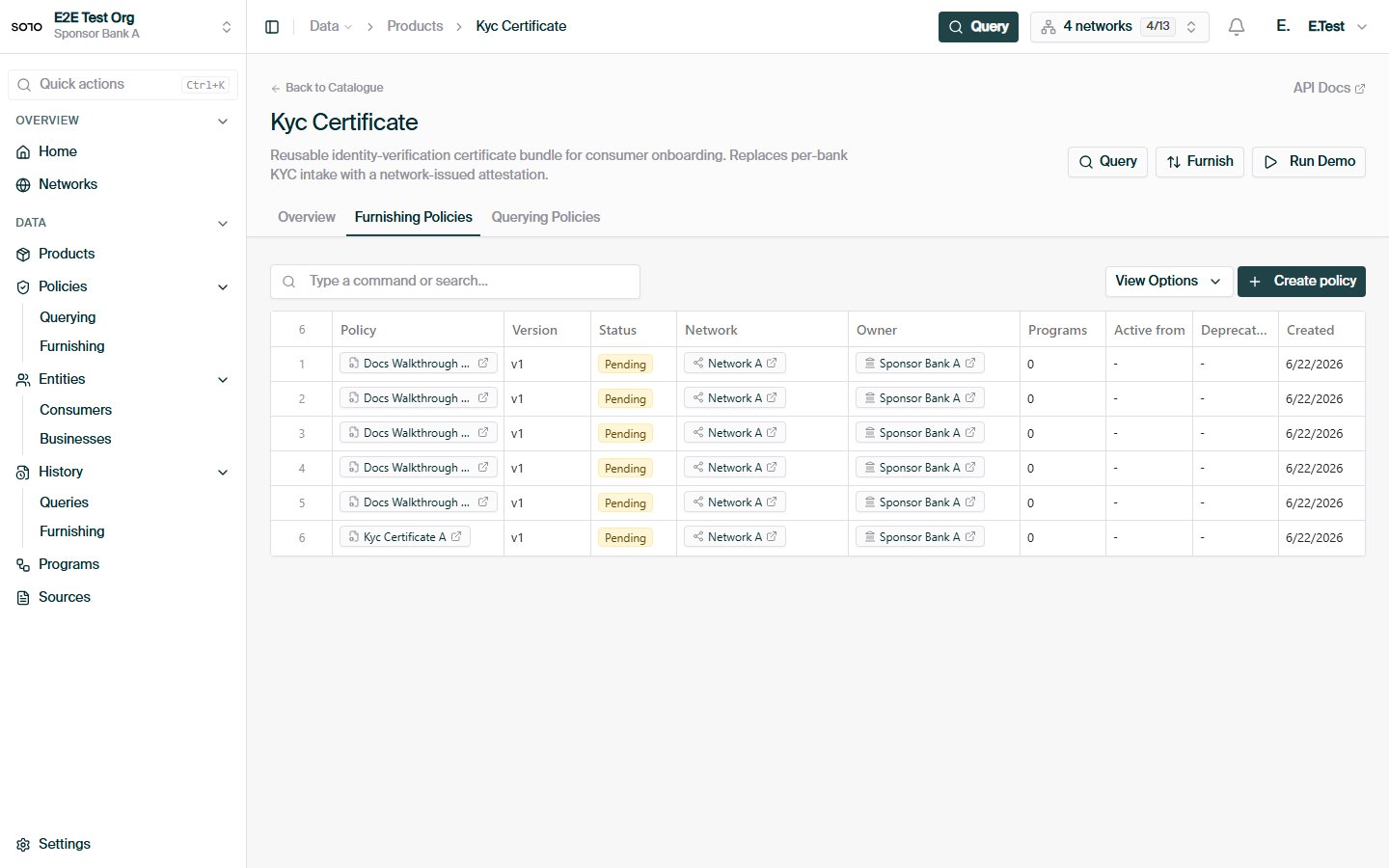
KYC product detail after successful furnish onboarding
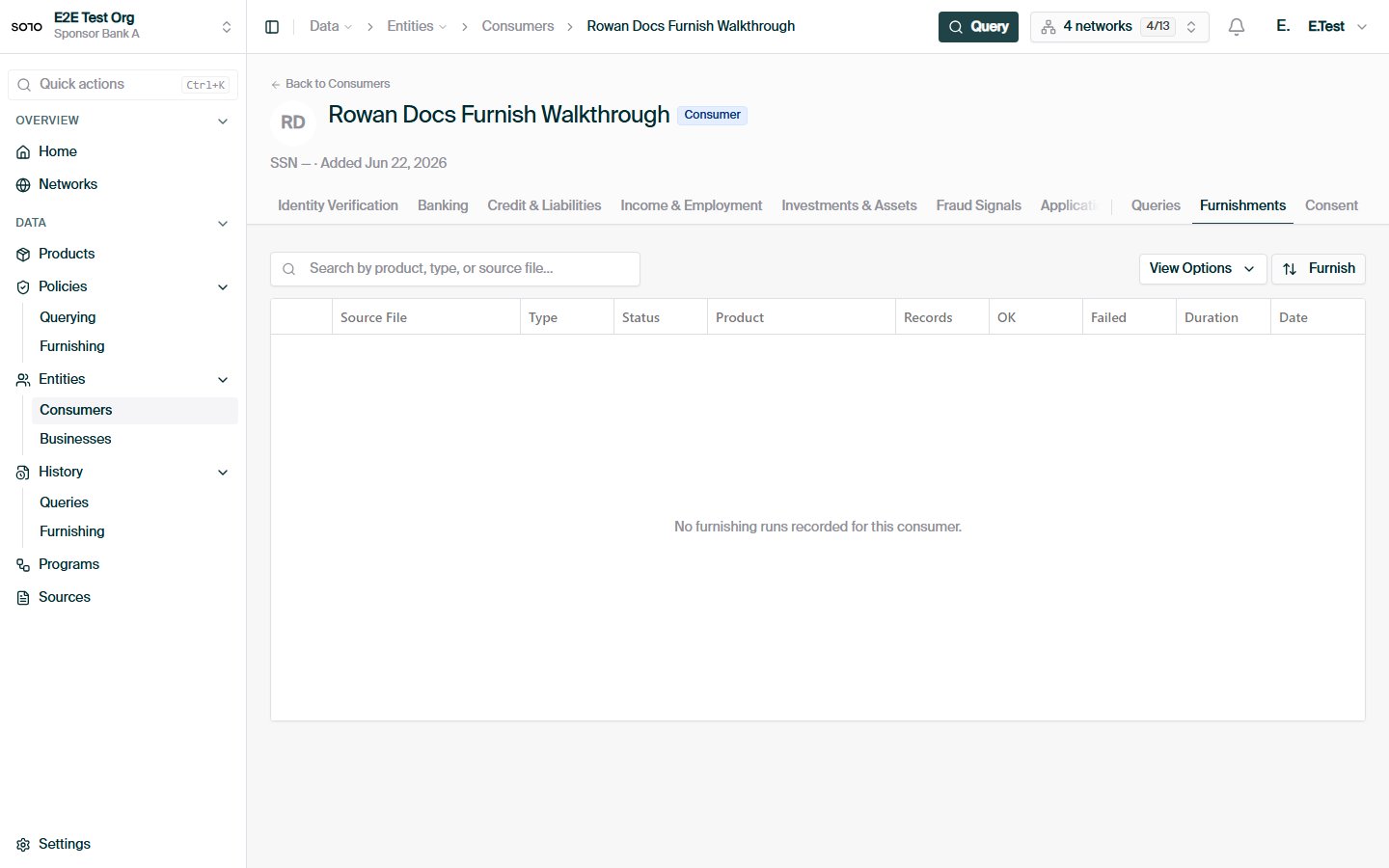
Consumer detail — furnishments tab
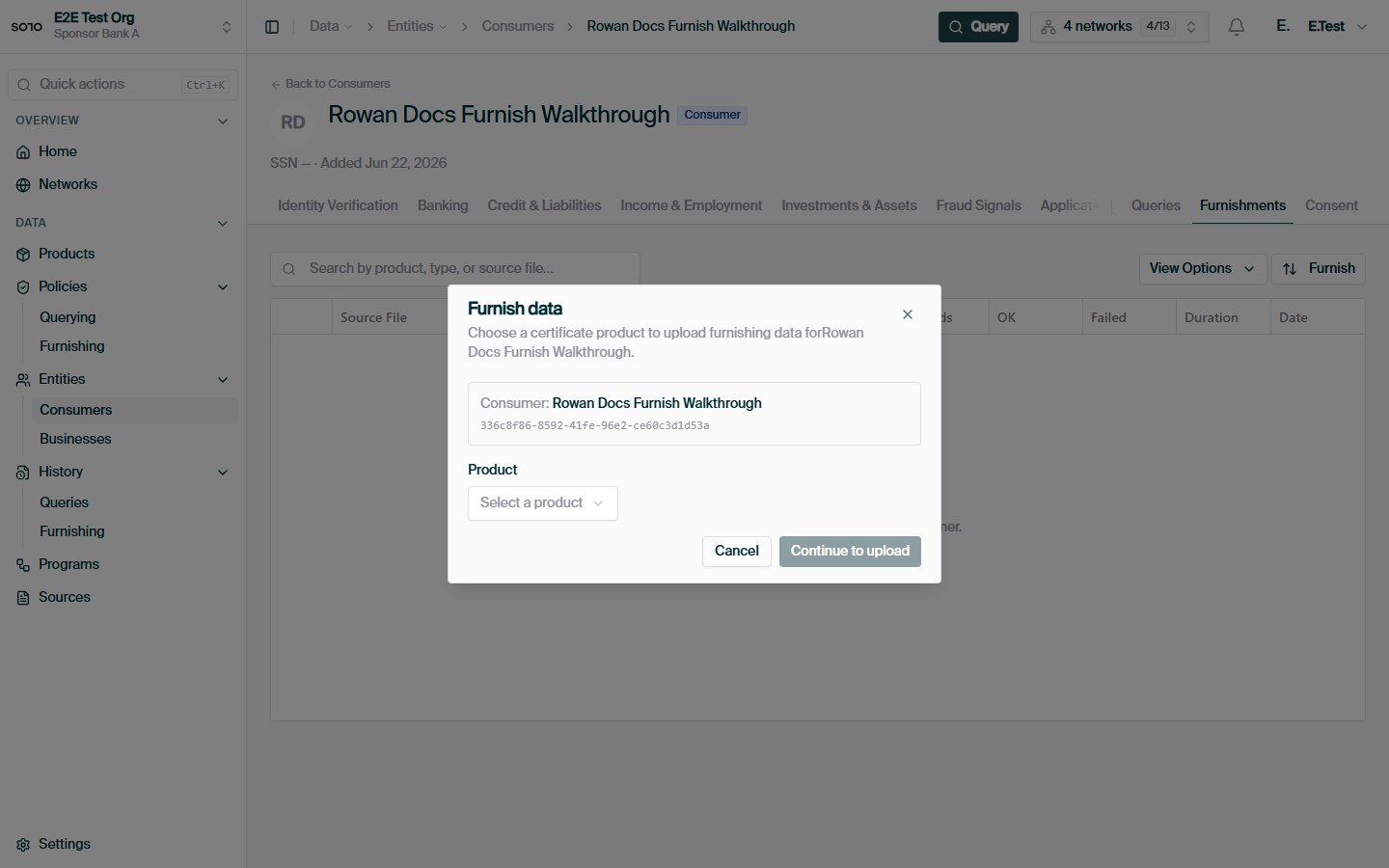
Entity furnish — product picker dialog
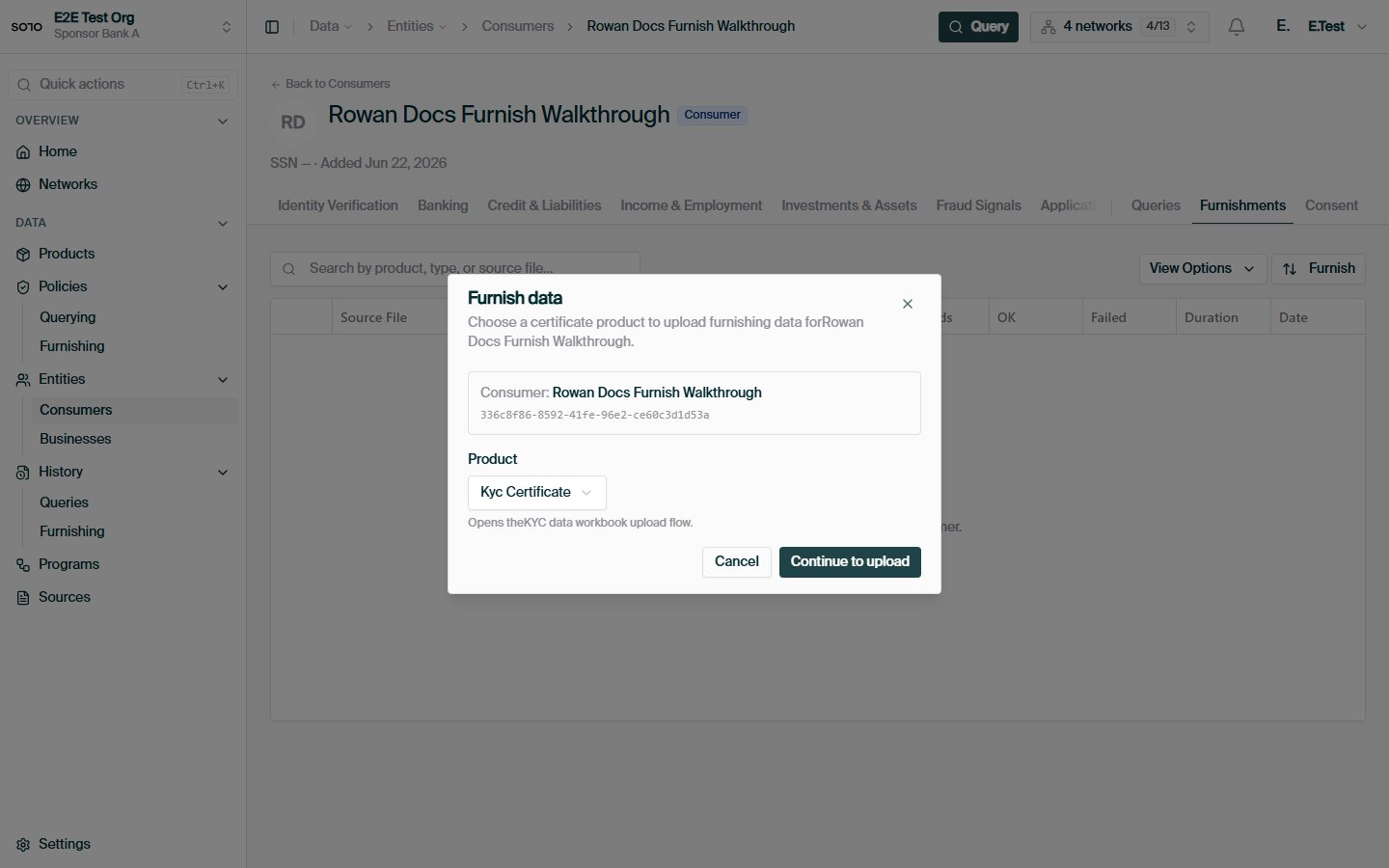
Entity furnish — KYC product selected
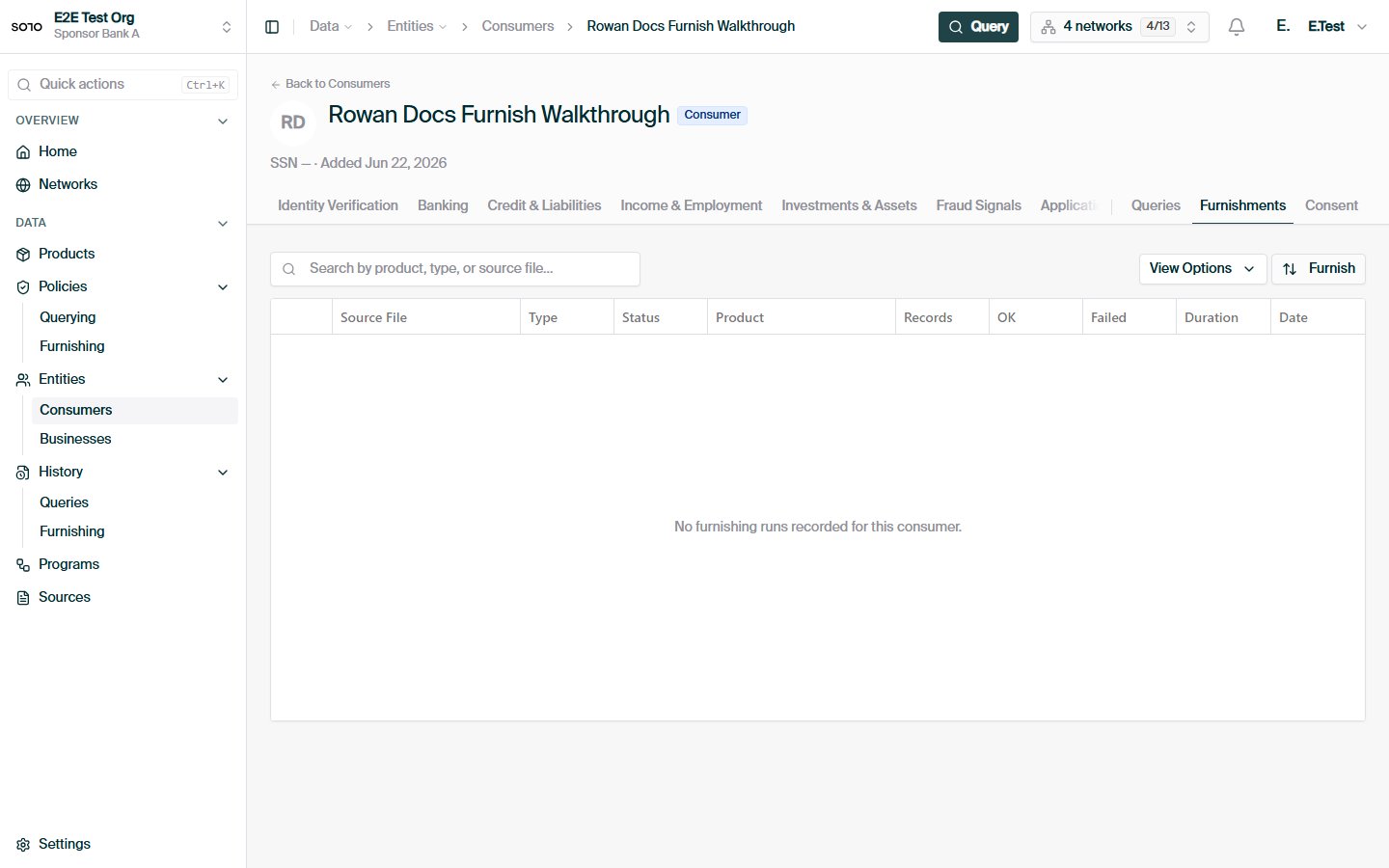
Furnished consumer — furnishments tab after KYC upload
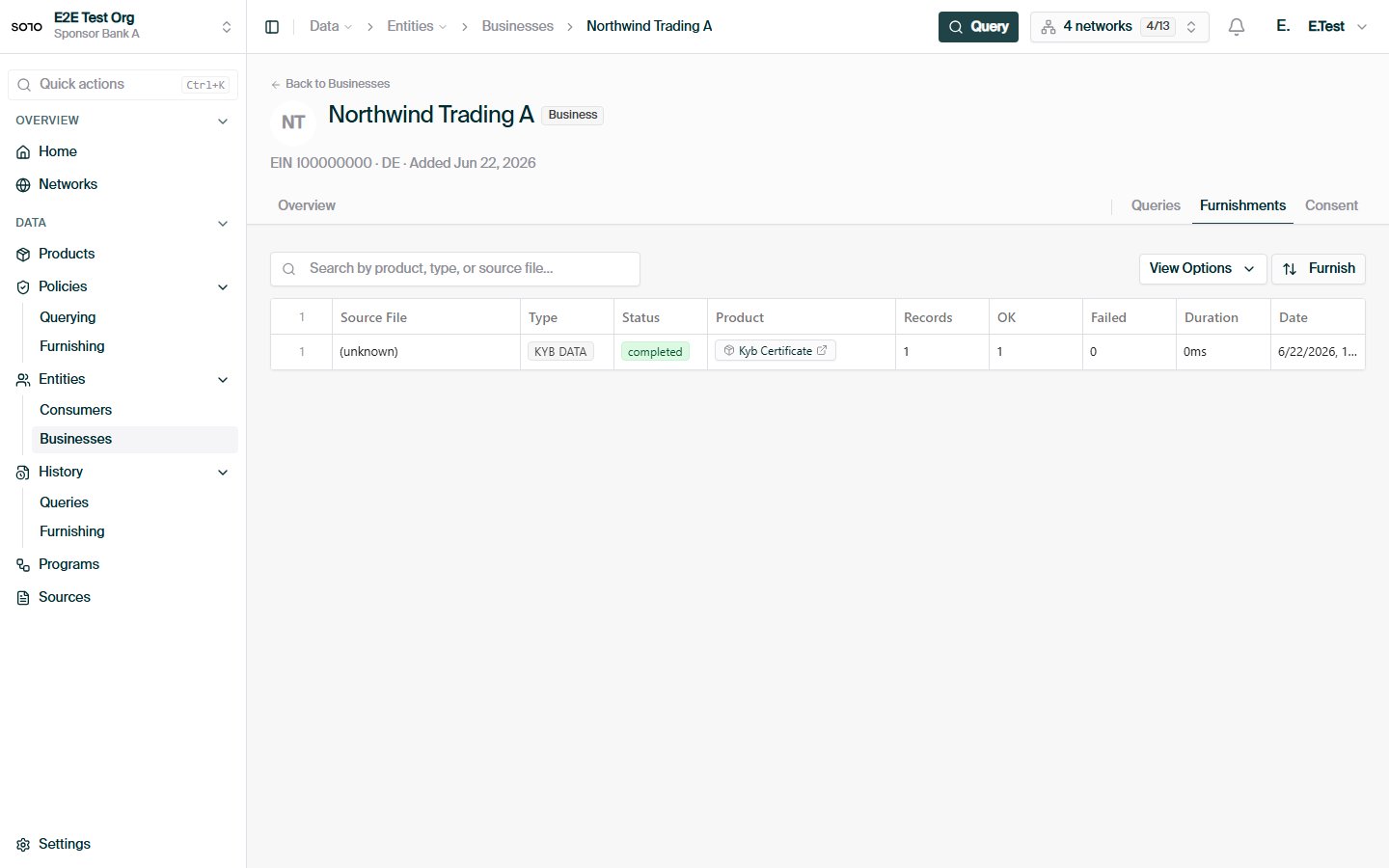
Business detail — furnishments tab
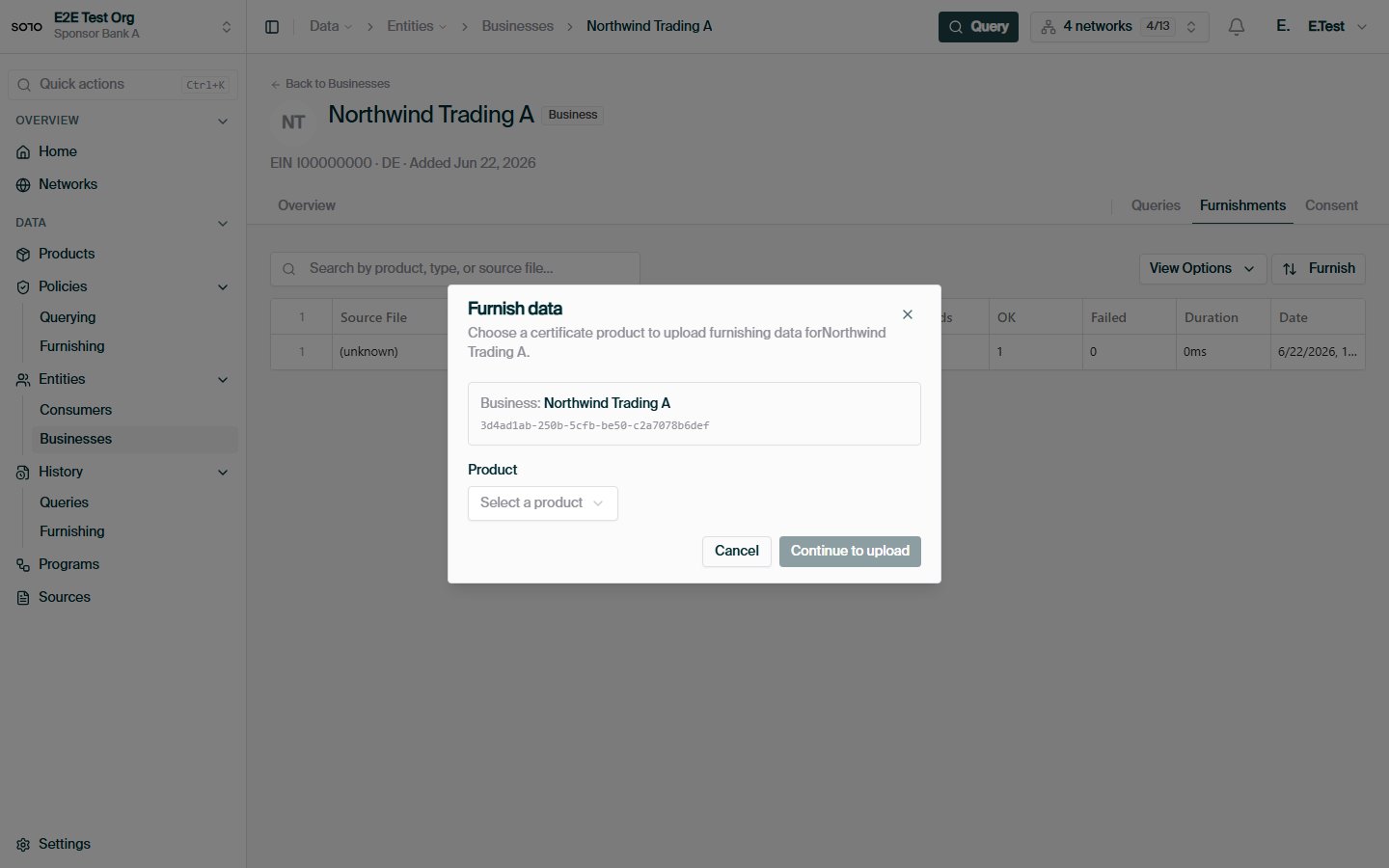
Entity furnish — KYB product picker
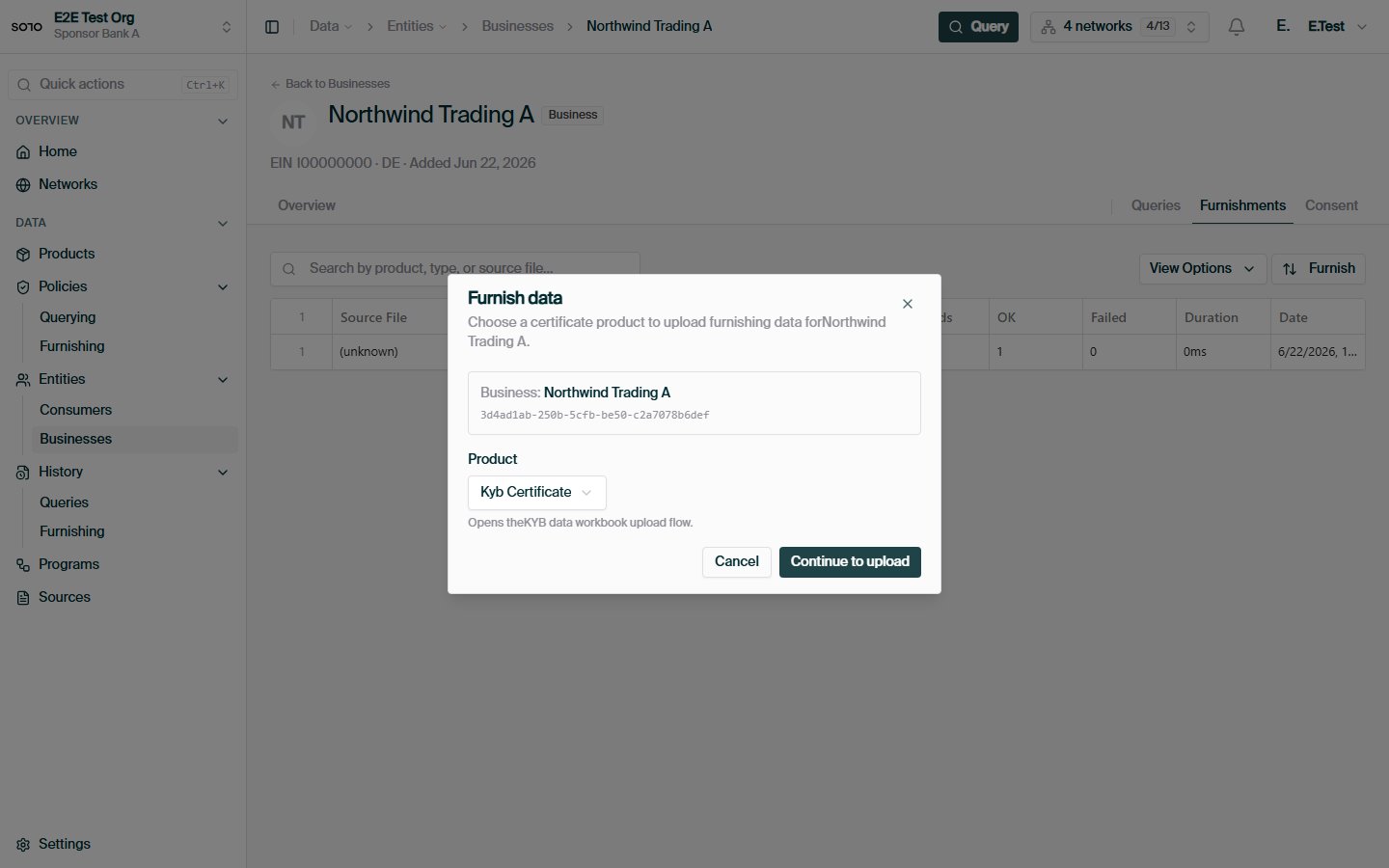
Entity furnish — KYB product selected
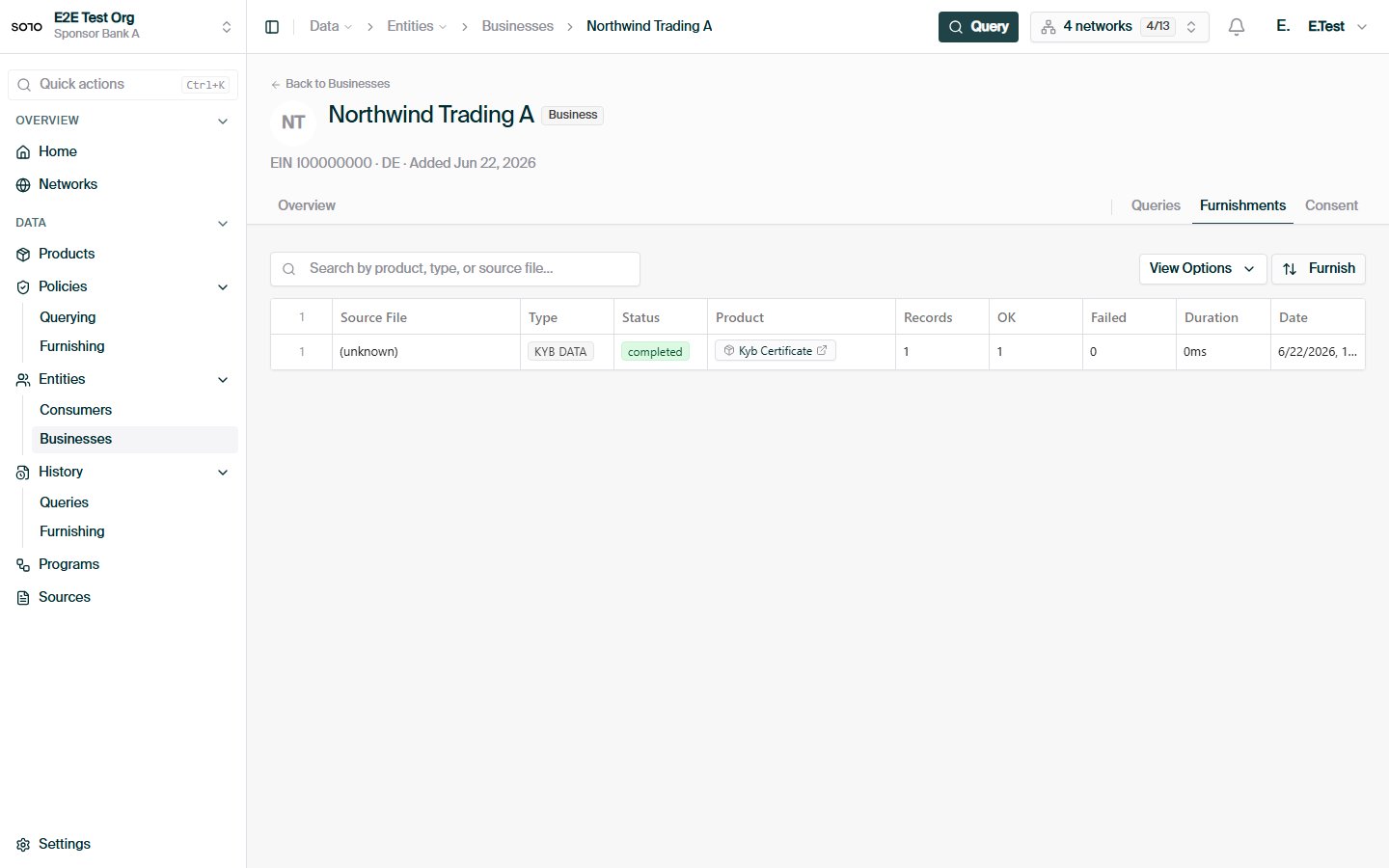
Furnished business — furnishments tab after KYB upload
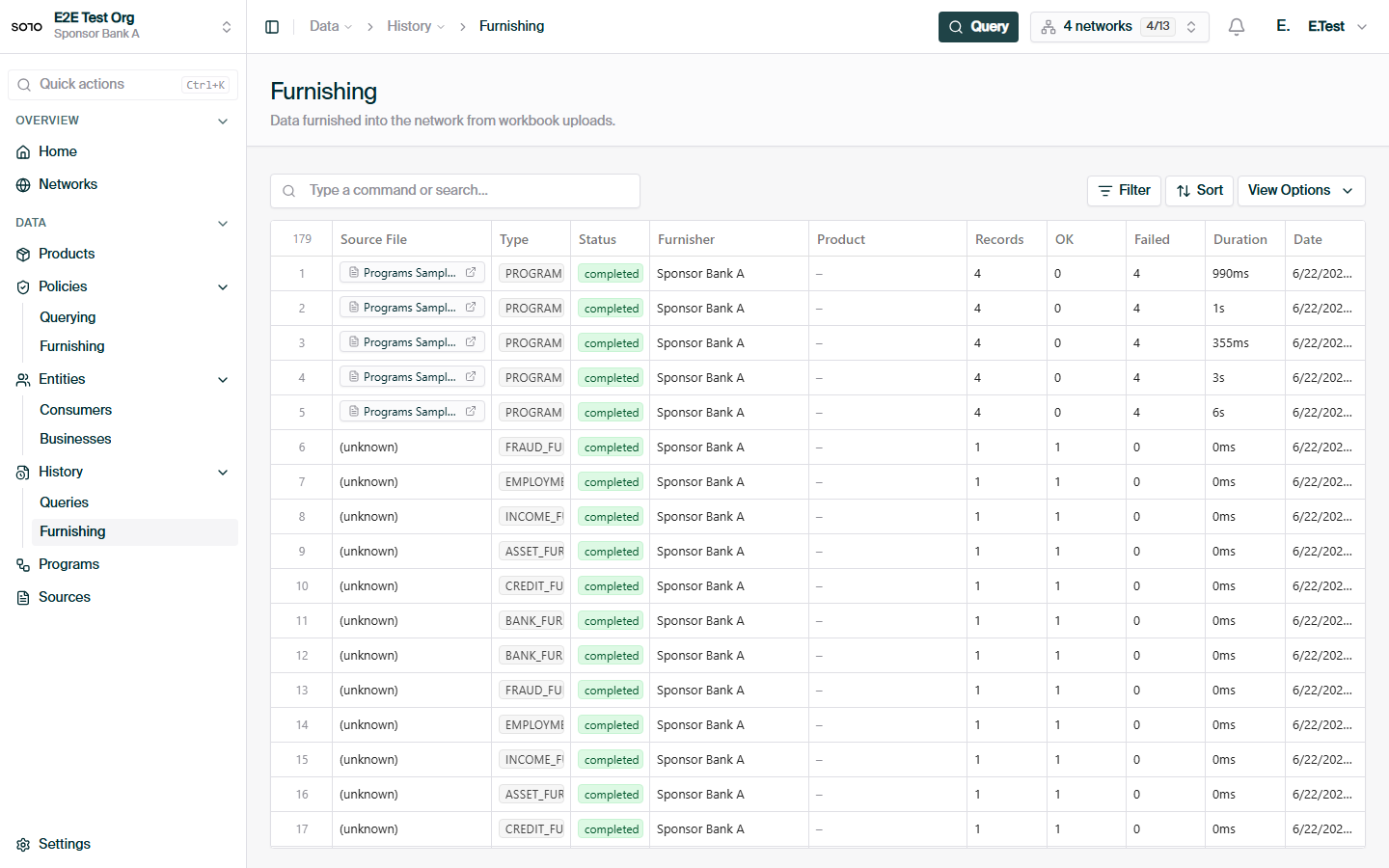
Furnish events history list
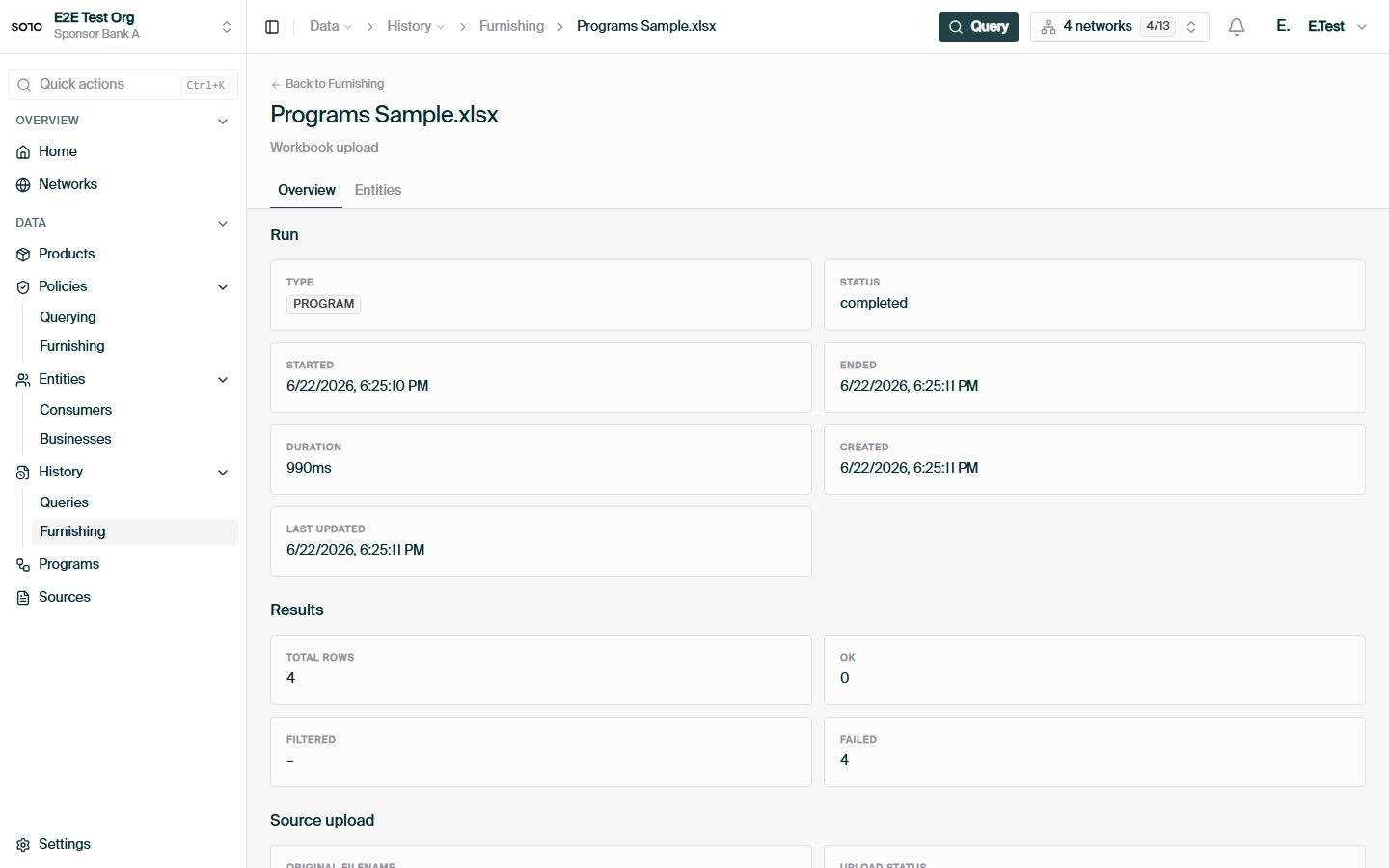
Furnish event detail — overview tab