

POST a CSV file plus a category slug; the network accepts it
synchronously, queues it for ingestion, and processes the rows asynchronously.
It sits between the other two furnishing channels:
heavier than a per-record REST furnish, lighter than standing up a recurring
SFTP pipeline. Reach for it when you have a batch
job that already speaks HTTPS and produces files on a schedule you control.
The endpoint
multipart/form-data with two parts:
Accepted categories
slug must be one of the five upload categories — the same set used by the
SFTP channel’s directory layout:
Any other value is rejected with a
400 validation error. The expected
columns for each category are documented in the
upload categories reference.
Filename rules
The uploaded filename is validated before anything else:- Exactly one dot, separating the name from the extension.
- The name may contain only letters, digits, underscores, and hyphens.
- The extension must be one of
csv,xls, orxlsx(case-insensitive).
kyc-batch_2026-06.csv is valid; kyc batch.csv (space),
kyc.batch.csv (two dots), and batch.txt (extension) are all rejected with
a 400 whose body lists every rule that was violated.
The request body is parsed as CSV — UTF-8 text with a header row (a
leading byte-order mark is tolerated). Send CSV content. Excel workbooks
belong on the SFTP channel, which parses
.xlsx
natively.Example
1
Prepare the file
A CSV with the category’s column headers in the first row. For
kyc_furnish_data:2
Upload it
3
Read the response
The endpoint responds as soon as the file is received and queued. The body
is the created upload record:Keep the
id — it identifies this upload in the dashboard and in any
follow-up with support.Upload lifecycle
The upload is accepted synchronously and processed asynchronously. The record’sstatus tracks where it is:
Retries and idempotency
Every request to the endpoint creates a new upload record with its ownid — retrying a failed POST is always safe and never half-applies a file.
What happens to the rows on a re-send depends on the category:
- Data rows upsert on their natural keys (SSN for consumers; tax identifier + jurisdiction for businesses). Re-sending a corrected batch updates the affected records rather than duplicating them.
- Configuration rows (policies, subnetworks) are keyed by name. Re-sending a file whose rows collide with existing names produces per-row name-conflict errors; the originals are left untouched.
How uploads connect to subnetworks and policies
Theslug decides what the rows are; the rows themselves decide where the
data goes:
- Data uploads (
kyc_furnish_data,kyb_furnish_data) carry asubnetwork_nameandapplication_dateon every row. At ingest these drive the same subnetwork routing and furnishing-policy resolution as a REST furnish — each row is matched to the subnetwork’s linked policies by application date, and rows outside every policy window are filtered rather than errored. - Configuration uploads (
kyc_cert_policy,kyb_cert_policy,subnetworks) don’t furnish entity data at all. They create the policies and subnetworks that data uploads later resolve against, and are restricted to the network’s governor. Upload policies before subnetworks that reference them, and subnetworks before data that targets them.
Failure modes
400 — invalid filename
400 — invalid filename
One or more filename rules failed. The error body lists each violation
(extra dots, disallowed characters, bad extension). Rename the file —
letters, digits,
_, -, one dot, csv/xls/xlsx — and retry.400 — unknown upload slug
400 — unknown upload slug
The
slug form field isn’t one of the five allowed categories. The error
message includes the allowed set. Check for typos and stray whitespace —
the value is matched against the allowlist exactly (after trimming).401 — authentication failed
401 — authentication failed
The endpoint requires a valid bearer token; the upload is attributed to
the authenticated organization. See
Authentication.
Upload accepted but stuck or failed
Upload accepted but stuck or failed
A
failed status (or rows that never appear) usually means the file’s
content didn’t match the category’s expected columns. Compare your header
row against the category schema — header names
matter, column order doesn’t. The dashboard’s uploads view surfaces
row-level errors.File isn't valid UTF-8 CSV
File isn't valid UTF-8 CSV
The body must decode as UTF-8 (a BOM is fine) and parse as CSV with a
header row. Exports from spreadsheet tools in other encodings (e.g.
Latin-1) should be re-saved as UTF-8 CSV.
In the dashboard
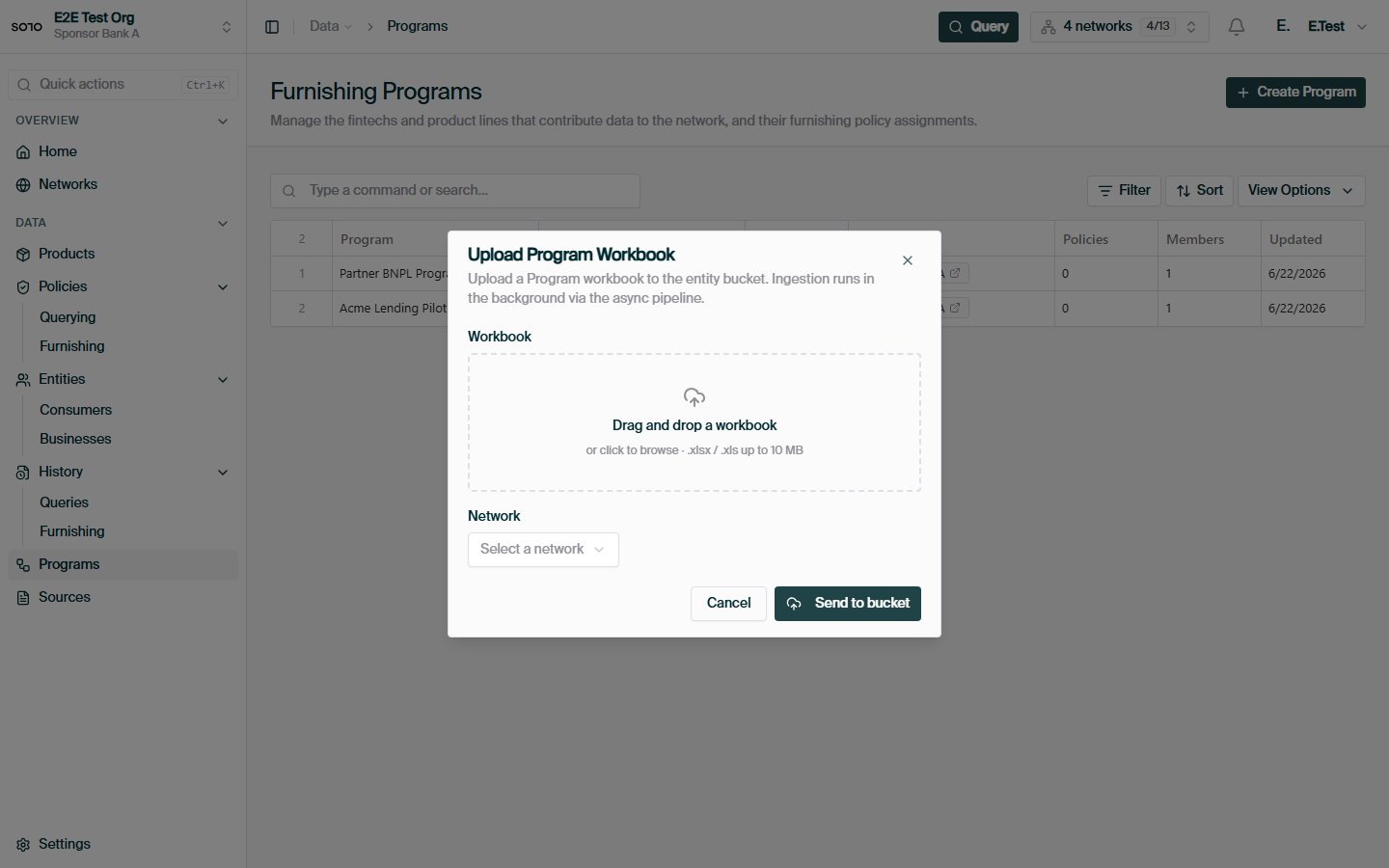
Subnetwork workbook upload dialog
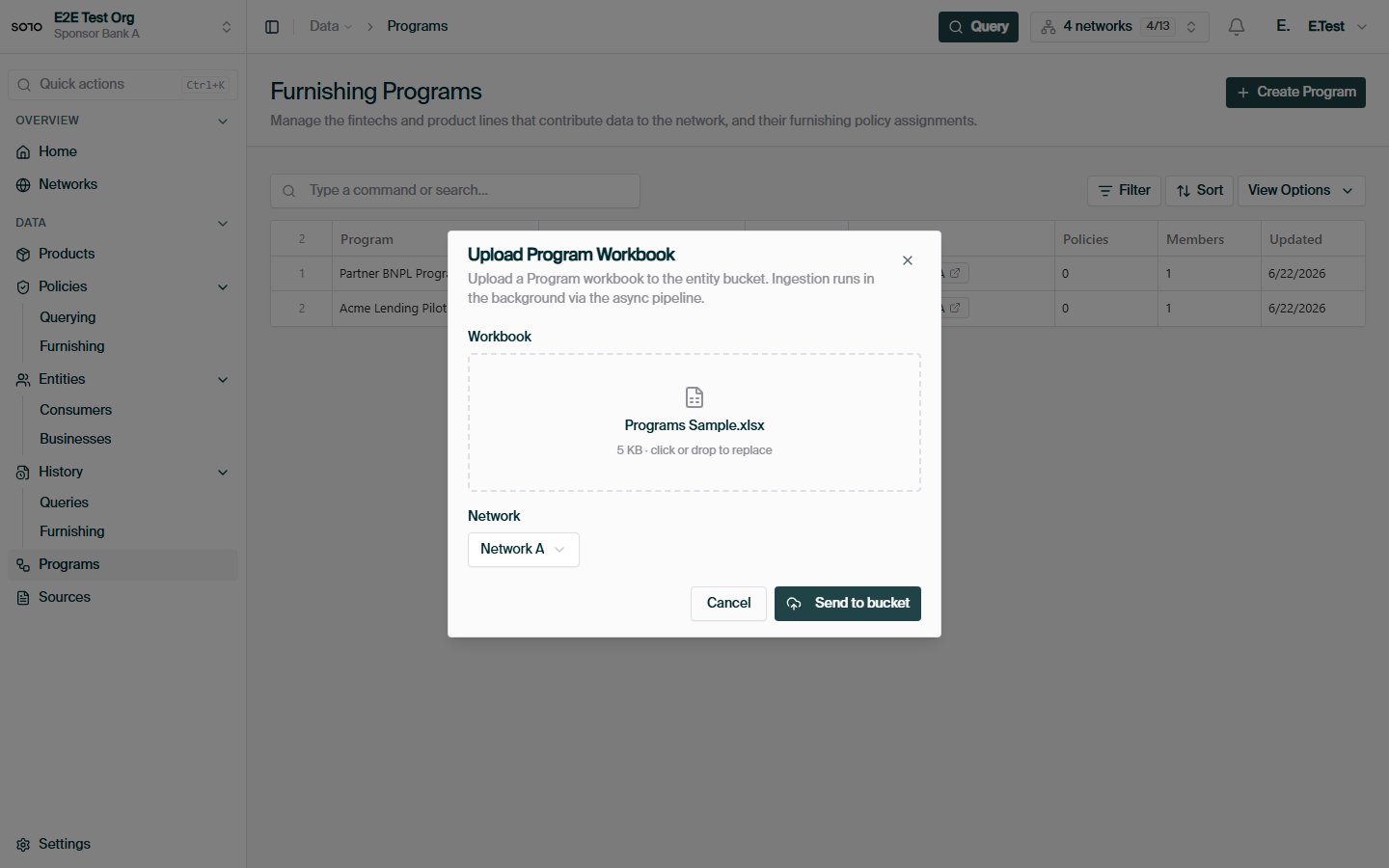
Subnetwork workbook upload — ready to submit
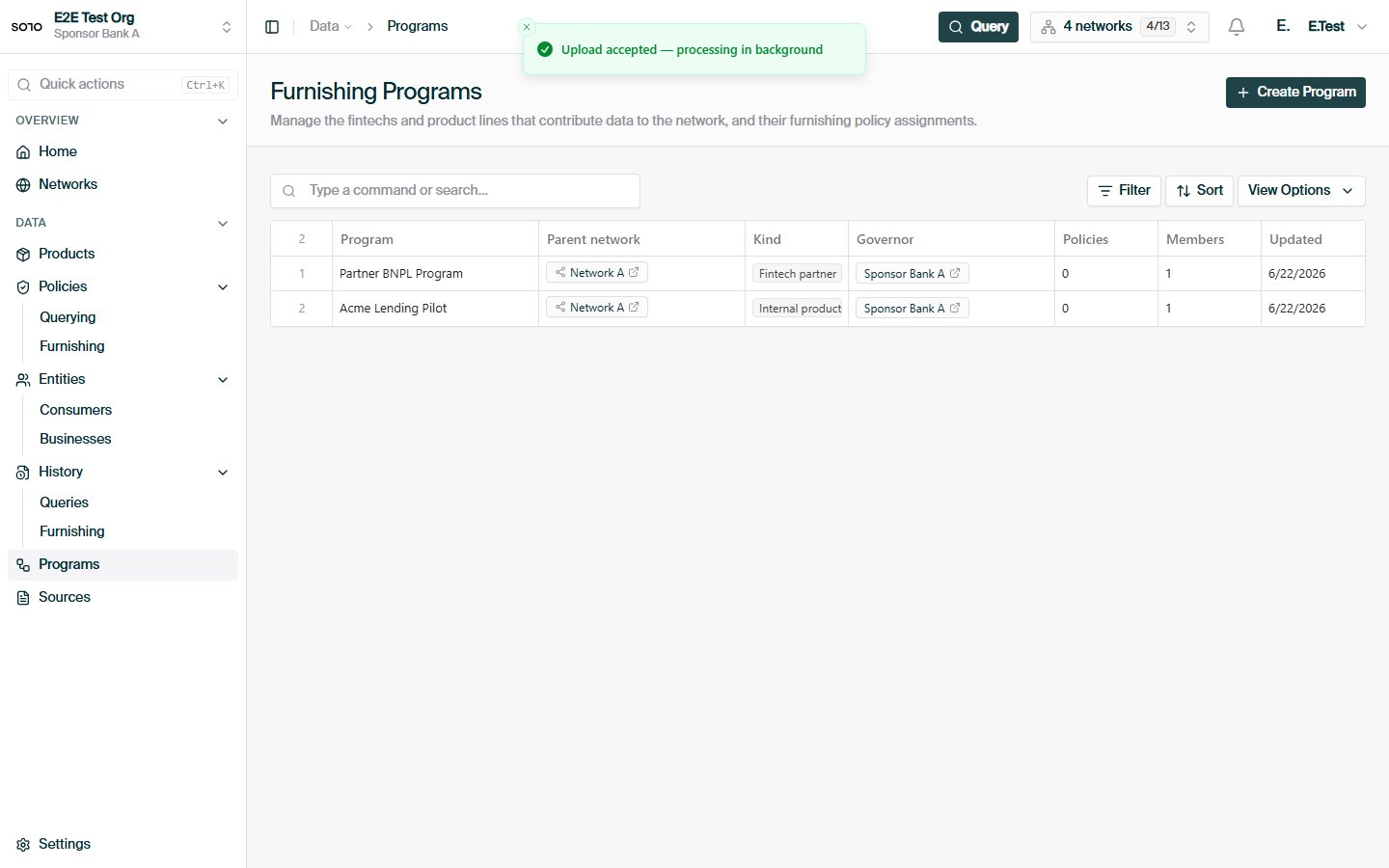
Subnetwork workbook upload accepted
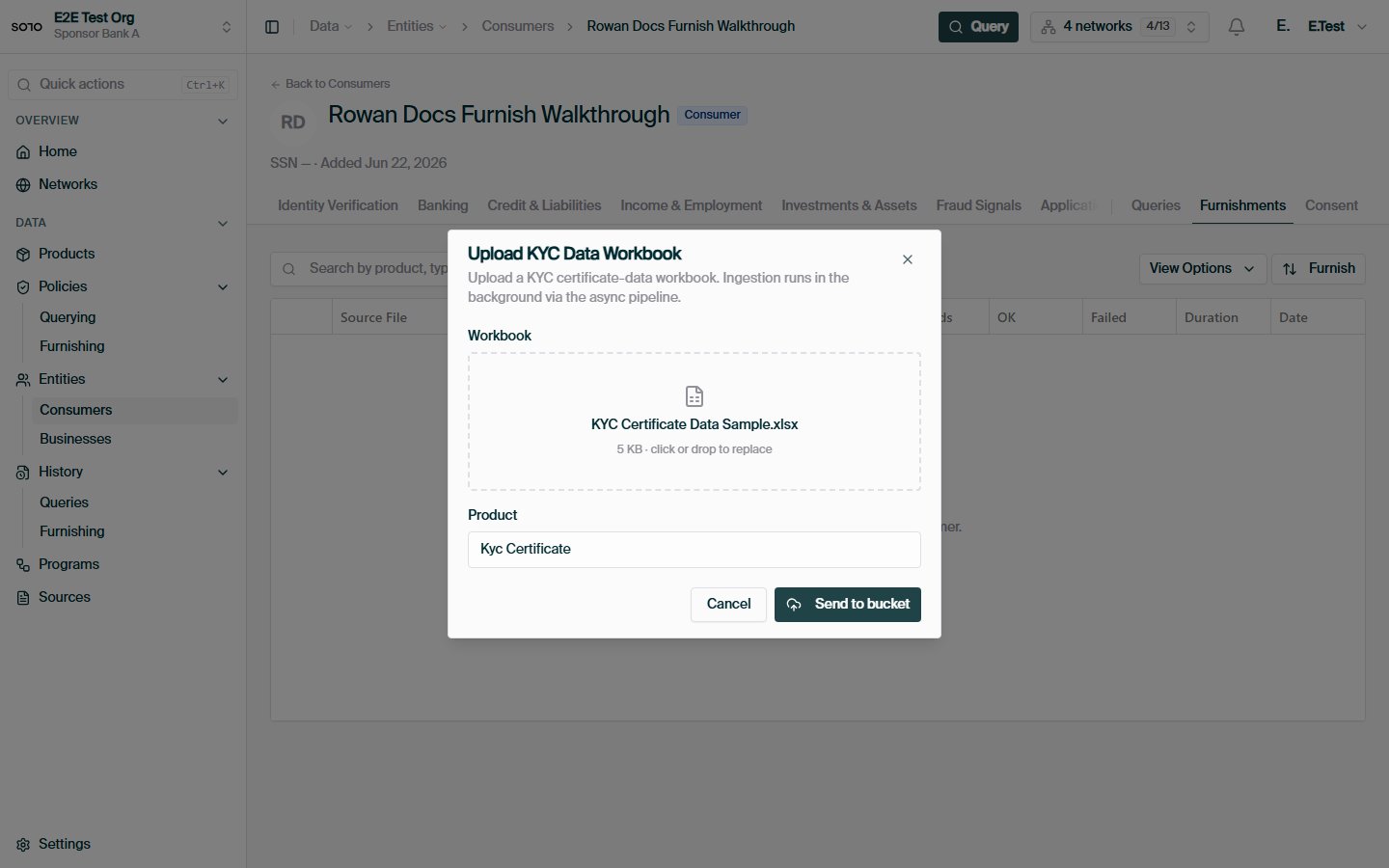
Entity KYC data workbook upload — ready to submit
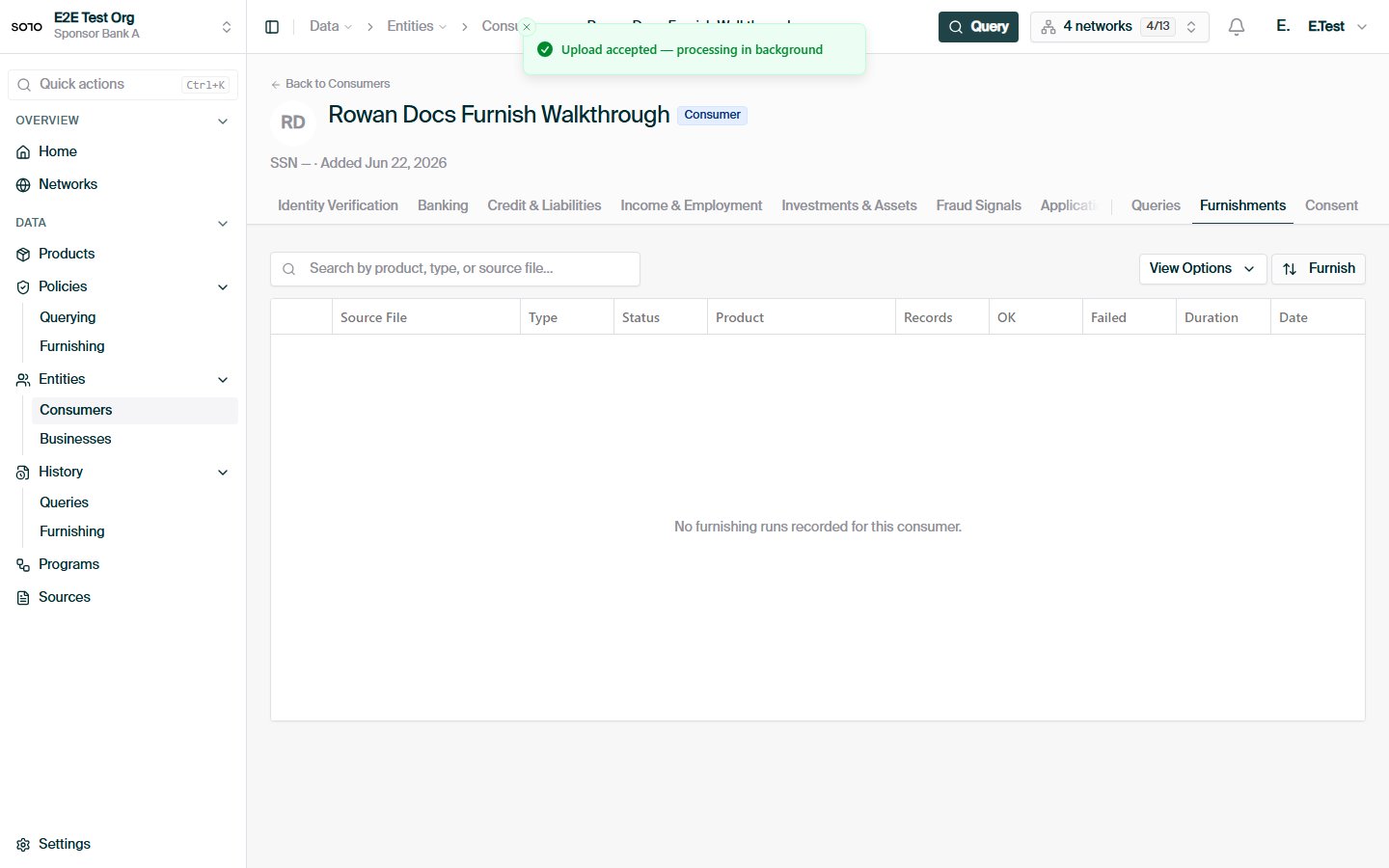
Entity KYC data workbook upload accepted — dialog closed
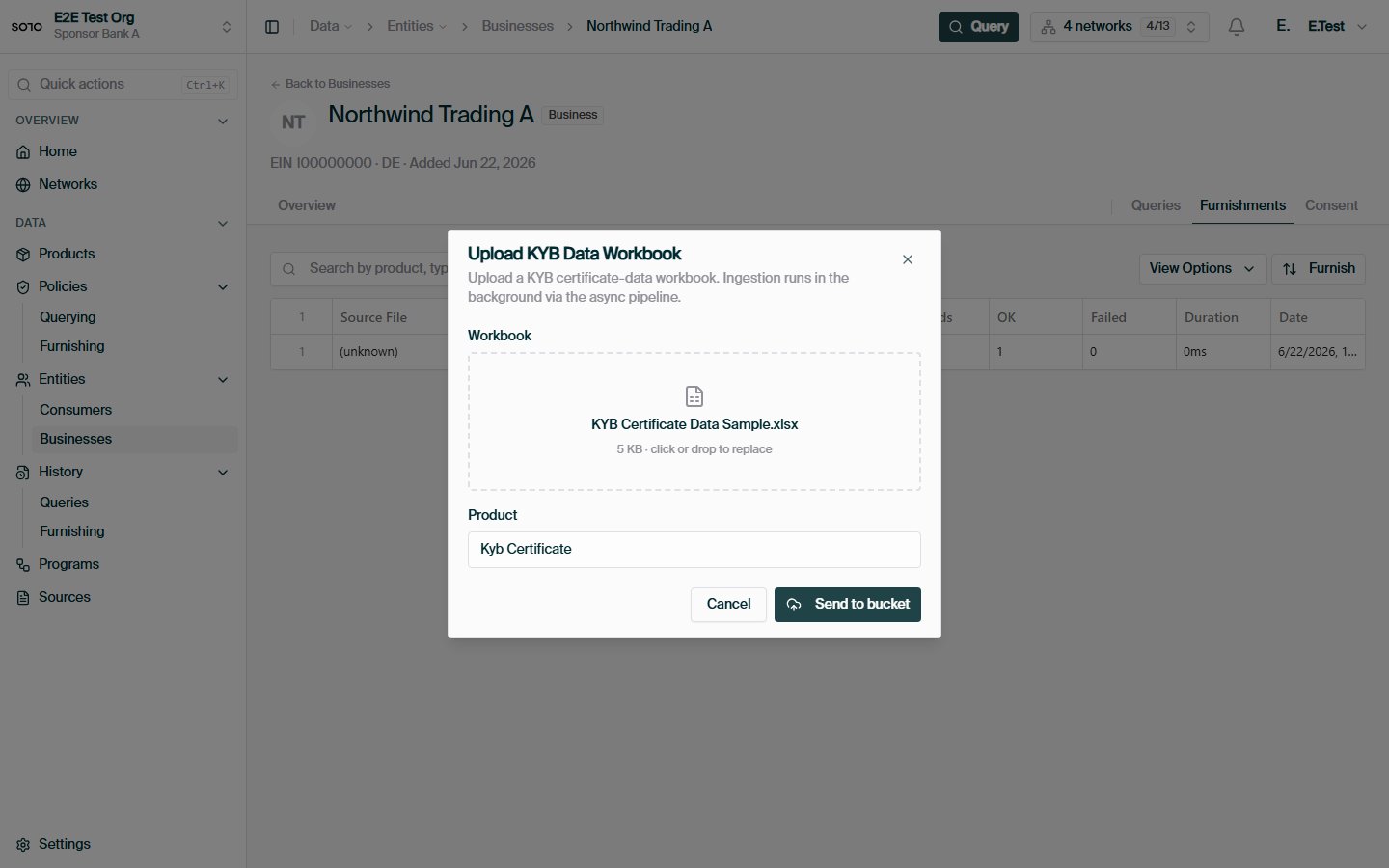
Entity KYB data workbook upload — ready to submit
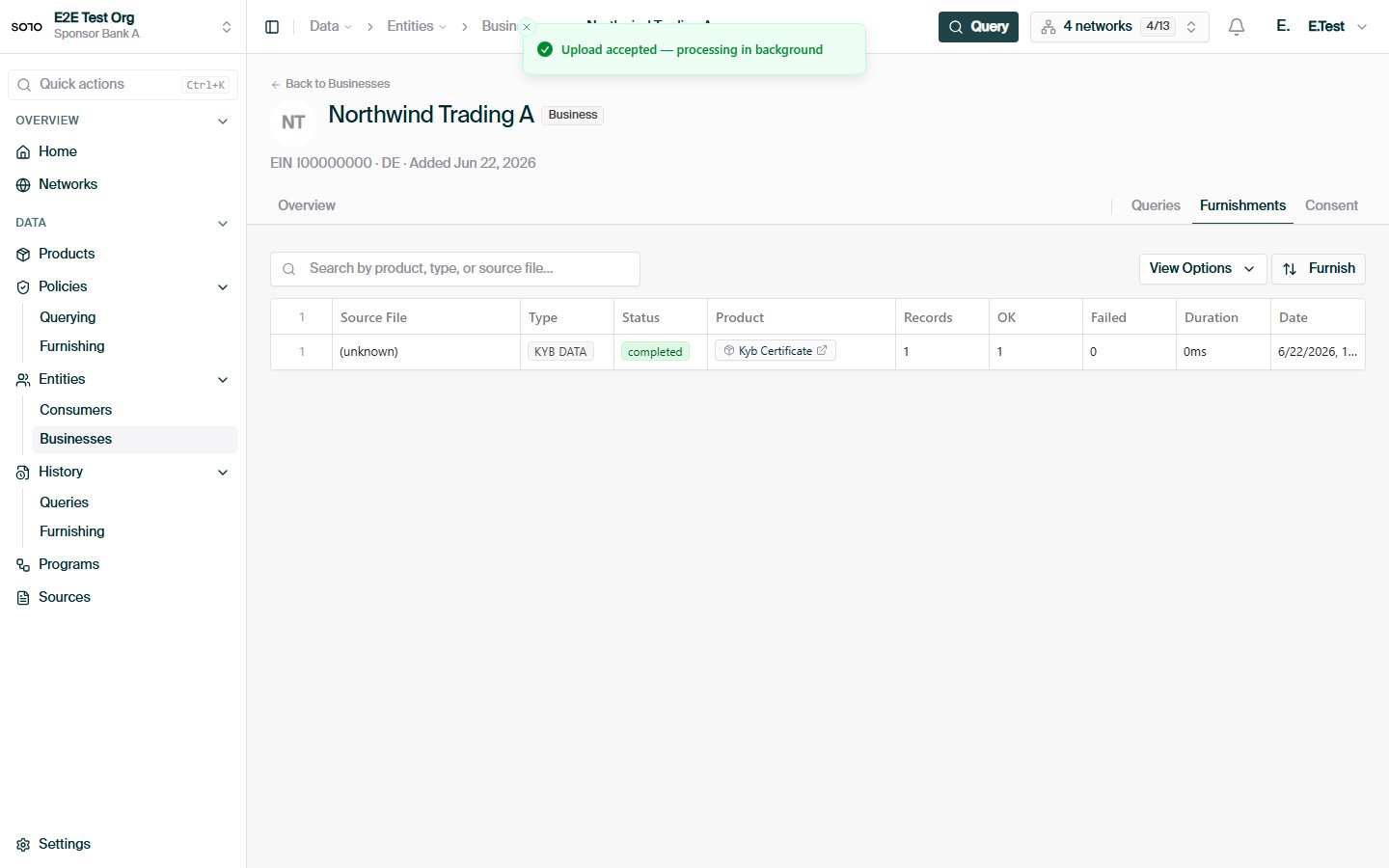
Entity KYB data workbook upload accepted — dialog closed
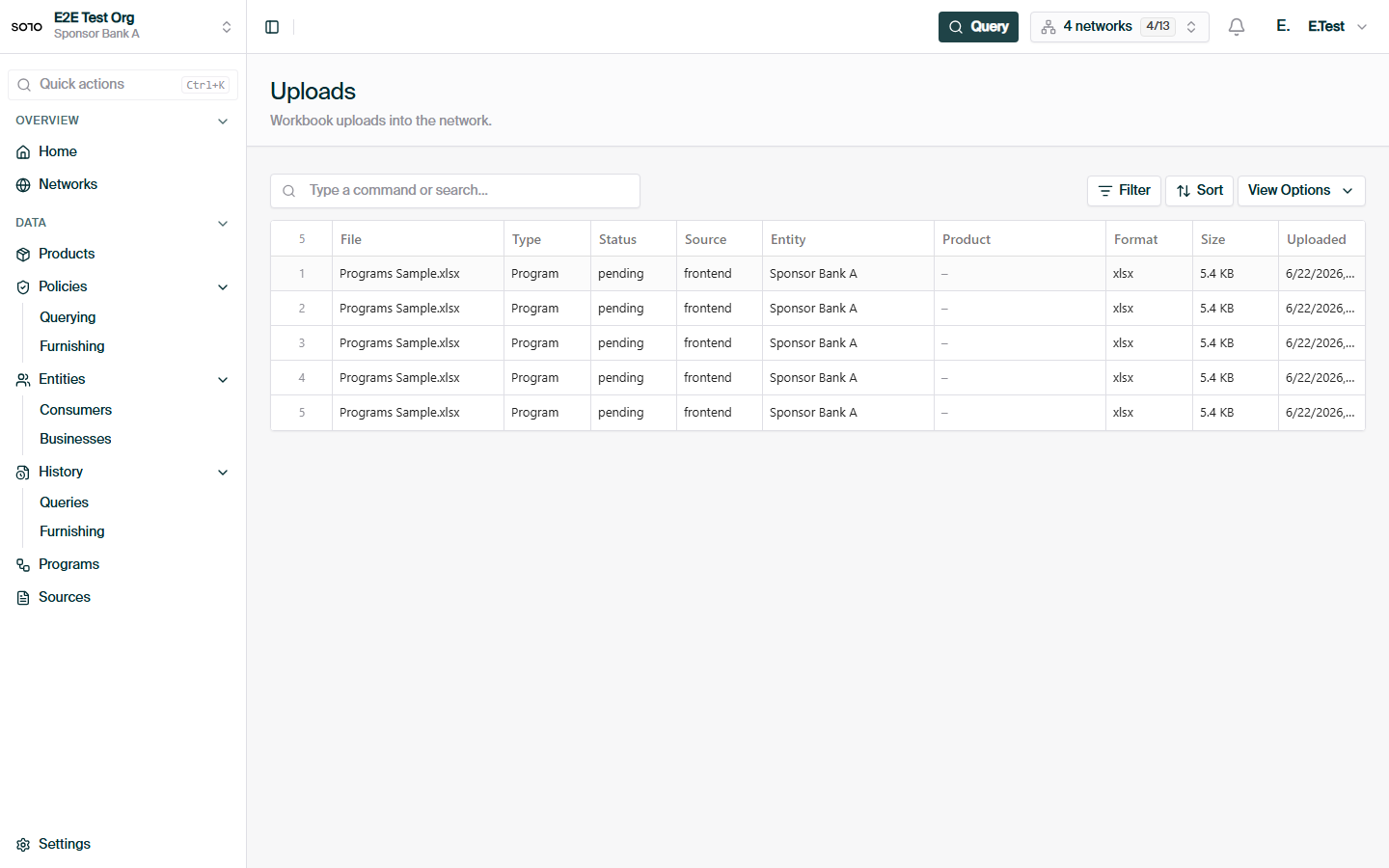
File uploads list (workbook ingest status)
When to use a different channel
- Furnishing one record at a time, in real time — use the product furnish
endpoints, e.g.
POST /v1/products/kyc_certificate/furnish. See the furnishing overview. - Recurring drops from systems that produce files natively — use
SFTP. Same categories, same ingestion
pipeline, but
.xlsxworkbooks and no HTTP client required.
Upload Categories
Column-by-column reference for every category.
API Reference
Full request/response schema for the ingest endpoint.