

What’s in the certificate
A KYB certificate consolidates three sub-products, each a block in the query response with its ownassertions (what was attested, and when) and data
(the supporting attributes):
Every populated sub-product carries the
furnishing_entity_id of the
participant whose data backed it and the attestation_id of their attestation.
Shared business descriptors — DBA name, website, jurisdiction of formation,
registration identifier — are repeated in each sub-product’s data block so
each block stands alone.
Querying
consent_id (or business_id for direct
permissible-purpose lookups), and scope the read with network_ids plus an
optional policy_id and furnishing_entity_ids.
A 200 OK means a certificate was issued:
certificate_id— the issued certificate, recording its as-of date, attestation timestamp, and the network + policy pairs it was resolved under.query_event_id— the billable query event id, also returned in theX-Ref-Idresponse header.result— the consolidated certificate. Sub-products without qualifying data arenull.
How the certificate resolves per network
The query gathers furnished business events across every network innetwork_ids, applies the querying policy’s filters uniformly, and selects the
oldest matching event from any allowed network for each sub-product. The
result’s meta.network_id is anchored to the first network in your request
— list your primary network first. Which fields you ultimately see is shaped by
the querying policy and your
entitlement.
When you get a 204
The endpoint declares a204 No Content response: no certificate could be
created — the available data did not satisfy the policy requirements. You’ll
receive a 204 when:
- a required sub-product (identity, ownership & control, or risk/compliance) was never furnished for this business in the queried networks, or
- furnished events exist but fail the policy’s filters (e.g. verification older than the policy’s freshness window), or
- the policy selected specific data fields that the resolved certificate could not populate.
X-Ref-Id header is still present and the query event
is still recorded. Run a coverage check
first to anticipate 204s without spending a billable query.
Furnishing
Participants contribute KYB data withPOST /v1/products/kyb_certificate/furnish:
{"success": true, "submission_id": "…"}. Bulk contribution is
also available via file upload and
SFTP; see Furnishing
for the full model.
Field reference
The KYB certificate’s data dictionary, model by model. Field is the display name, API name is thefield_name used in policies and coverage checks, and
Source model is the underlying table the value is drawn from.
Business
BusinessIdentityVerificationEvent
BusinessOwnershipControlVerificationEvent
BusinessRiskComplianceEvent
KYBCertificate (policy configuration only)
These certificate-level fields are used when configuring a querying policy — filters over issued certificates, not data projected into the query response.Related
In the dashboard
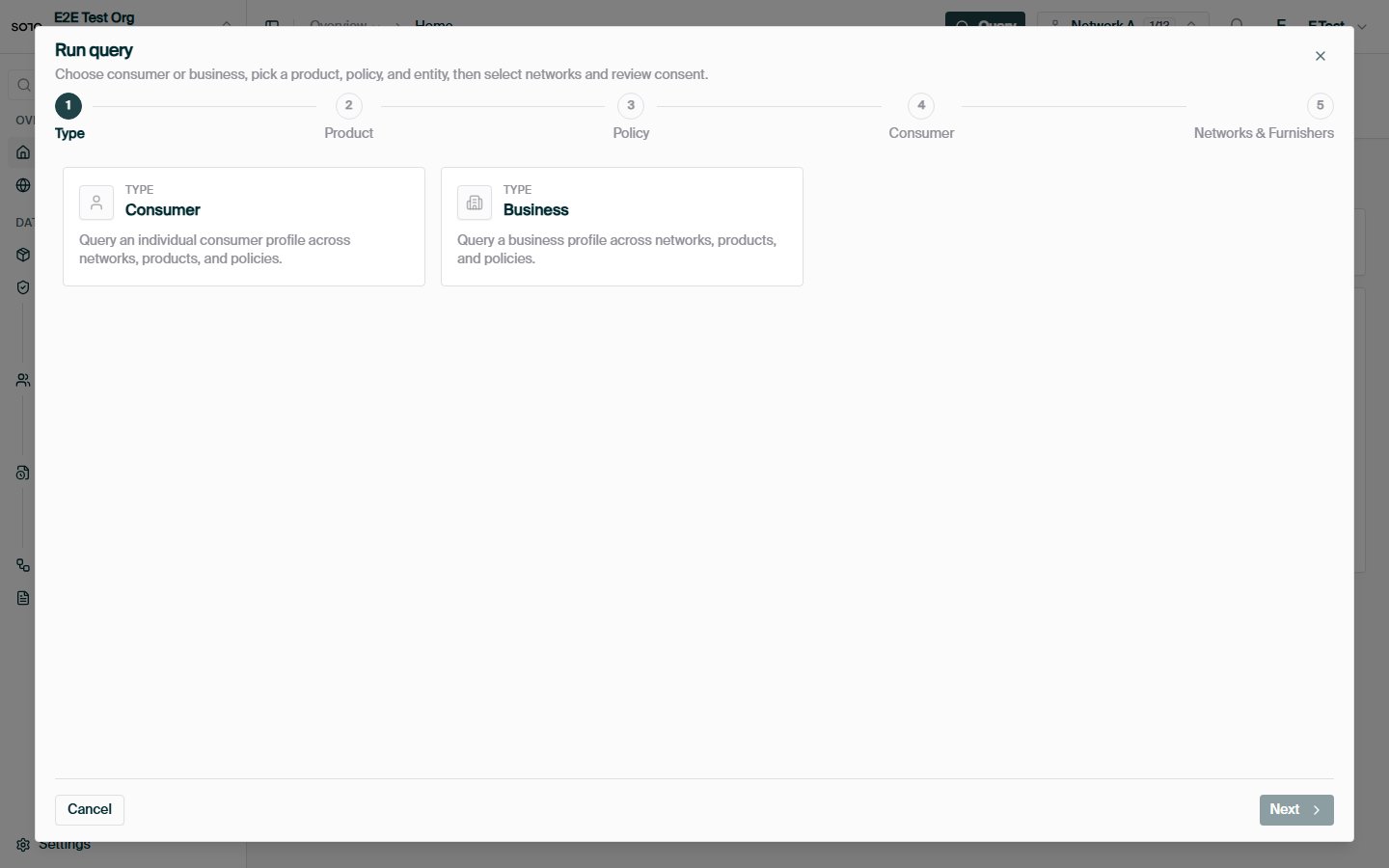
Run query — choose consumer or business
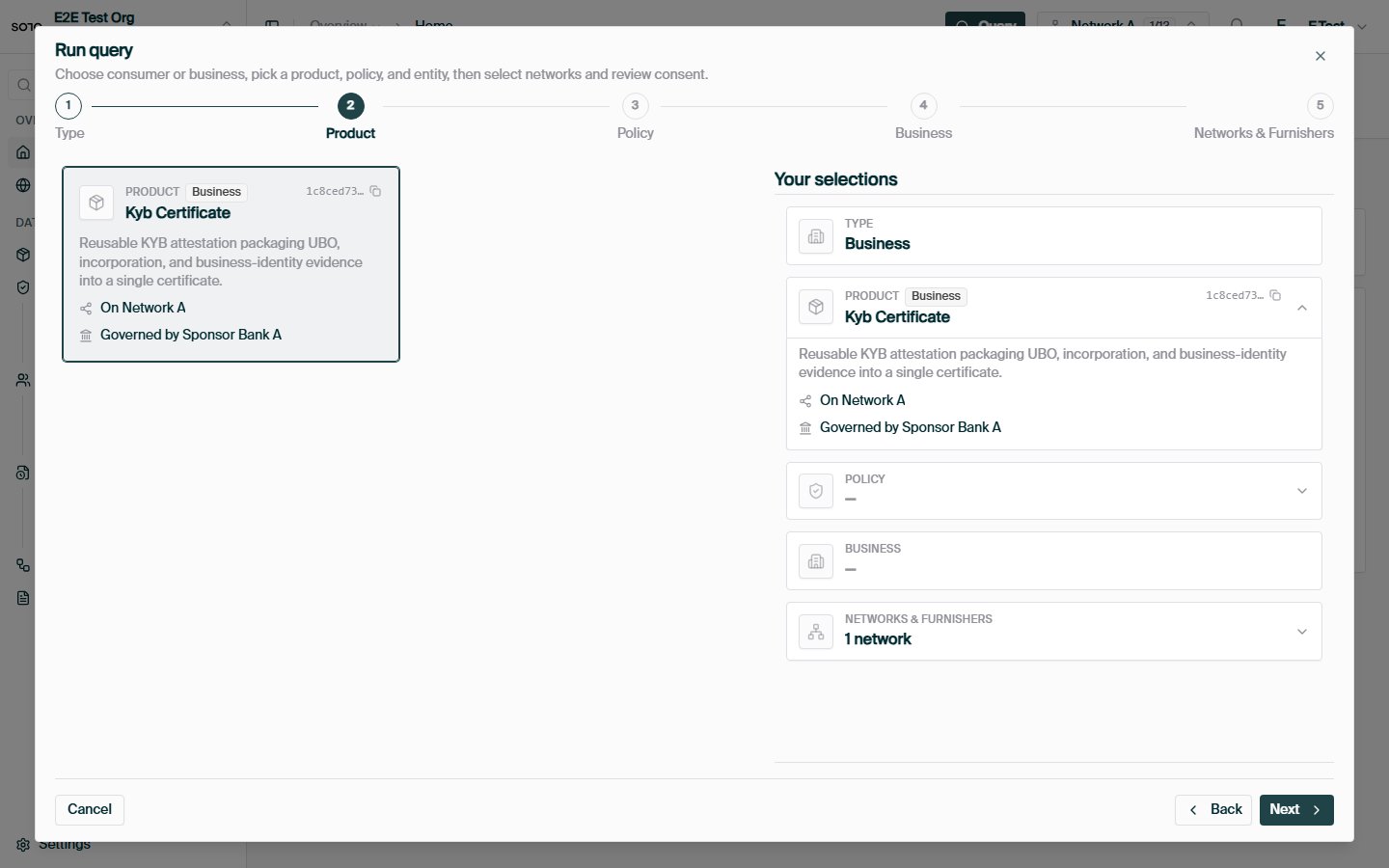
Run query — choose KYB certificate product
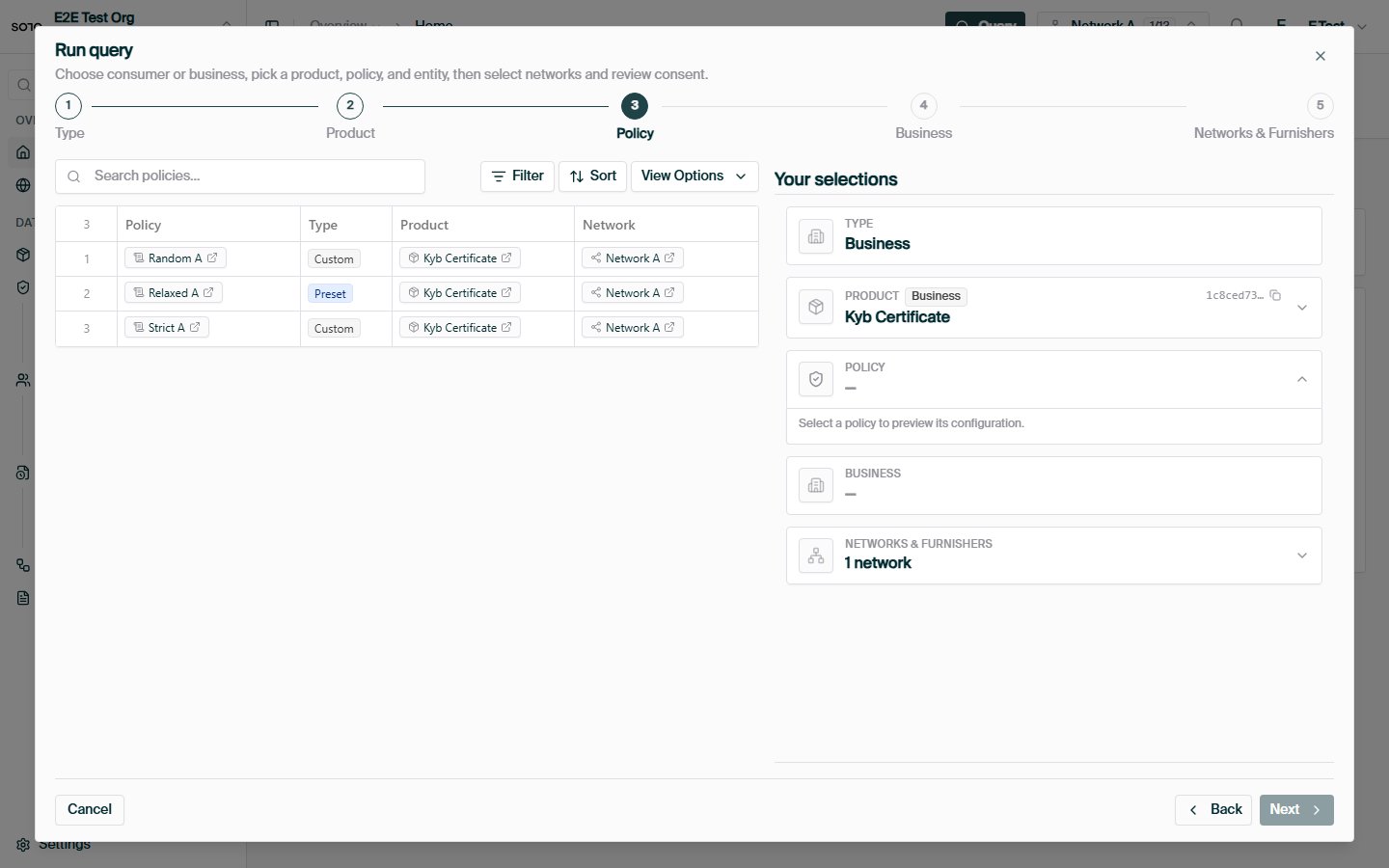
Run query — choose policy
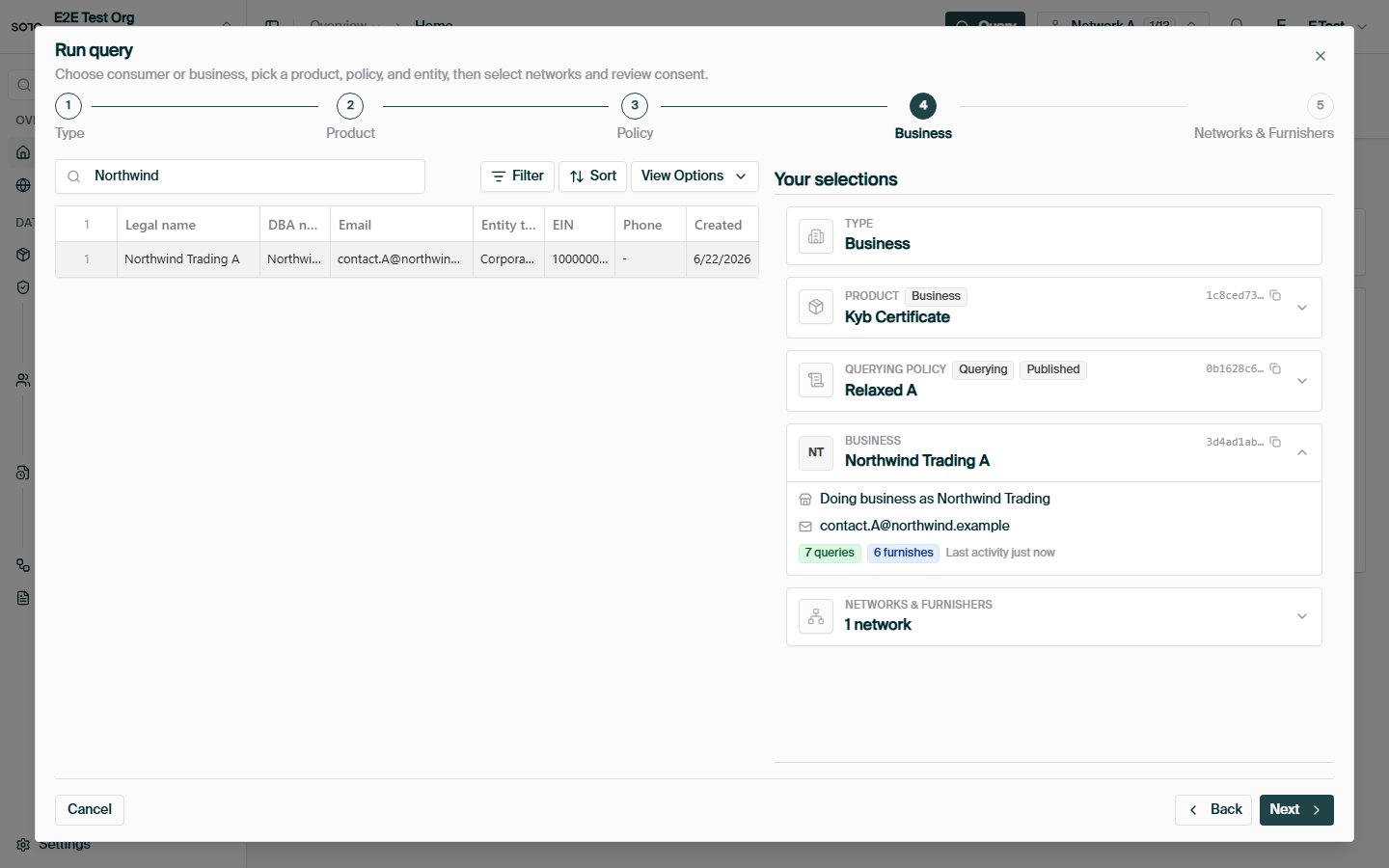
Run query — choose business
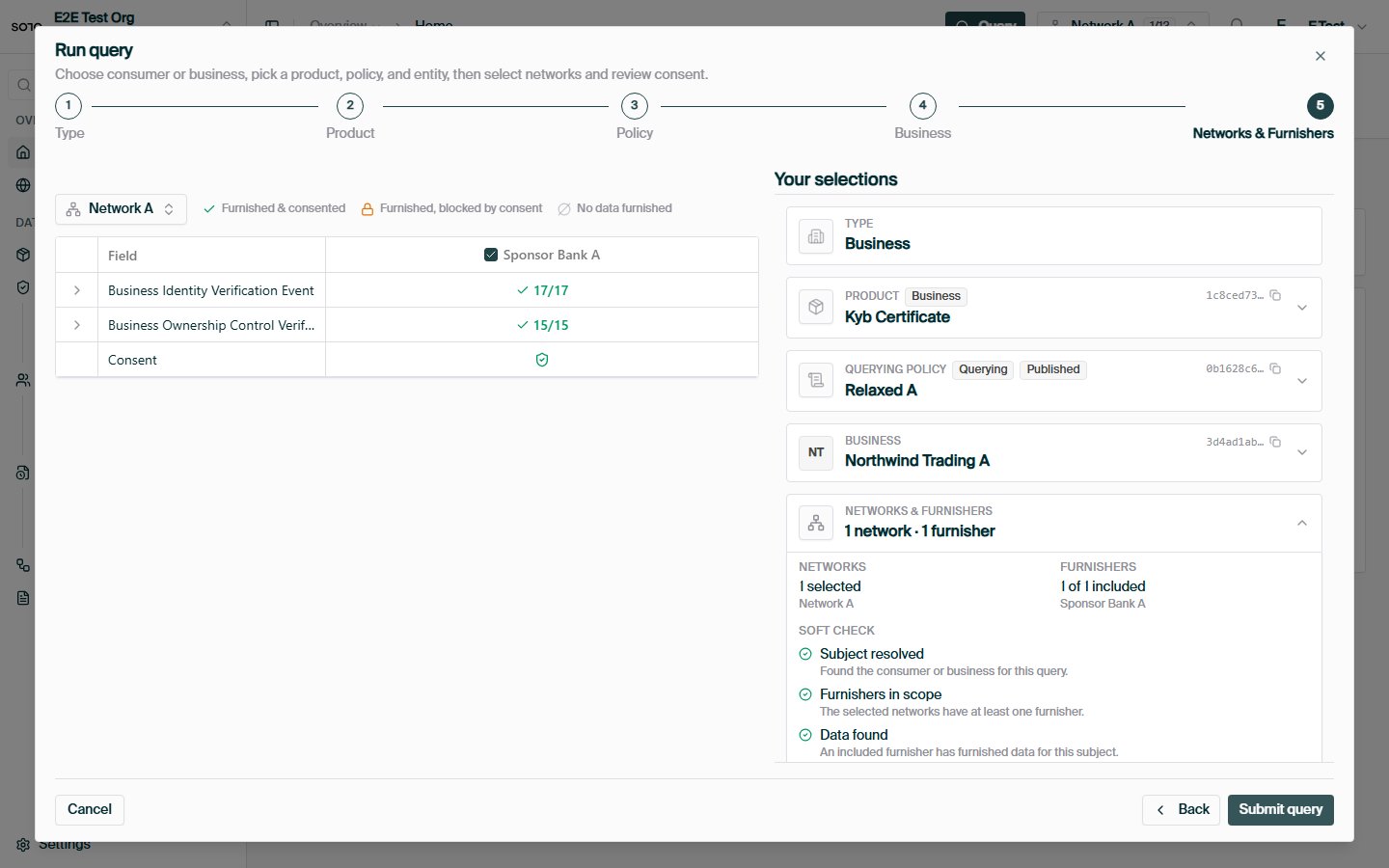
Run query — networks and consent matrix
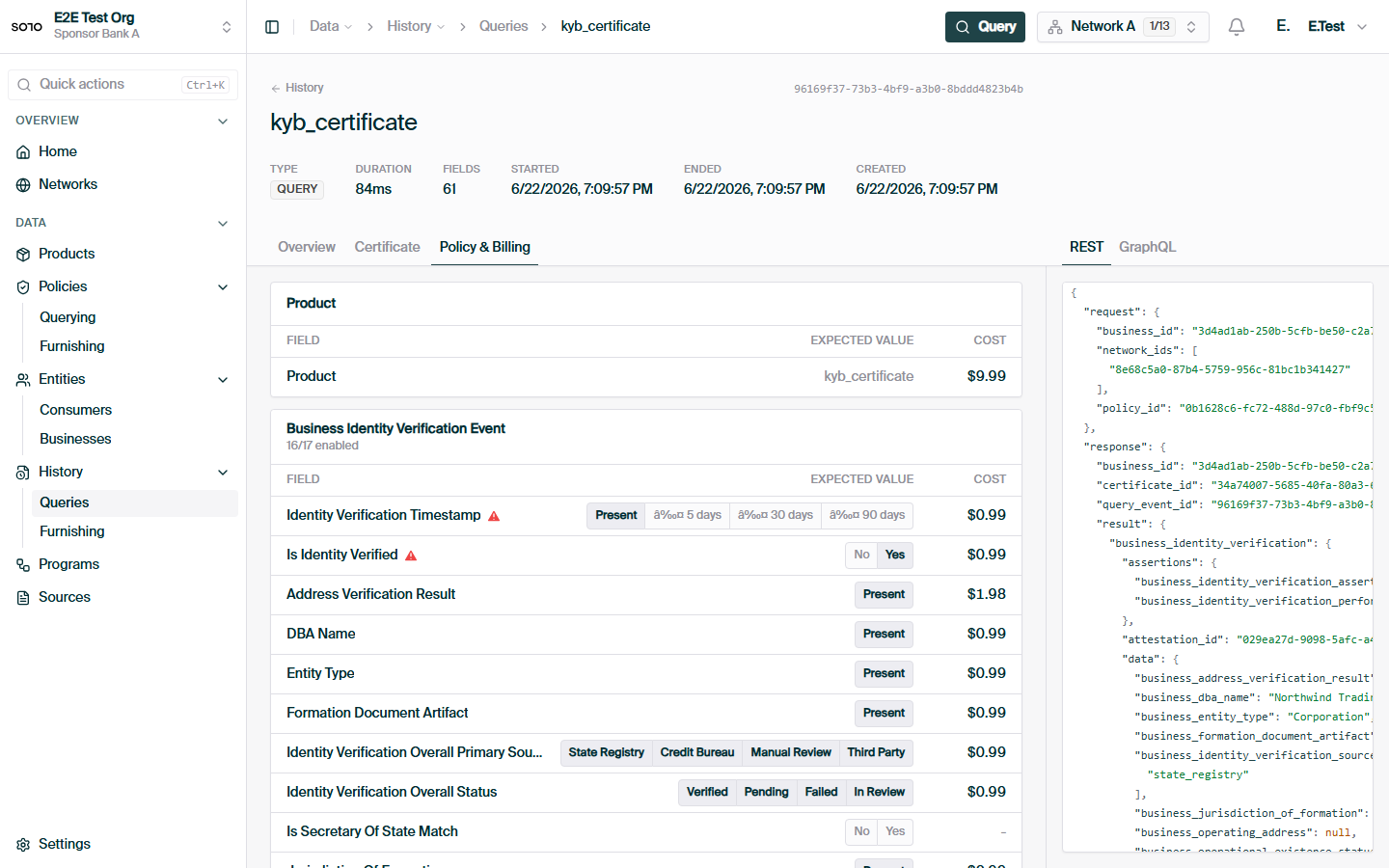
Business KYB query — policy and billing
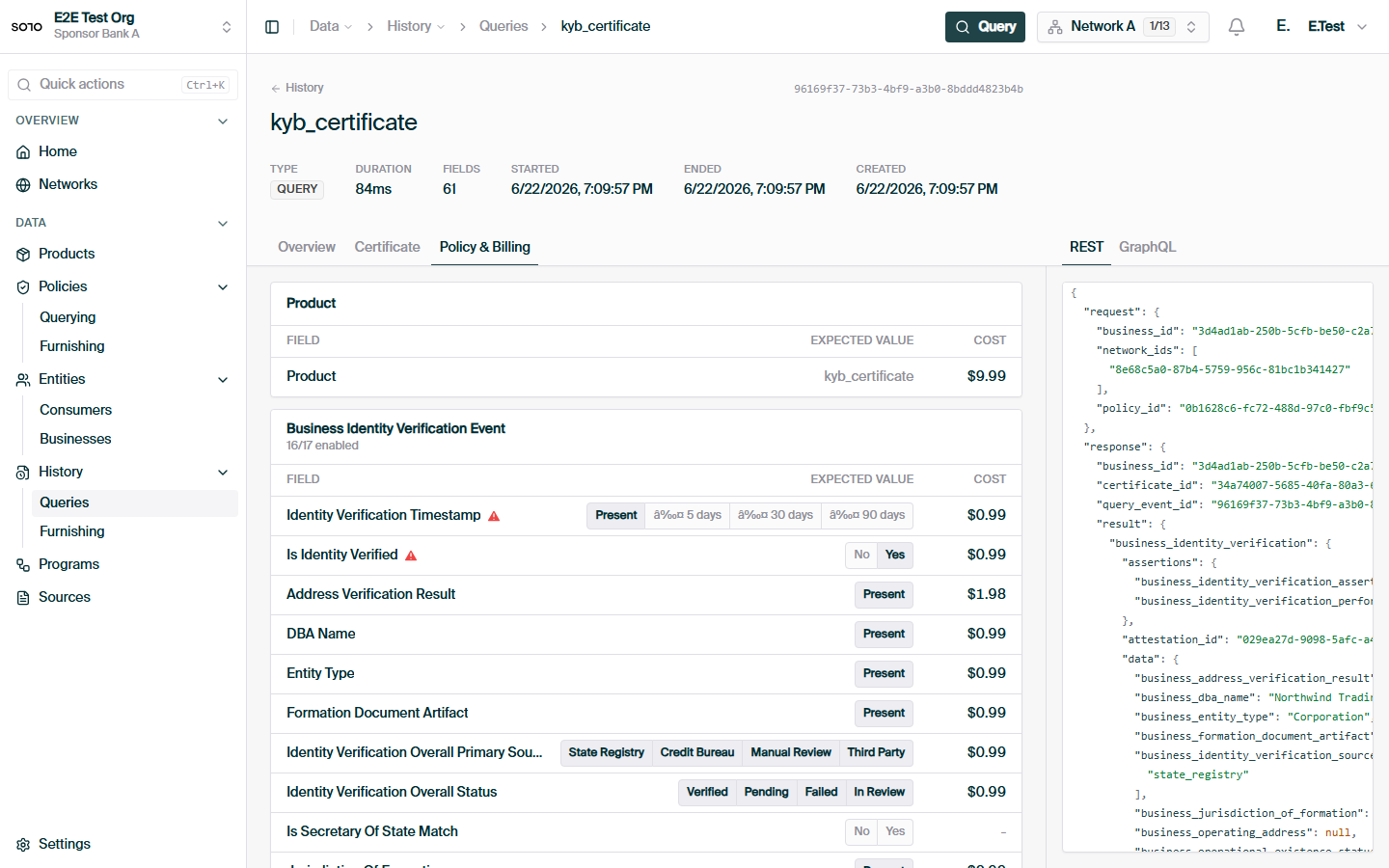
Business KYB query — REST response payload
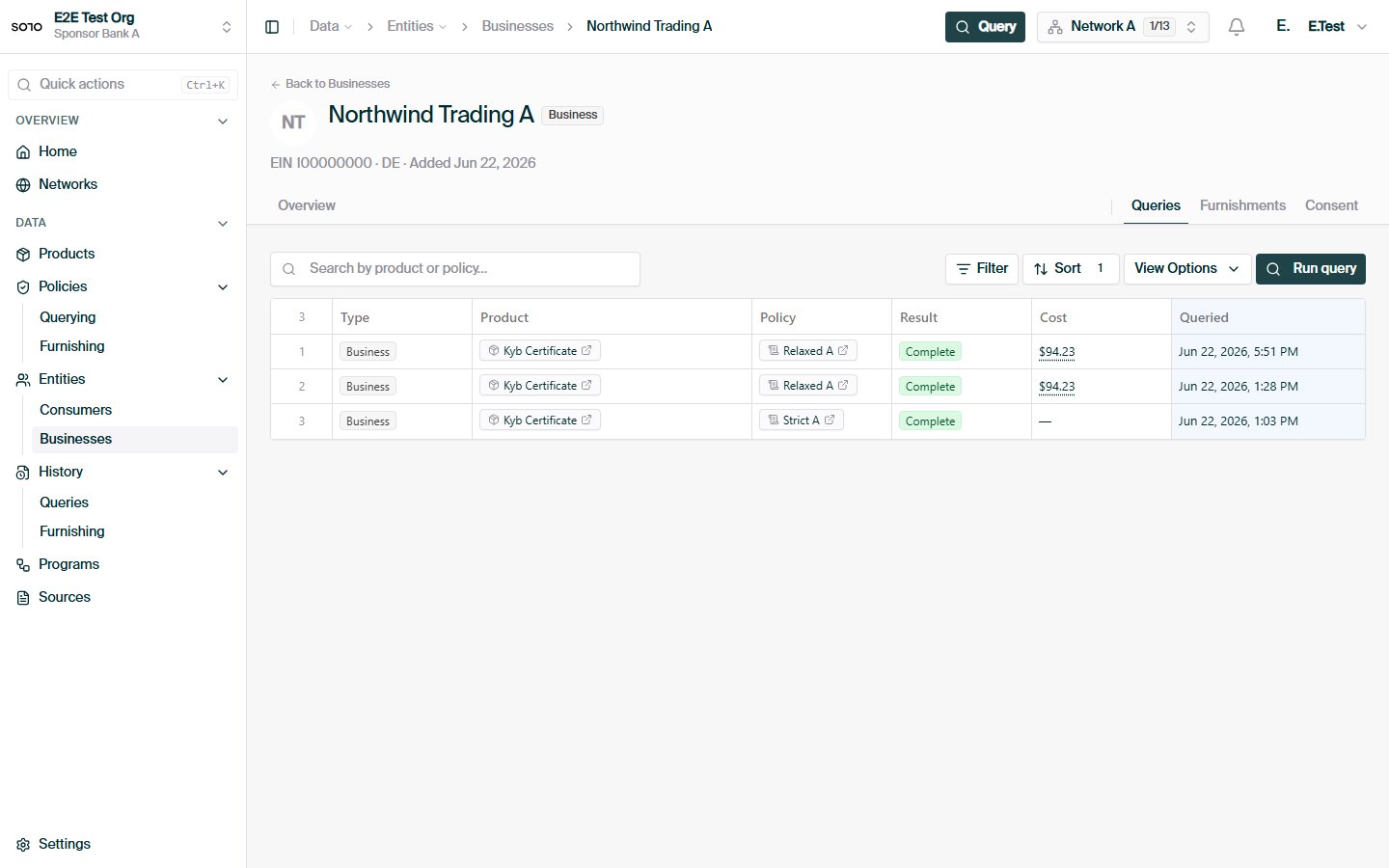
Business — query history tab
Querying
Request anatomy, 200 vs 204, billing, and the X-Ref-Id header.
Coverage check
Check field coverage before running a billable query.