

What’s in the certificate
A KYC certificate consolidates up to nine sub-products, each a block in the query response with its ownassertions (what was attested, and when) and
data (the supporting attributes):
Every populated sub-product carries the
furnishing_entity_id of the
participant whose data backed it and the attestation_id of their attestation,
so the certificate is auditable down to its sources.
Querying
consent_id (or consumer_id for direct
permissible-purpose lookups), and scope the read with network_ids plus an
optional policy_id and furnishing_entity_ids.
A 200 OK means a certificate was issued:
certificate_id— the issued certificate. The certificate records the date it was issued, its attestation timestamp, and the network + policy pairs it was resolved under.query_event_id— the billable query event id; the same value is returned in theX-Ref-Idresponse header. Quote it to support and keep it in your audit log.result— the consolidated certificate. Sub-products the policy didn’t require (or that lacked data) arenull.
How the certificate resolves per network
The query gathers furnished events across every network innetwork_ids and
applies the querying policy’s filters uniformly. For each sub-product it selects
the oldest matching event from any allowed network, and the result’s
meta.network_id is anchored to the first network in your request — list
your primary network first. Which furnishers’ data is considered, and which
fields you see, is further shaped by your
entitlement.
When you get a 204
The endpoint declares a204 No Content response: no certificate could be
created — the available data did not satisfy the policy requirements. Concretely,
a 204 is returned when:
- a sub-product the policy requires was never furnished for this consumer in the queried networks, or
- furnished data exists but fails the policy’s filters (e.g. outside the freshness window the policy selected), or
- the policy selected specific data fields that the resolved certificate could not populate.
X-Ref-Id header, and the
query event is still recorded. To anticipate 204s before spending a billable
query, run a coverage check first.
Furnishing
Participants contribute the underlying KYC data withPOST /v1/products/kyc_certificate/furnish:
{"success": true, "submission_id": "…"}. Bulk contribution is
also available via file upload and
SFTP; see Furnishing
for the full model.
Field reference
The KYC certificate’s data dictionary, model by model. Field is the display name, API name is thefield_name used in policies and coverage checks, and
Source model is the underlying table the value is drawn from.
Consumer
DocumentCaptureEvent
IdentityDocument
BiometricCaptureEvent
LivenessCheckEvent
AddressCaptureEvent
IdentityVerificationEvent
KYCCertificate (policy configuration only)
These certificate-level fields are used when configuring a querying policy — e.g. requiring a certificate no older than 30 days. They are filters over issued certificates, not data projected into the query response.Related
In the dashboard
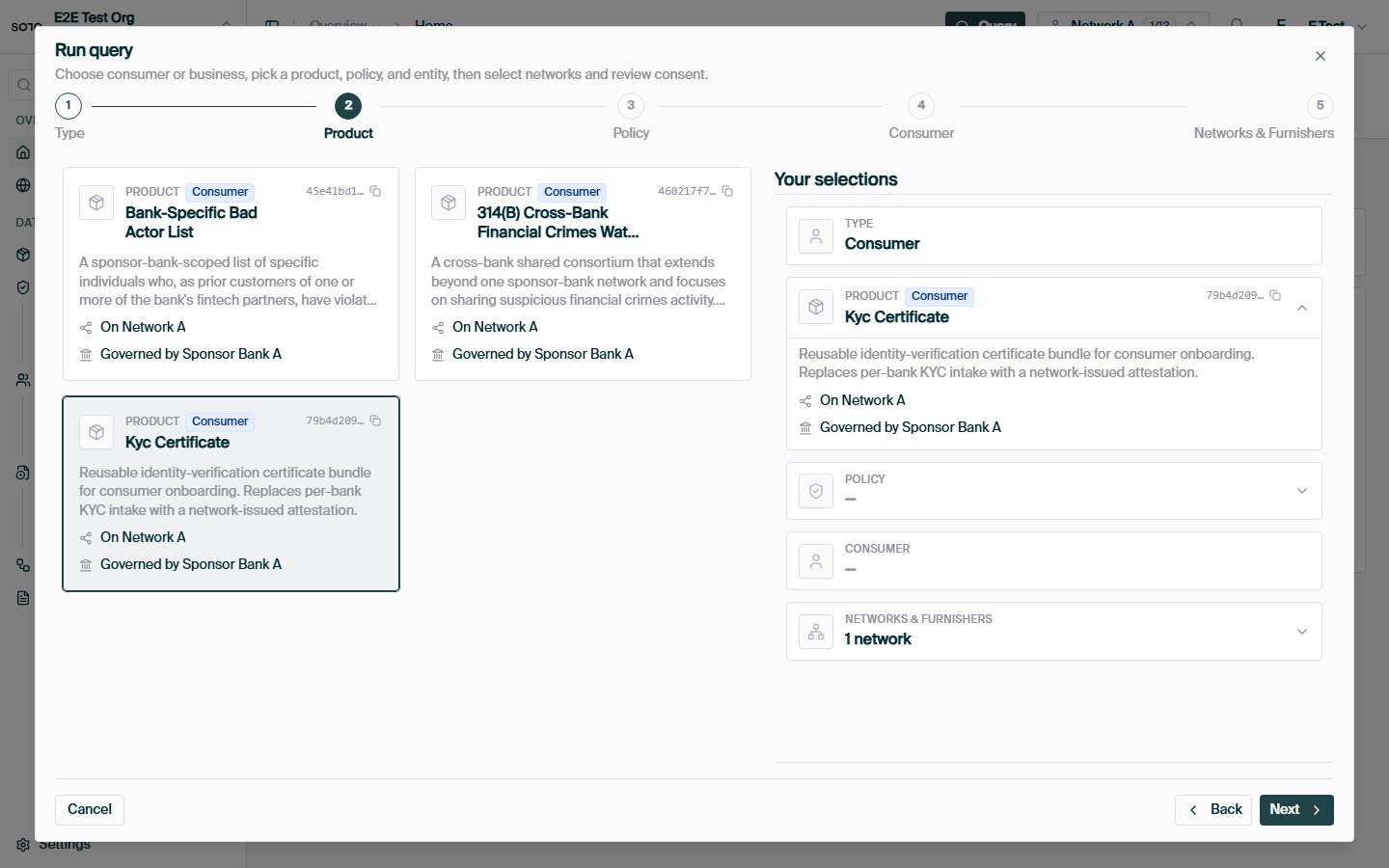
Run query — choose KYC certificate product
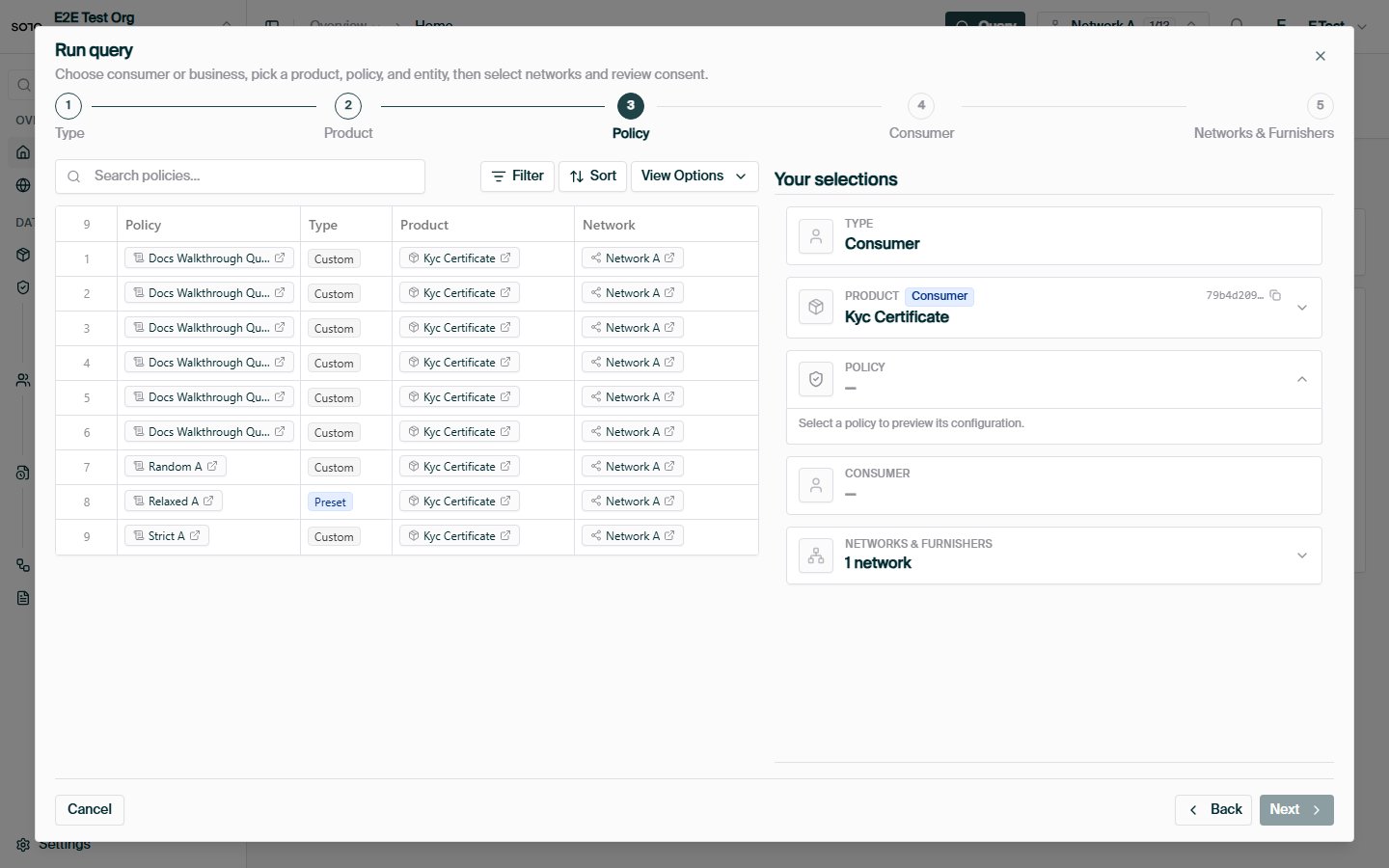
Run query — choose policy
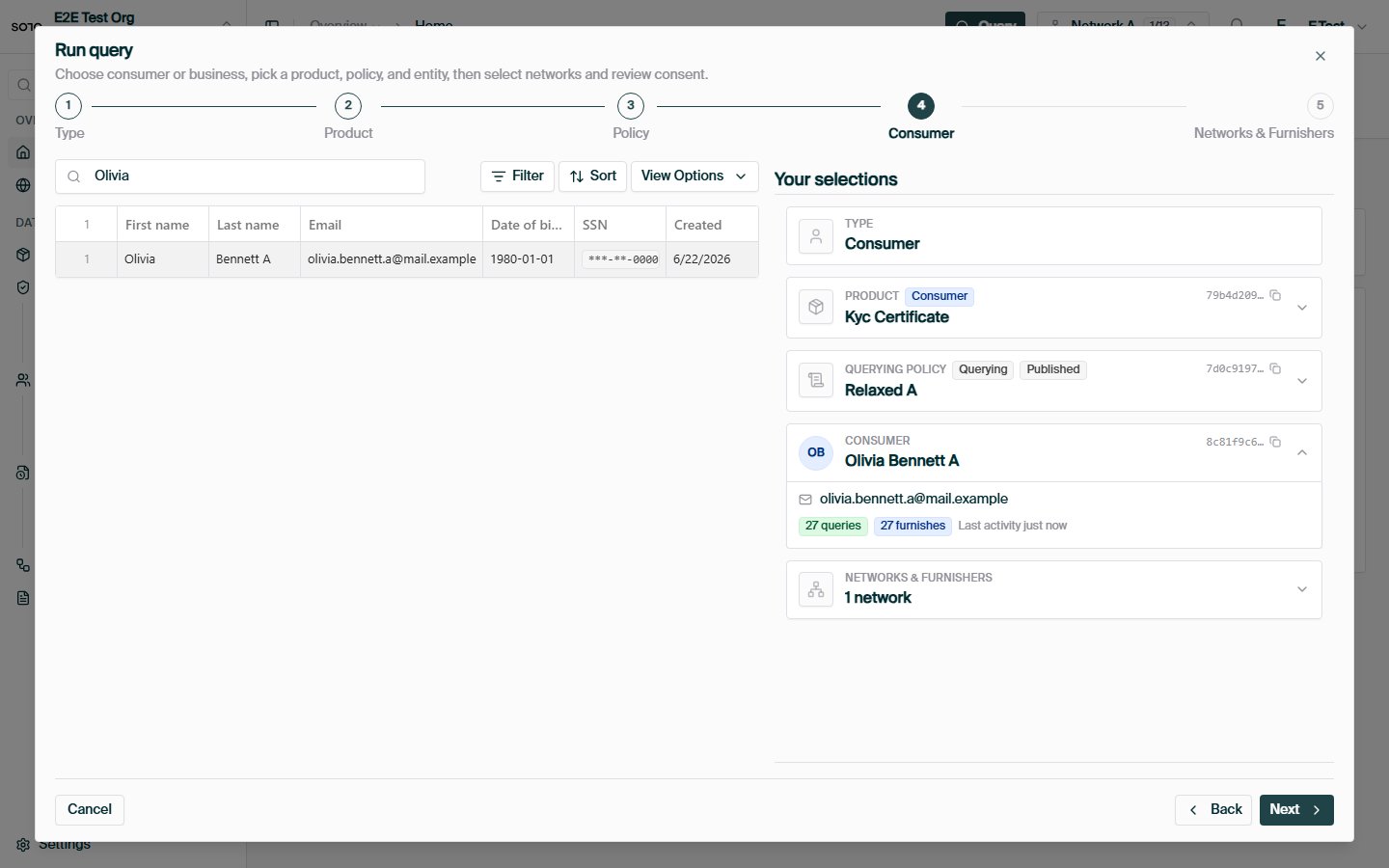
Run query — choose entity
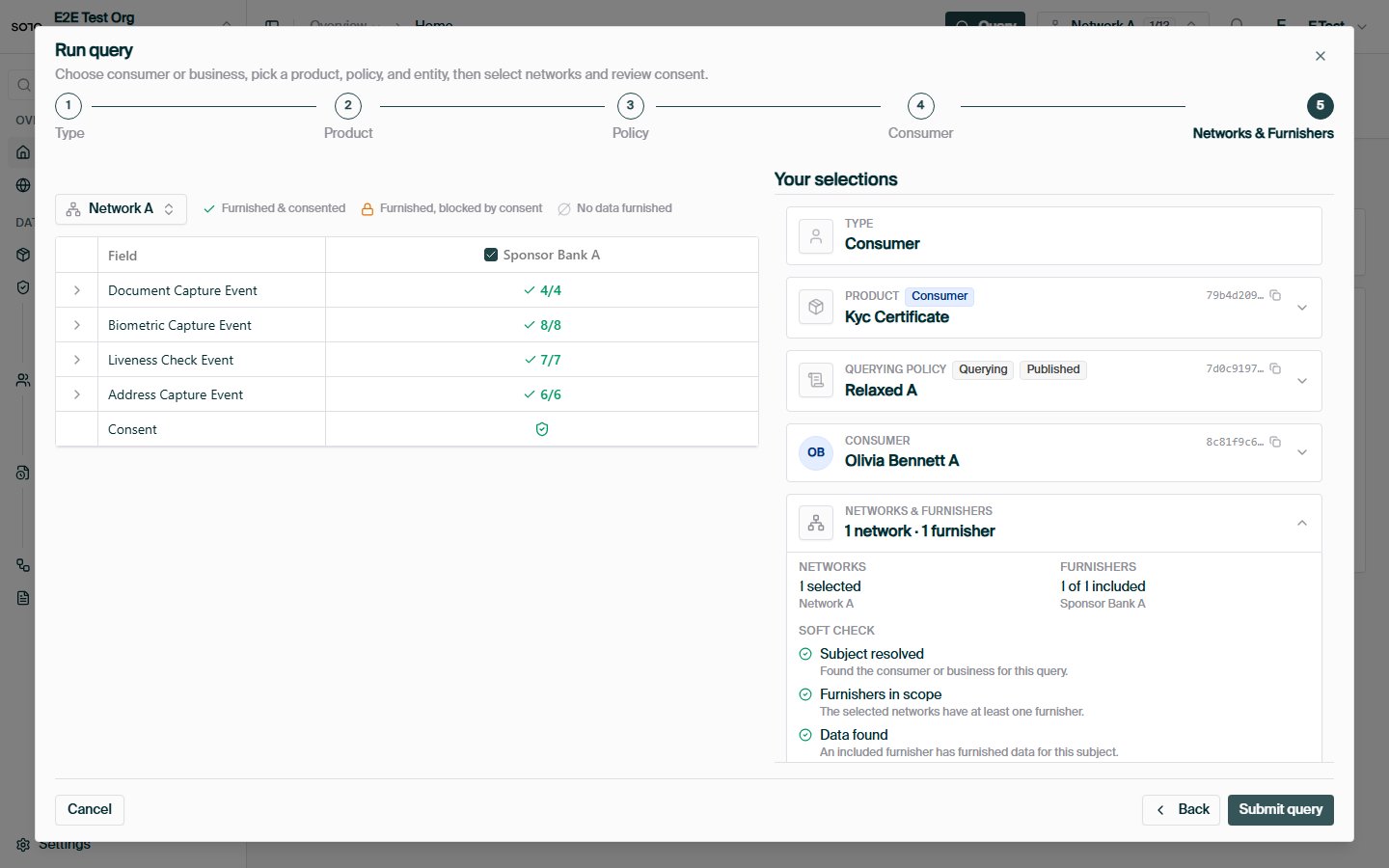
Run query — networks and consent matrix
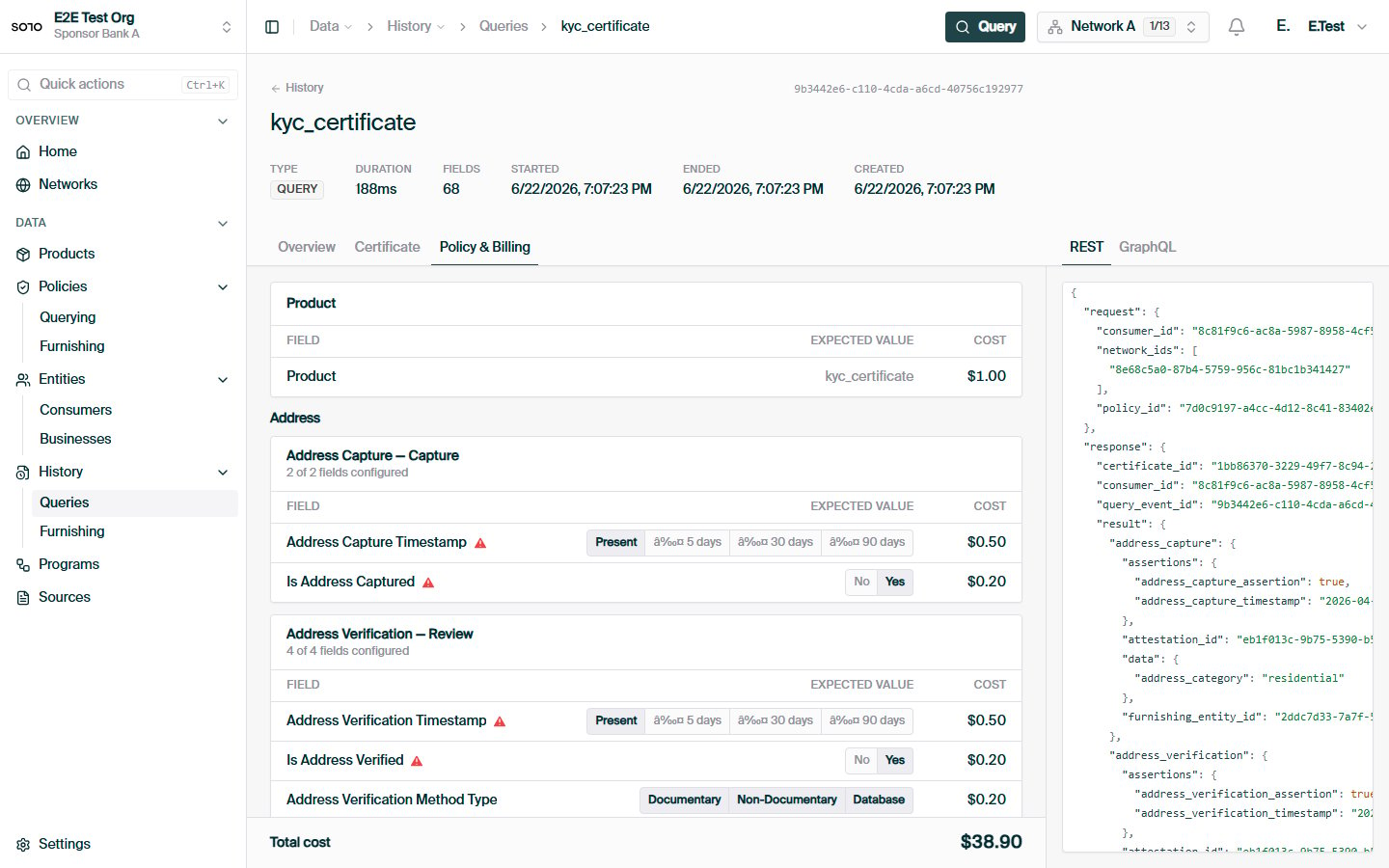
Query completed — run detail overview
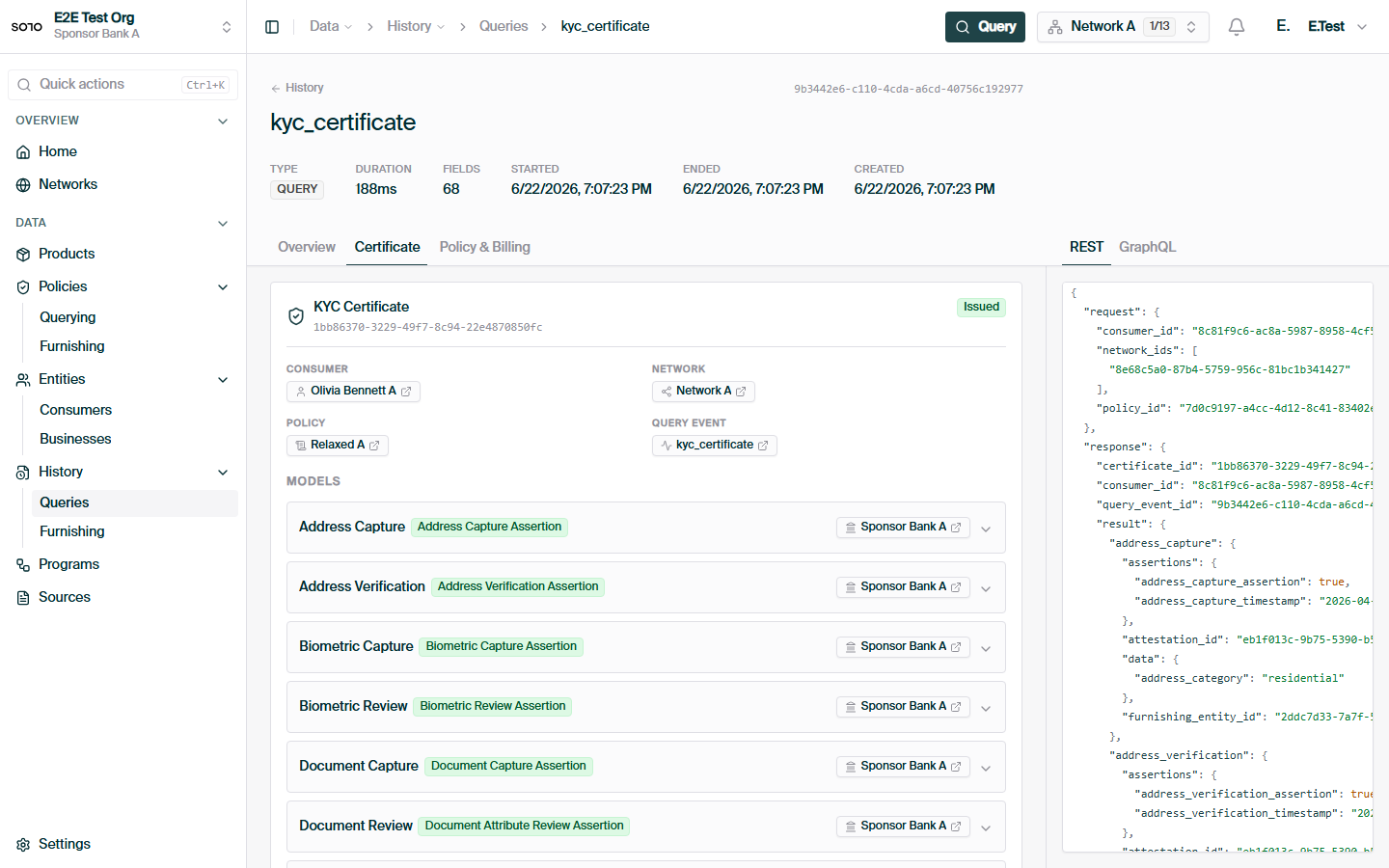
Consumer KYC certificate — parsed result fields
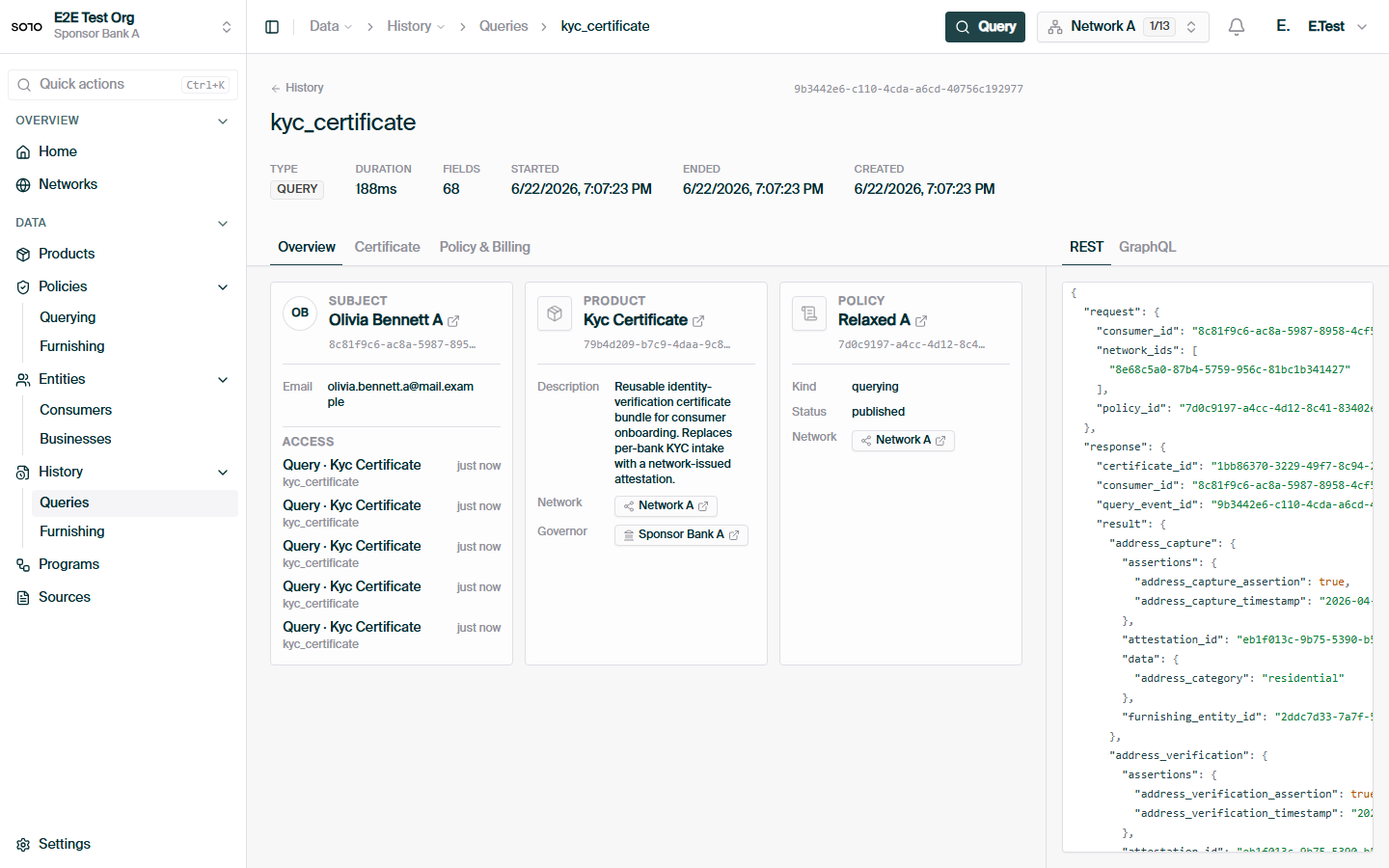
Consumer KYC query — overview tab
Querying
Request anatomy, 200 vs 204, billing, and the X-Ref-Id header.
Coverage check
Check field coverage before running a billable query.