

Querying policies govern reads. The write-side counterpart — how furnished
data is accepted, validated, and routed — is the
furnishing policy.
Why querying policies exist
Products define a standard schema — every KYC certificate has the same shape everywhere. But networks have different agreements about what may be shared: a closed consortium might expose document-verification outcomes that a broader federation suppresses; one network might accept any furnisher’s biometric data while another only trusts a named source. Querying policies let a network:- expose only the fields appropriate for its participants,
- rank which sources (provenances) a field may be answered from, in order of preference,
- keep read rules explicit, versionable, and auditable, and
- evolve those rules without changing the underlying product or any integration code — queriers keep calling the same endpoint.
What a policy contains
A querying policy hangs off the network-product association (the pairing of one product with one network) and carries:
Beneath the policy sit per-model selections — one for each product model
the policy has an opinion about — and beneath those, per-field rules:
is_enabled— whether the field may be read at all under this policy.boolean_choice— for fields with a constrained choice, which value the policy requires.selected_provenance_option_ids— an ordered list of acceptable data sources for the field. Order matters: the first option is tried first, and later options are lower priority.
Lifecycle
Policies carry astatus of draft, published, or archived. New revisions
are authored as drafts (the dashboard’s version wizard works this way); saving
a configuration through the API leaves the policy in published status, at
which point it governs live queries. Archived policies are retained for audit
but no longer selectable.
Creating a policy
Creating a querying policy is a two-step flow: create the policy shell, then configure its field selections.Step 1 — create
POST /v1/networks/policies/querying with the product, the network, and a
name. The server resolves the product-network association — creating it if it
doesn’t exist yet — and returns the new policy.
Step 2 — configure fields
PUT /v1/networks/policies/querying/{policy_id}/configuration with the full
set of per-model, per-field selections:
"name" in the configuration body to rename the
policy in the same call.
Policy authoring is a governor
responsibility. Queriers consume policies; they don’t write them.
How a query selects a policy
When you query a product, the request body carries the network scope and, optionally, the policy:network_ids(required) — one or more networks to read across.policy_id(optional) — the querying policy to apply. The single policy is applied across every network innetwork_ids. If omitted, each network’s default policy (is_default: true) is used.
Resolution and audit stamping
Every query event is stamped with the querying policy that governed it, so results are auditable after the fact. Resolution works through a fixed fallback chain:- the policy id explicitly stamped on the query event;
- failing that, a policy id found in the request or response payload;
- failing that, the policy referenced by certificates linked to the query;
- failing that, the network’s default policy — matched first against the querying entity’s own policies, then against the network governor’s.
policy_id) or step 4
(omit it and rely on the default). Steps 2–3 are how SOLO back-fills the audit
trail for historical events.
Querying across multiple networks
network_ids accepts more than one network, and the listed policy_id (or
each network’s default) is applied across all of them. Two things to keep in
mind when fanning a query out:
- Authorization is per network. Each network in the list is checked independently against your memberships and the governance rules. A network you can’t scope to fails the query with an authorization error rather than being silently dropped.
- The policy still only caps; it doesn’t fetch. Adding networks widens where SOLO looks, but entitlement still filters every record to what you’ve earned, regardless of how many networks the query touches.
The policy is a ceiling, not a grant
A querying policy defines what the product may expose in the network — for anyone. What you get back is further narrowed by entitlement:
A query returns the intersection: fields the policy permits and records
you are entitled to. Enabling a field in the policy does not push data to
anyone who hasn’t earned it; disabling a field hides it even from participants
who furnished it through this product in this network.
Errors you may encounter
All errors use the standard envelope (see Errors):In the dashboard
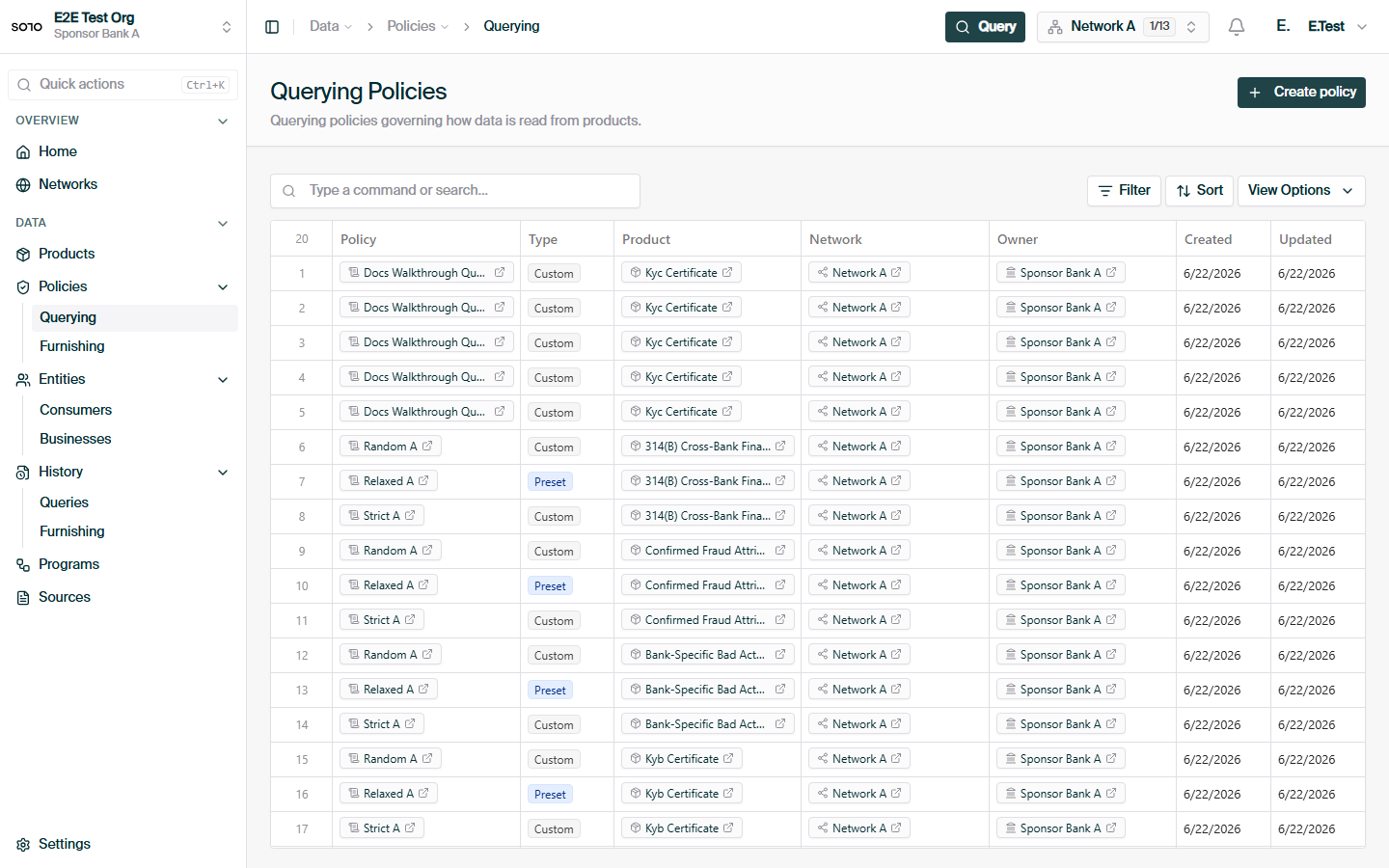
Querying policies list
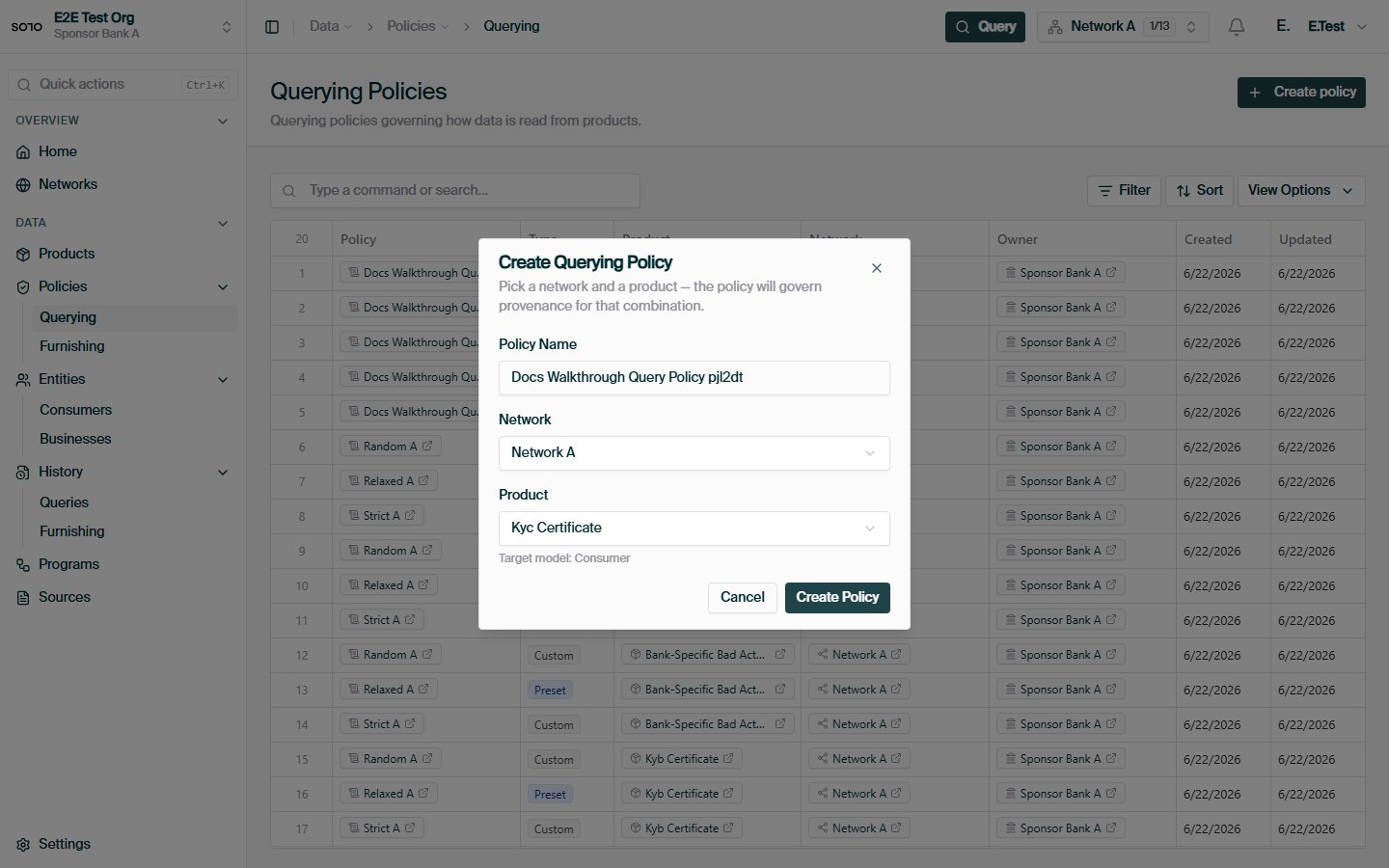
Create querying policy — ready to submit
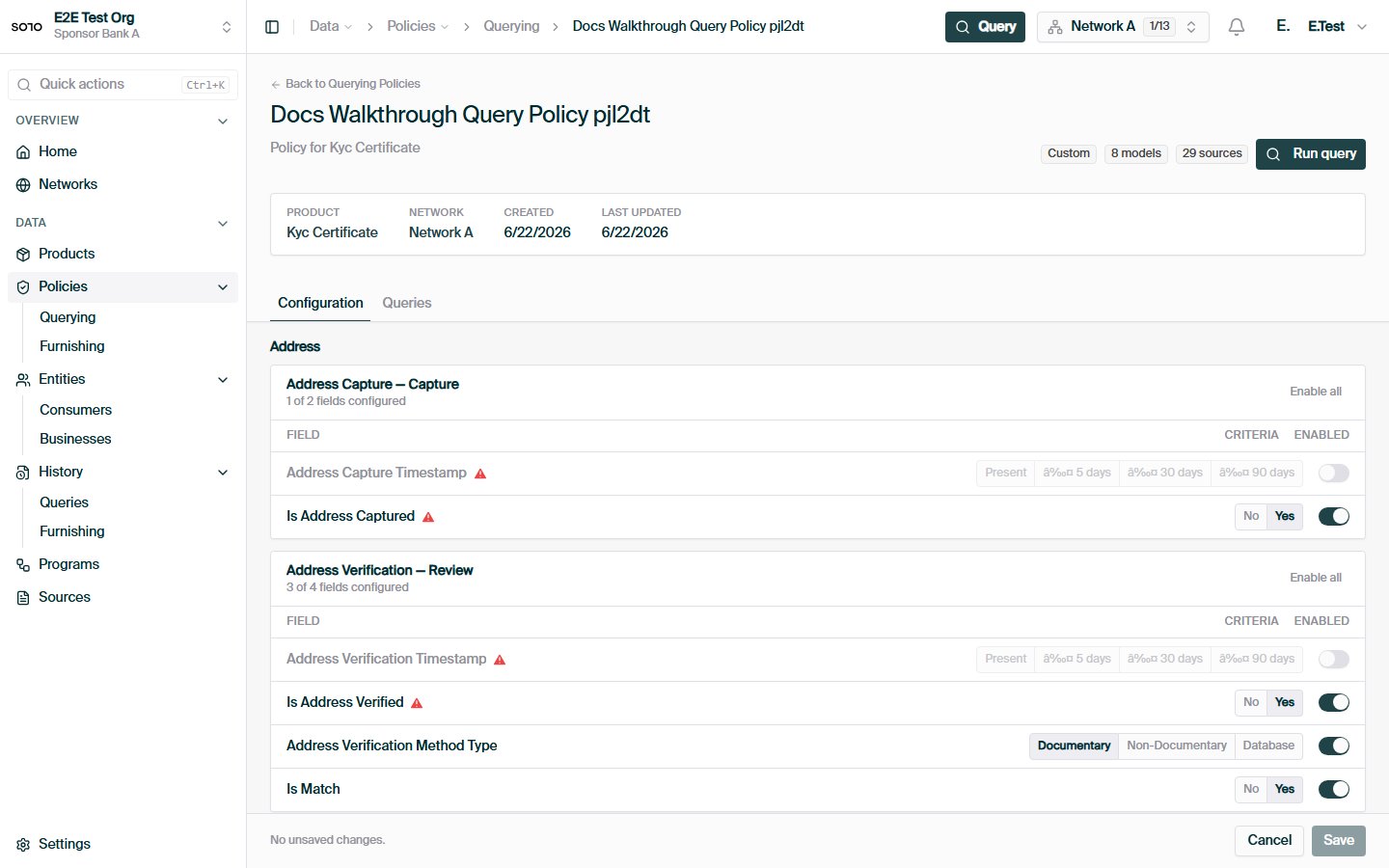
Querying policy created — detail page
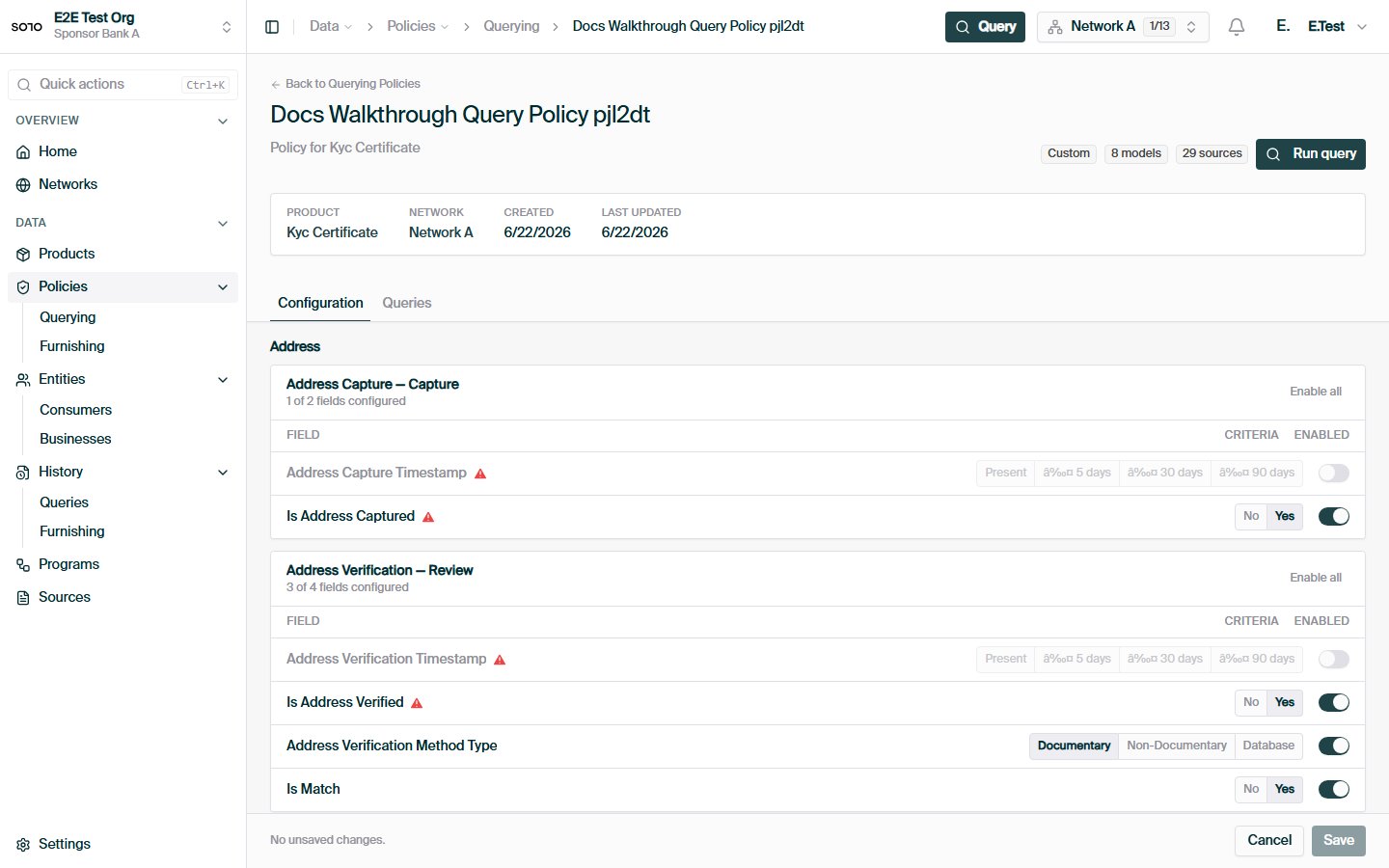
Querying policy field configuration — edit mode
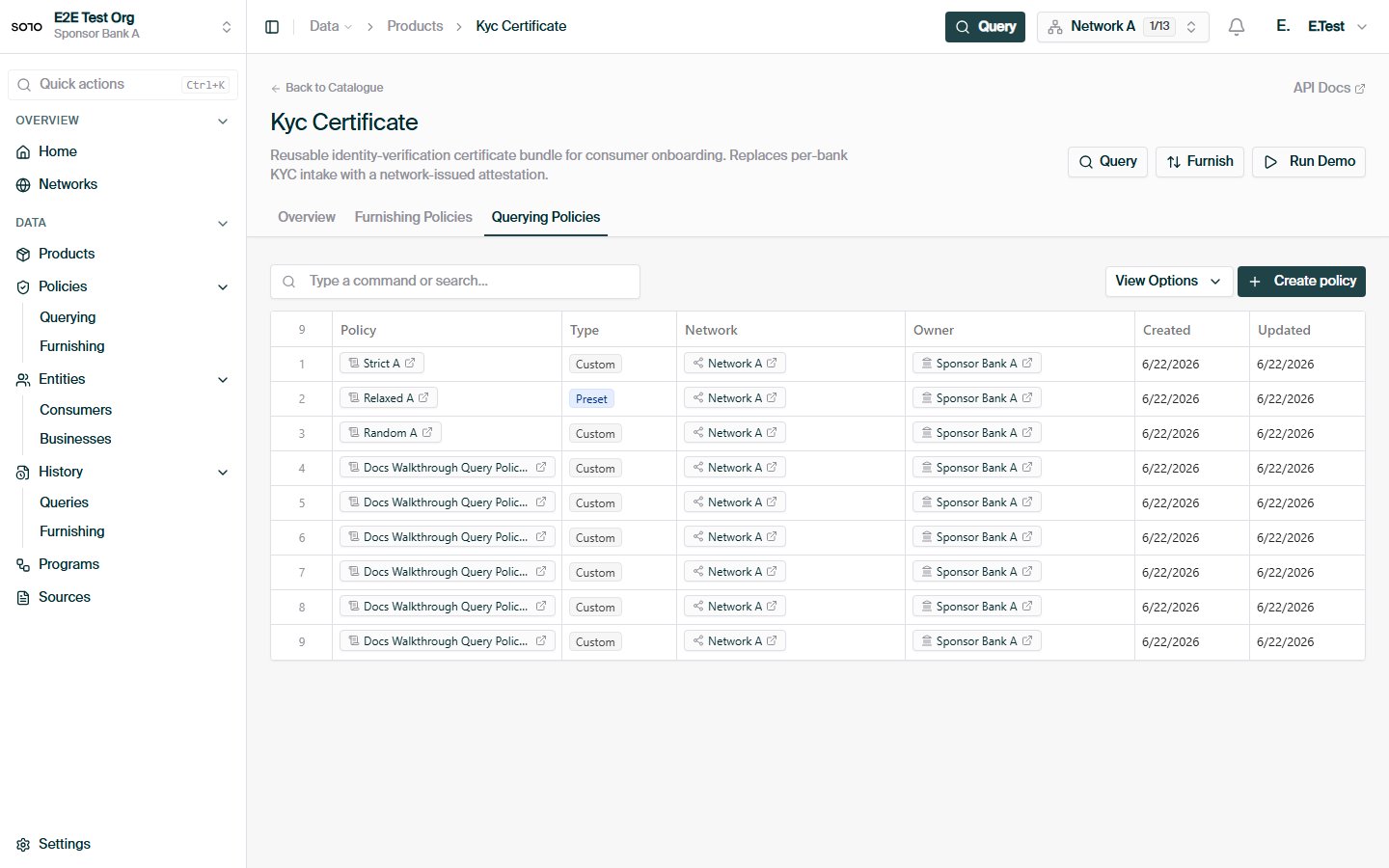
KYC product detail — Querying Policies tab
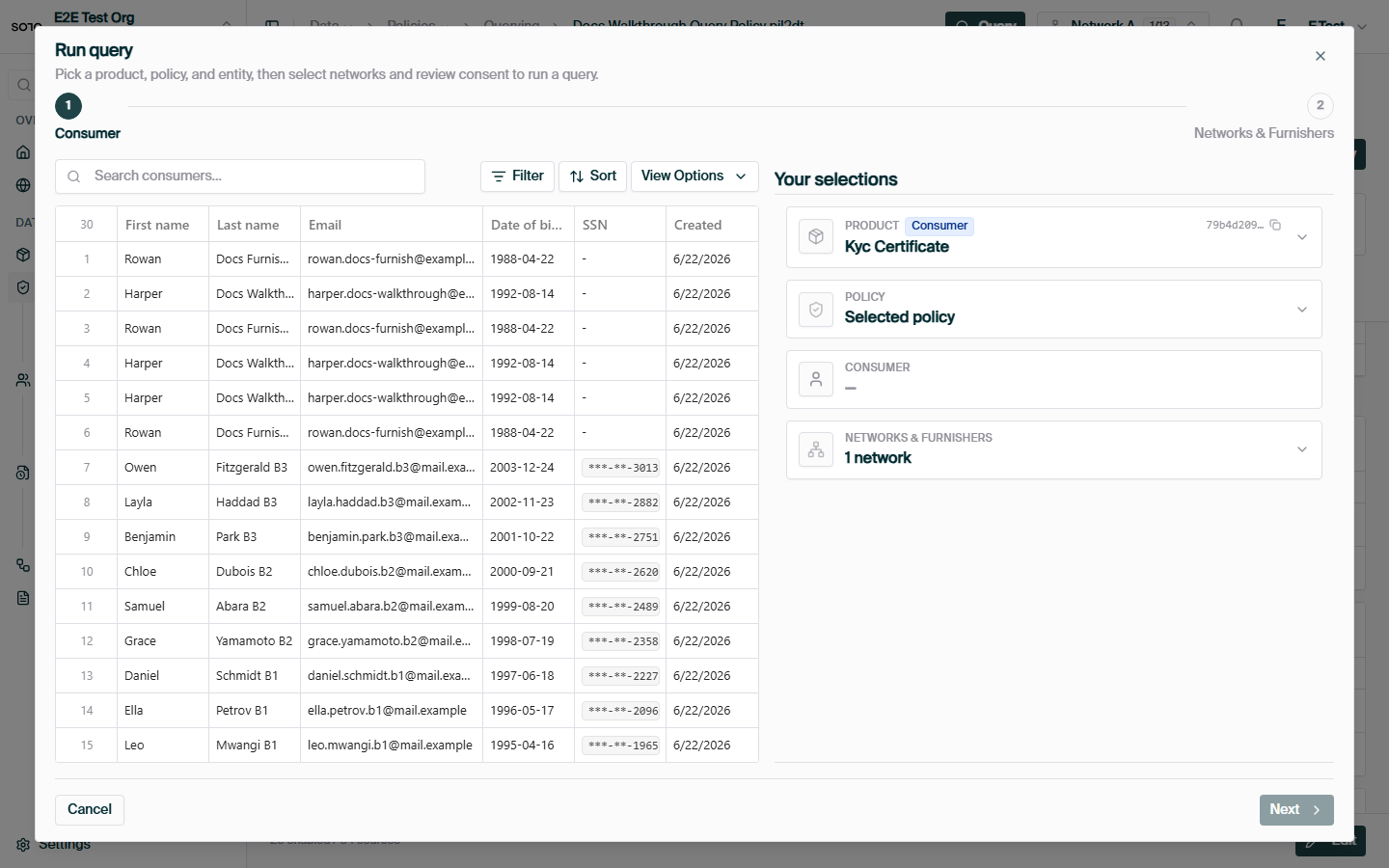
Run query opened from policy detail
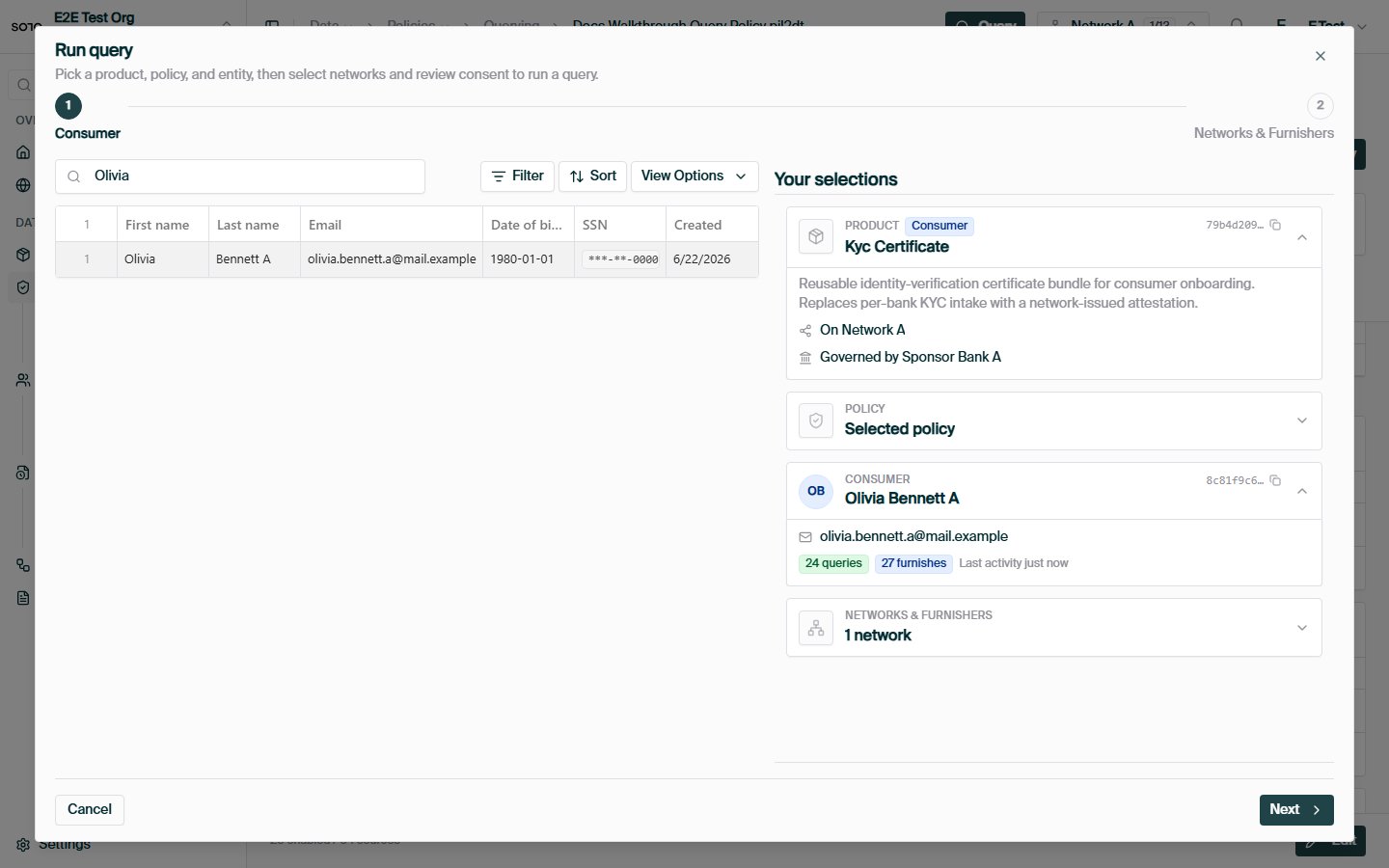
Run query — choose entity
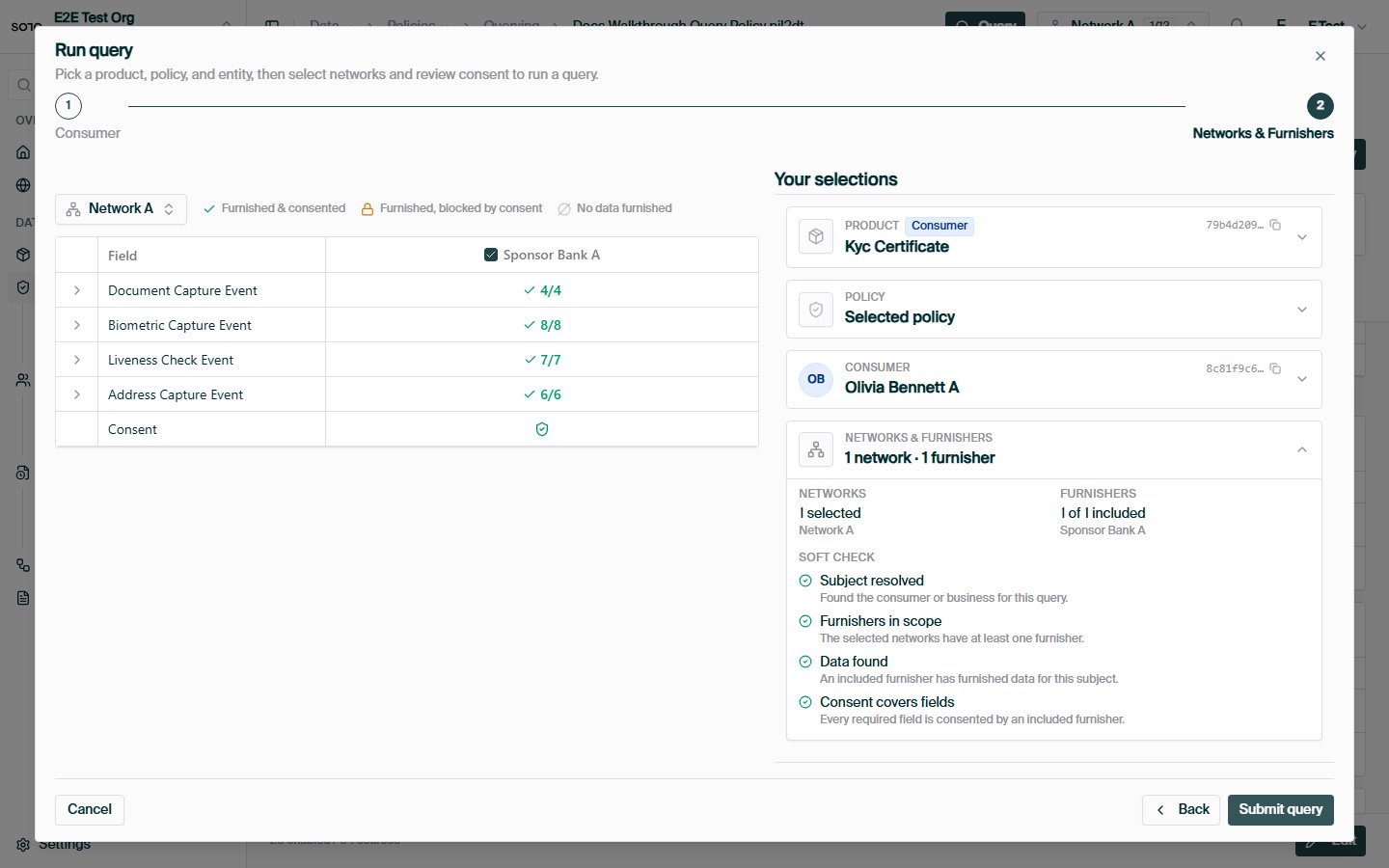
Run query — Network & Furnishers tab
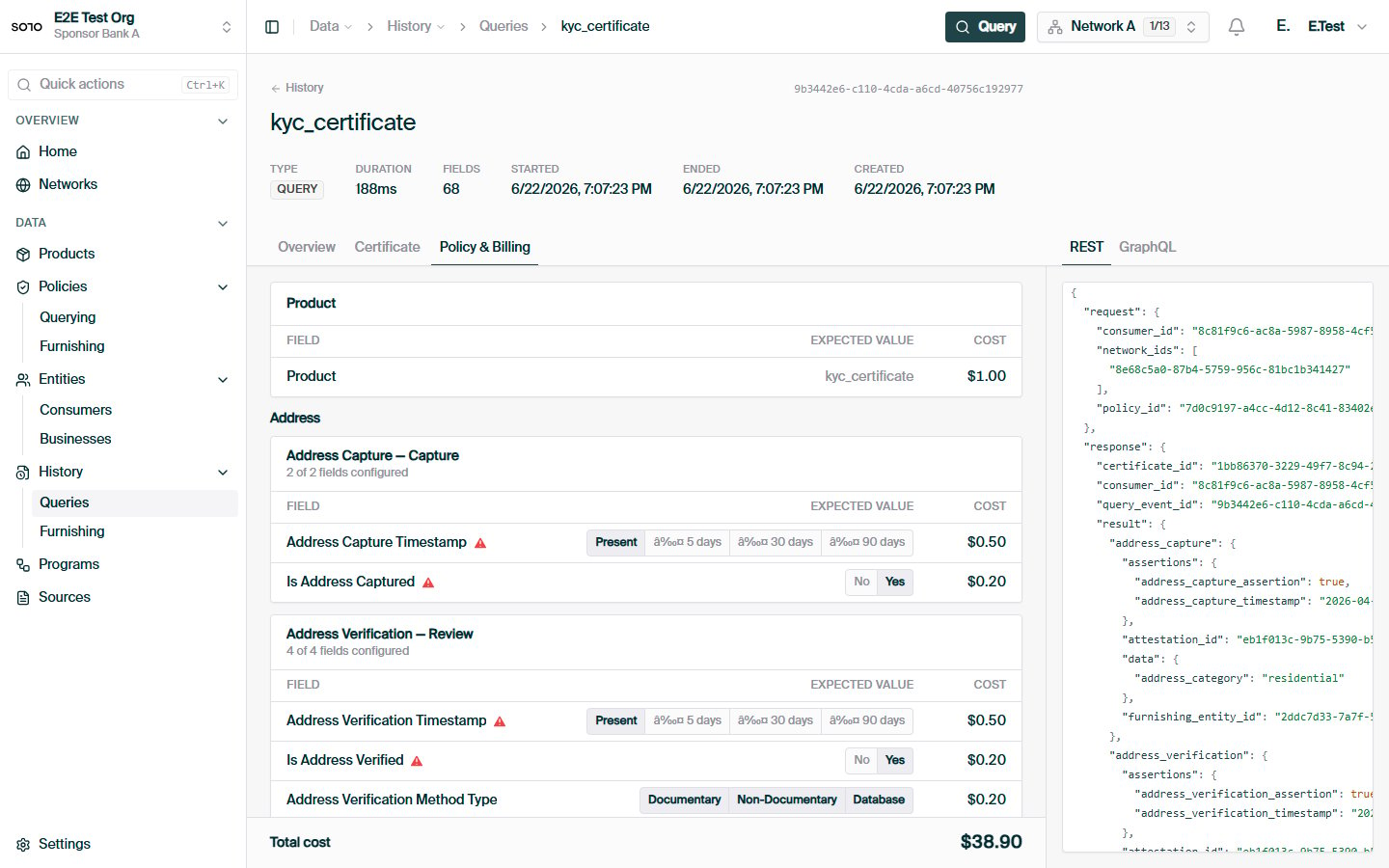
Query completed — run detail overview
Related concepts
Furnishing Policies
The write-side counterpart: how data gets into the network.
Entitlement
The per-participant layer that narrows what a policy exposes.
Querying
How policies plug into a product query.
Networks
The boundary policies are scoped to.