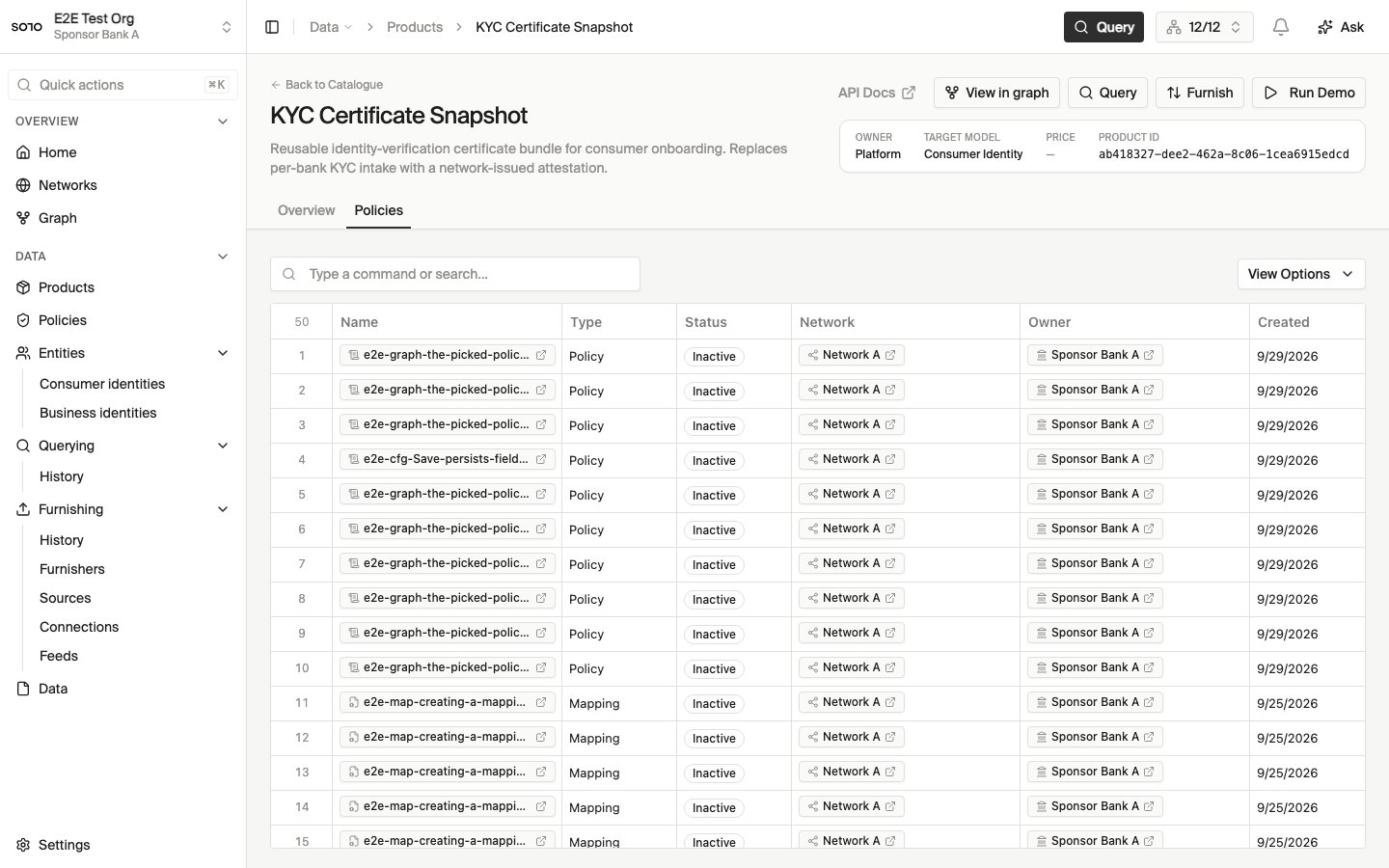
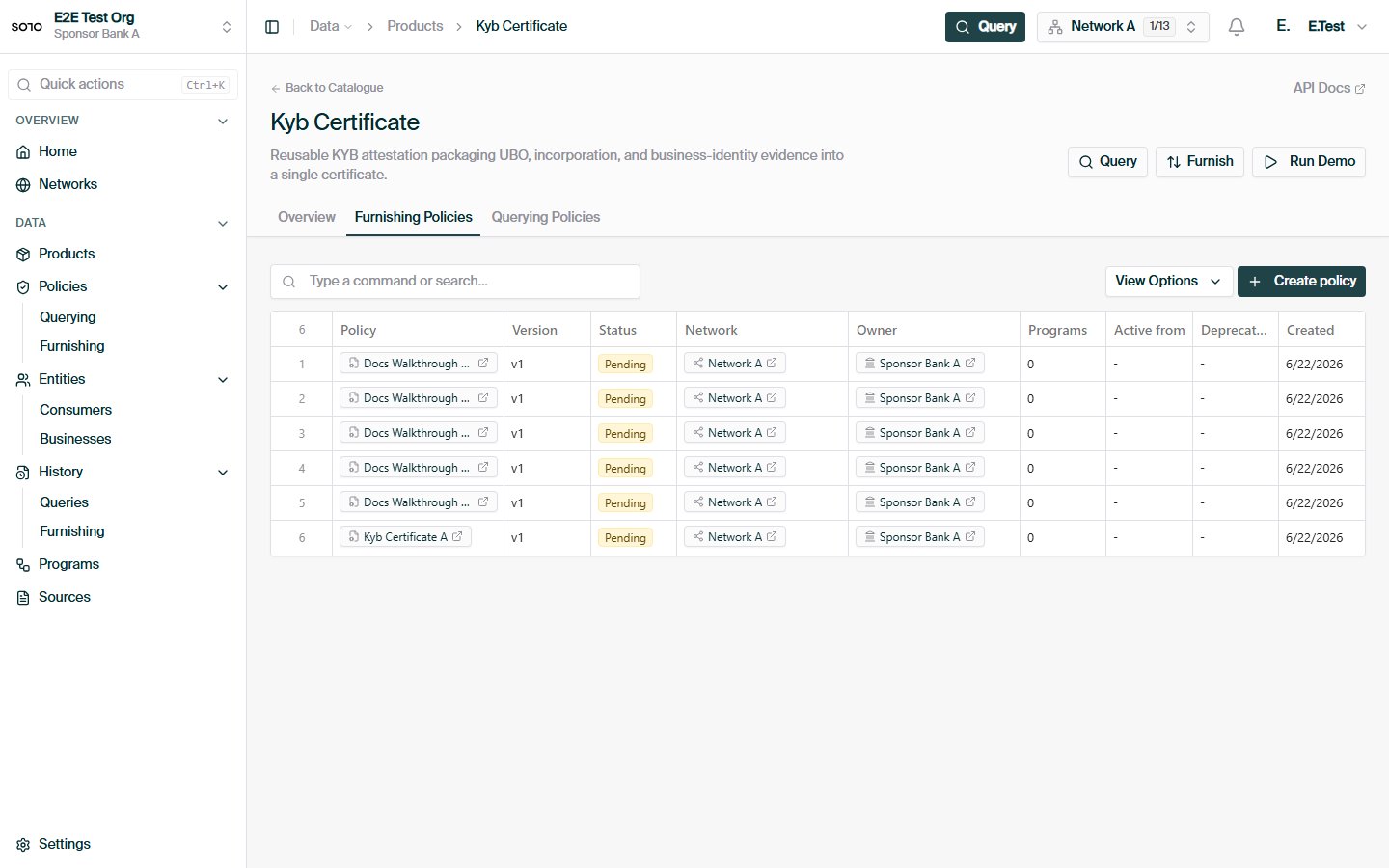
A furnishing policy defines how furnished data for a product is accepted, validated, and routed into a network. Where a querying policy governs what leaves the network on a read, a furnishing policy governs what happens to data on the way in. As a furnisher you never pass a furnishing policy yourself. You furnish with a network, a program, and an application date — and the network resolves the applicable policy automatically. Furnishing policies are authored and managed by the network’s governor.

The pipeline model

Under the hood, a furnishing policy is a pipeline: an ordered sequence of processing steps that every furnished record runs through. The pipeline for a policy is derived from a product default — a SOLO-maintained template pipeline for the product, identified by the policy’s source_default_slug (resolved from the product’s catalogue path when the policy is created). A policy customizes the default at three levels, which is exactly the surface the configuration API exposes:
ConfigurationWhat it controls
enabled_step_namesWhich of the default pipeline’s steps run for this policy. Some steps are mandatory and are always retained, whether or not they are listed.
step_model_defaultsPer-step default values applied to the models a step processes.
step_field_configurationPer-step, per-field settings — the field-level knobs a step exposes.
Alongside the steps, a policy carries optional runtime context (named inputs resolved when the pipeline runs) and an optional filter that rejects records up front — this is what enforces the application-date windows described below. You don’t author these directly through the REST API; they come from the product default and from workbook-based authoring.
The step names and their available settings are product-specific — they come from the product’s default pipeline. List an existing policy (below) or consult your SOLO account manager for the step catalogue of the products you operate.

Policy fields and versioning

FieldMeaning
nameDisplay name. Together with network_id and version, must be unique.
versionInteger version, starting at 1. New revisions of the same policy increment it.
schema_versionVersion of the pipeline document schema the policy conforms to.
source_default_slugWhich product default pipeline this policy is derived from.
active_onWhen the policy takes effect. Once set, the policy is immutable.
deprecated_onWhen the policy is retired. Resolution skips deprecated policies.
policy_metadataFree-form metadata recorded by the author.
Versioning follows a simple rule: activated policies never change. While a policy is a draft (active_on unset), its configuration can be replaced freely. Setting active_on freezes it; further configuration writes are rejected:
{
  "detail": "Activated furnishing policies are immutable; create a new version",
  "error_code": "VALIDATION_ERROR"
}
To evolve an active policy, create a new version with the same name and a higher version, configure it, and activate it. When SOLO needs “the current policy named X in network Y”, it picks the highest-version, non-deprecated one. A typical revision cycle looks like this: Because activation freezes a policy, every furnish is reproducible after the fact: the policy version that processed a record can be read back exactly as it was when the record came in. Deprecating the old version (rather than deleting it) keeps that audit trail intact while taking it out of resolution.

How a policy is resolved at furnish time

Resolution is automatic and happens on every furnish. Three inputs drive it — all from the furnish request:
{
  "network_id": "9f1c0c2e-…",
  "program_name": "coastal-cards",
  "application_date": "2026-05-28",
  "records": [ { "…": "…" } ]
}
1

Resolve the program

program_name is matched to a program network under network_id. An unknown program is an error — programs are introduced ahead of time by the governor.
2

Find the program's assigned policies

Policies are assigned to programs, each assignment carrying an effective-date window (effective_from, optional effective_to). Every non-deprecated policy assigned to the program for the product is a candidate.
3

Apply the date windows

The record’s application_date is checked against the policy and assignment windows. Records that fall outside every window are filtered — not failed — so a furnish can legitimately result in “accepted under policy v2, filtered by policy v1”.
This is why furnishers never reference policies directly: the (network, program, application date) triple is sufficient, and the governor controls what it maps to.

Managing policies via the API

Five routes cover the lifecycle. Listing and reading are available to any member of the network; creating and configuring are governor operations.

List policies in a network

curl -G https://api.solo.one/v1/networks/policies/furnishing \
  -H "Authorization: Bearer $SOLO_TOKEN" \
  --data-urlencode "network_id=9f1c0c2e-…" \
  --data-urlencode "limit=20" \
  --data-urlencode "offset=0"
limit accepts 1–100 (default 20); offset ≥ 0 (default 0). Returns an array:
[
  {
    "id": "4f6e2a90-…",
    "entity_id": "7c2d91e4-…",
    "network_id": "9f1c0c2e-…",
    "name": "Coastal KYC intake",
    "version": 2,
    "schema_version": "1",
    "source_default_slug": "kyc_certificate",
    "active_on": "2026-01-01T00:00:00Z",
    "deprecated_on": null,
    "policy_metadata": {},
    "created_at": "2025-12-12T18:03:11Z",
    "updated_at": "2025-12-30T09:41:00Z"
  }
]

Read a single policy

curl -G https://api.solo.one/v1/networks/policies/furnishing/4f6e2a90-… \
  -H "Authorization: Bearer $SOLO_TOKEN" \
  --data-urlencode "network_id=9f1c0c2e-…"
The network_id query parameter scopes the lookup; a policy that exists but isn’t visible in that network returns 404 RESOURCE_NOT_FOUND.

Create a policy

POST /v1/networks/policies/furnishing creates an empty policy shell for a (product, network) pair. The server derives source_default_slug from the product; pipeline steps are added afterwards via configuration (or workbook ingestion).
curl -X POST https://api.solo.one/v1/networks/policies/furnishing \
  -H "Authorization: Bearer $SOLO_TOKEN" \
  -H "Content-Type: application/json" \
  -d '{
    "product_id": "1b9a4c33-…",
    "network_id": "9f1c0c2e-…",
    "name": "Coastal KYC intake"
  }'
{
  "id": "4f6e2a90-…",
  "entity_id": "7c2d91e4-…",
  "network_id": "9f1c0c2e-…",
  "name": "Coastal KYC intake",
  "source_default_slug": "kyc_certificate"
}

Configure a policy

PUT /v1/networks/policies/furnishing/{policy_id}/configuration replaces the draft policy’s pipeline configuration. enabled_step_names is required; the rest is optional.
curl -X PUT https://api.solo.one/v1/networks/policies/furnishing/4f6e2a90-…/configuration \
  -H "Authorization: Bearer $SOLO_TOKEN" \
  -H "Content-Type: application/json" \
  -d '{
    "enabled_step_names": ["validate_identity", "match_entity", "persist_records"],
    "step_model_defaults": { "validate_identity": { "strictness": "high" } },
    "step_field_configuration": { "match_entity": { "match_on": ["ssn", "dob"] } },
    "active_on": "2026-07-01T00:00:00Z"
  }'
{
  "id": "4f6e2a90-…",
  "name": "Coastal KYC intake",
  "step_count": 3
}
Like querying-policy configuration, this is a replace, not a patch — submit the full intended step selection each time. Step names shown above are illustrative; use the names from your product’s default pipeline. Including active_on activates the policy, after which it is immutable; deprecated_on retires it from resolution.

Bulk authoring and ingestion

Furnishing policies sit at the heart of SOLO’s bulk-ingestion paths:
  • Policy workbooks. Governors can author policies in bulk by uploading a policy workbook (per product) through file upload or SFTP. Each row clones the product default and applies the row’s step selections — equivalent to the create + configure flow above. Workbook ingestion is rejected when the caller doesn’t govern the target network.
  • Program workbooks assign policies (by name, latest non-deprecated version) to the programs they define.
  • Data files. Records arriving in bulk — see CSV format and schemas — go through exactly the same resolution and pipeline as API furnishes. There is one set of rules, regardless of transport.

Relationship to other concepts

ConceptRelationship
Querying policiesThe read-side counterpart. A product in a network typically has both: a furnishing policy shaping intake, a querying policy capping reads.
EntitlementFurnishing under a policy is what earns a furnisher read access to the subjects it contributed.
Networks & programsPolicies belong to a network; assignments bind them to programs.
FurnishingThe furnisher-facing view: furnish with network + program + application date, and the policy applies itself.

Furnishing

The furnisher’s view of the same flow.

Querying Policies

Field-level read rules — the other half of policy governance.

SFTP Ingestion

Bulk delivery of programs, policies, and data.

File Upload

Inline workbook and CSV ingestion.