> ## Documentation Index
> Fetch the complete documentation index at: https://docs.solo.one/llms.txt
> Use this file to discover all available pages before exploring further.
# Golden path: consuming network data
> The reuse-first decision pattern — check what verified work exists, reuse it, and do only what is missing
This golden path is the general **reuse-first** pattern for any consumer
onboarding or re-verification: before you collect and verify from scratch, ask
the network what reusable [trust assets](/concepts/trust/trust-assets) already
exist, reuse them, and limit your own work to the gaps. It uses the consumer /
KYC side; the business / KYB equivalent is
[Business lending onboarding](/home/quickstart/business-lending-onboarding).
```mermaid theme={null}
flowchart TB
Find["Identify subject"] --> Consent["Record consent"]
Consent --> Check["Coverage check: what exists?"]
Check --> Exists{Reusable assets exist?}
Exists -- yes --> Query["Query certificate · reuse"]
Exists -- no --> Collect["Collect + verify yourself"]
Query --> Partial{Complete for your policy?}
Partial -- yes --> Done["Use in decisioning"]
Partial -- no --> Collect
Collect --> Furnish["Furnish your verification"]
Furnish --> Done
```
## Prerequisites
* Network membership with the **querier** role (and **furnisher** role to
contribute), arranged with your SOLO account manager.
* A bearer token exported as `SOLO_TOKEN`.
* Your `network_id`, and the product's `product_id` for the coverage check.
Find an existing profile so reuse and any later contribution consolidate on
one consumer.
```bash theme={null}
curl -G https://api.solo.one/v1/entities/consumer/search \
-H "Authorization: Bearer $SOLO_TOKEN" \
--data-urlencode "network_id=9f1c0c2e-…" \
--data-urlencode "social_security_number=123-45-6789"
```
Capture the subject's permission and keep the `consent_id`.
```bash theme={null}
curl -X POST https://api.solo.one/v1/consent/consumer \
-H "Authorization: Bearer $SOLO_TOKEN" \
-H "Content-Type: application/json" \
-d '{
"network_id": "9f1c0c2e-…",
"did_gather_consent_from_consumer_prior": true,
"consumer_consent_identity": {
"first_name": "Jane",
"last_name": "Doe",
"date_of_birth": "1990-01-15",
"personal_email": "jane@example.com",
"phone_number": "+14155550100",
"social_security_number": "123-45-6789"
}
}'
```
The [coverage check](/api-overview/querying/coverage-check) is non-billable and
answers the reuse question directly: *which furnishers already hold complete
data for this subject and product?*
```bash theme={null}
curl -X POST https://api.solo.one/v1/products/check \
-H "Authorization: Bearer $SOLO_TOKEN" \
-H "Content-Type: application/json" \
-d '{
"product_id": "b4a1d6e8-…",
"consent_id": "5f3a8c21-…",
"network_ids": ["9f1c0c2e-…"]
}'
```
If any furnisher is `complete: true`, reusable trust assets exist — query
them in the next step. If none are, skip to step 5 and do the work yourself.
```bash theme={null}
curl -X POST https://api.solo.one/v1/products/kyc_certificate/query \
-H "Authorization: Bearer $SOLO_TOKEN" \
-H "Content-Type: application/json" \
-d '{
"consent_id": "5f3a8c21-…",
"network_ids": ["9f1c0c2e-…"],
"policy_id": "5e7d2a14-…"
}'
```
* **`200`** — reuse the consolidated certificate. Each populated sub-product
carries its source's `furnishing_entity_id` and `attestation_id`, so the
reuse is fully attributed.
* **`204`** — nothing you're entitled to read satisfied the policy. Treat it
as "do the missing work," not as an error.
Verify whatever the network couldn't supply, then contribute it back so the
next participant reuses it — and so you earn
[entitlement](/concepts/governance/entitlement) to read this subject later.
```bash theme={null}
curl -X POST https://api.solo.one/v1/products/kyc_certificate/furnish \
-H "Authorization: Bearer $SOLO_TOKEN" \
-H "Content-Type: application/json" \
-d '{
"network_id": "9f1c0c2e-…",
"program_name": "default",
"application_date": "2026-05-28",
"records": [
{
"first_name": "Jane",
"last_name": "Doe",
"date_of_birth": "1990-01-15",
"social_security_number": "123-45-6789"
}
]
}'
```
## The decision rule
Every step exists to push work onto the network before it falls on you:
1. **Identify** so contributions consolidate, not fragment.
2. **Check** (free) before you **query** (billable).
3. **Reuse** on `200`; **complete only the gaps** on `204` or partial coverage.
4. **Furnish** what you verified, turning a one-off cost into a reusable asset.
## Related
## In the dashboard
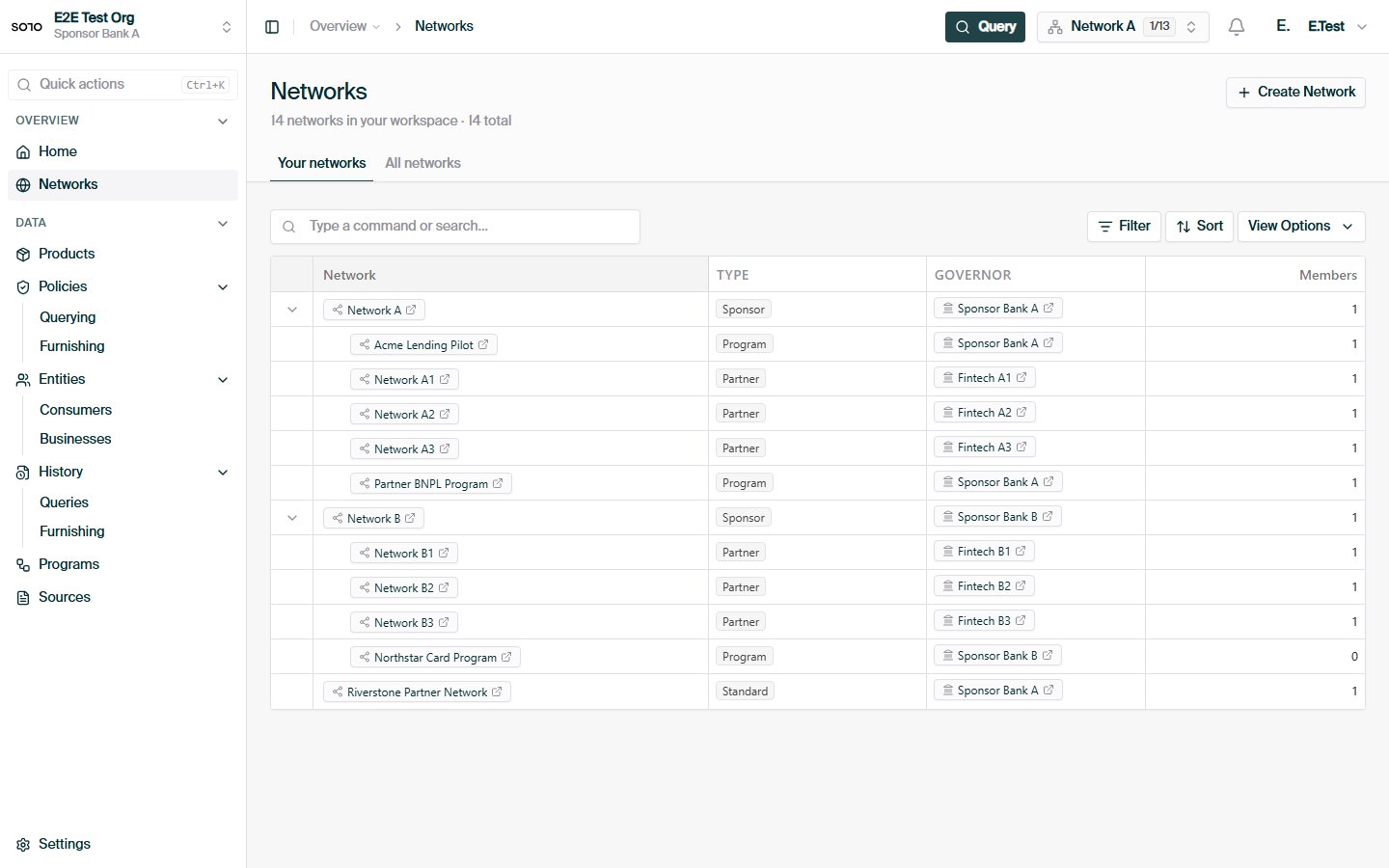
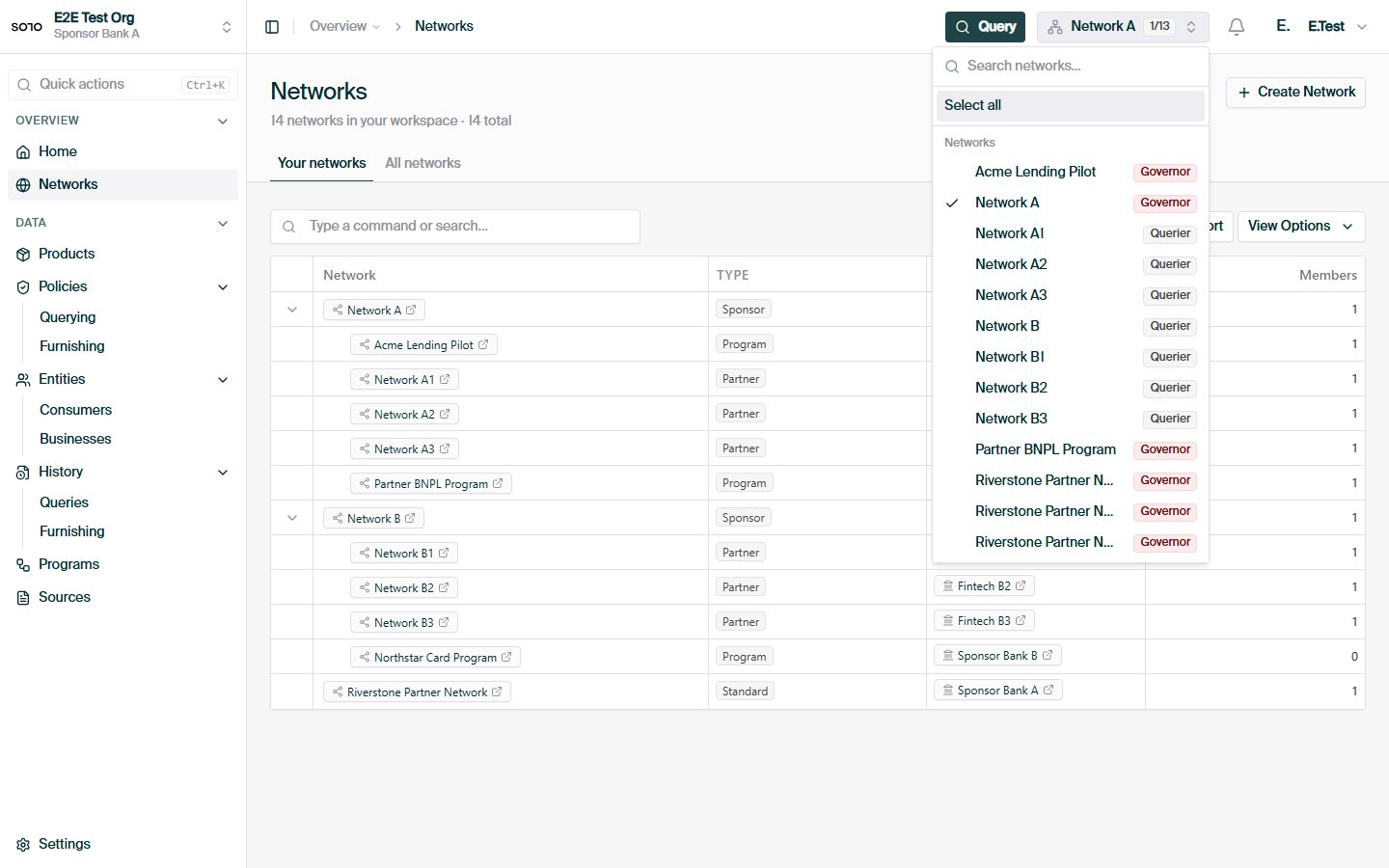 The same pattern on the business / KYB side.
Request anatomy, 200 vs 204, and the control plane.
The non-billable reuse pre-flight.
What you're reusing and creating.
The same pattern on the business / KYB side.
Request anatomy, 200 vs 204, and the control plane.
The non-billable reuse pre-flight.
What you're reusing and creating.