> ## Documentation Index
> Fetch the complete documentation index at: https://docs.solo.one/llms.txt
> Use this file to discover all available pages before exploring further.
# Entities
> Consumers and businesses — the subjects every query and furnish is about
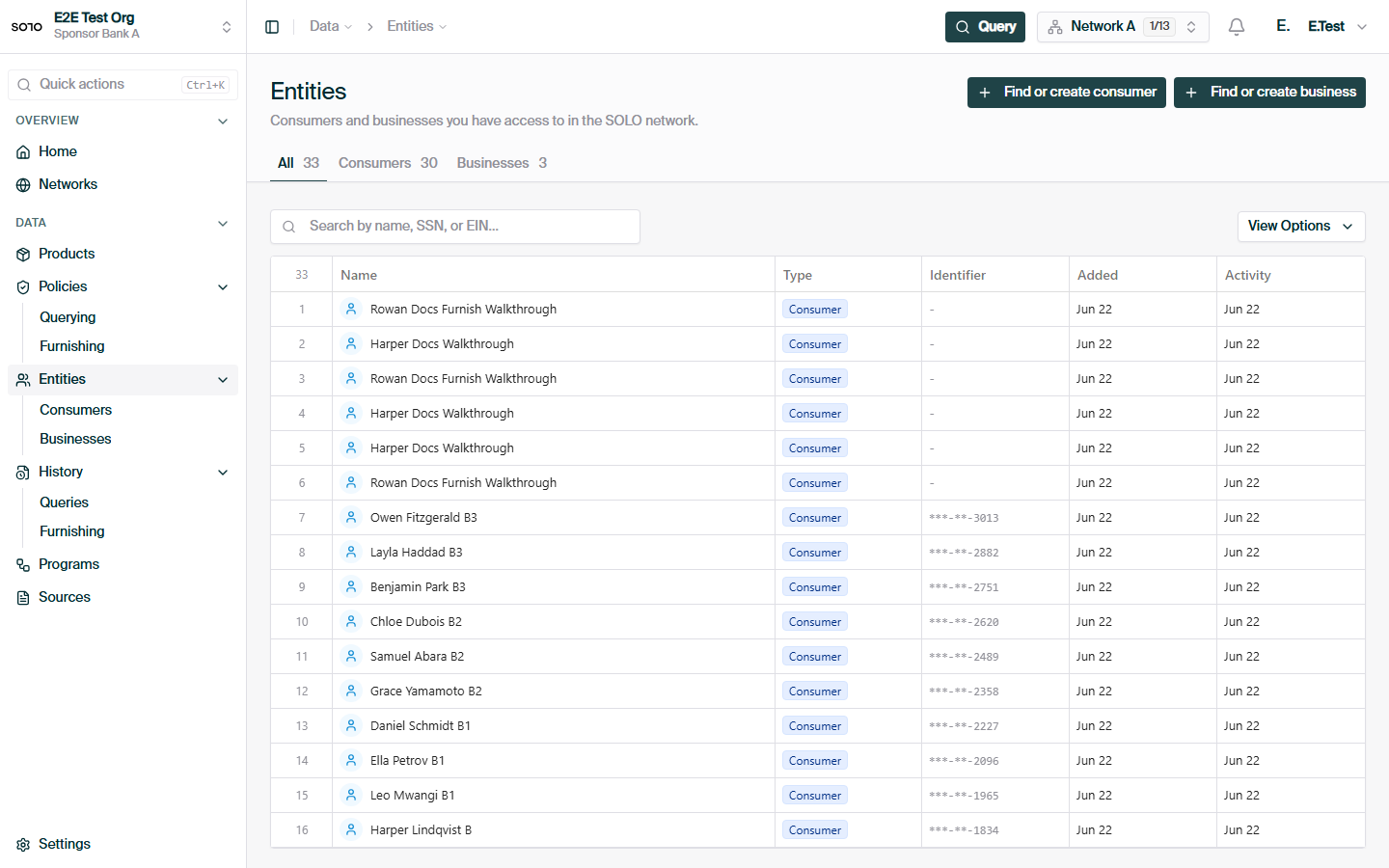
An **entity** is the subject of a verification: the person or organization you
are furnishing data about or querying data for. Every furnish and every query in
the SOLO Network is about exactly one entity — you never operate on data in the
abstract, only in the context of a specific consumer or business.
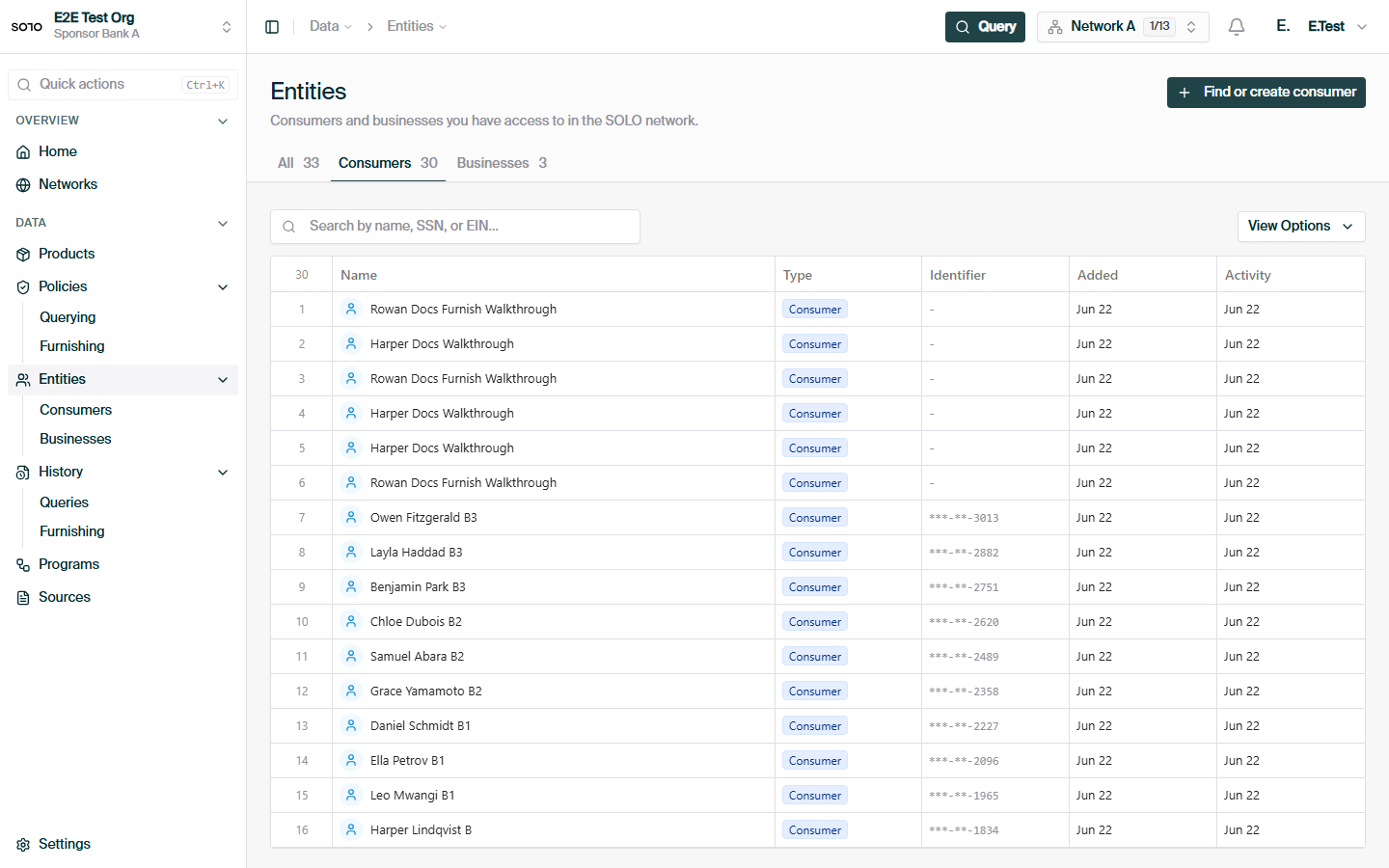
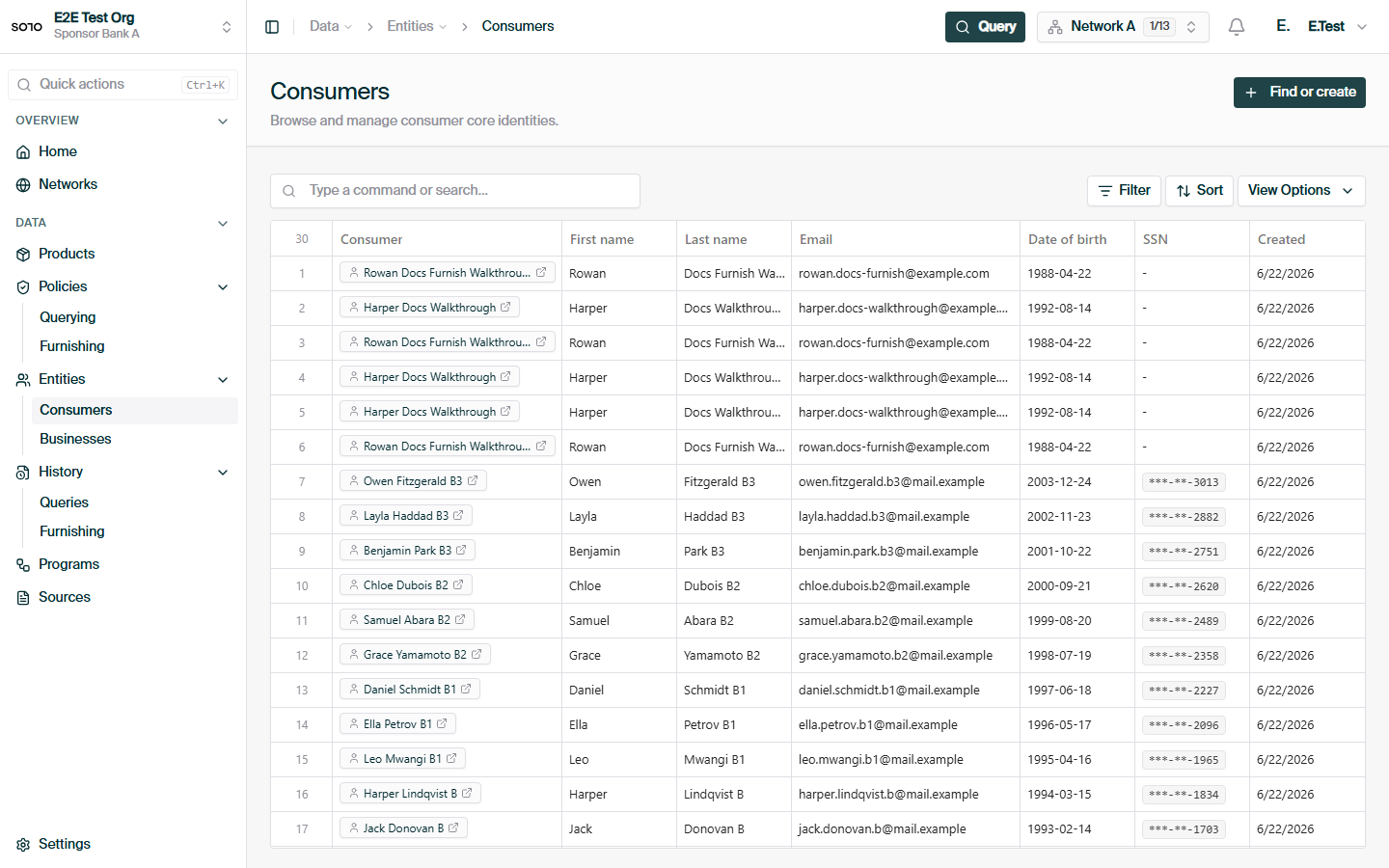
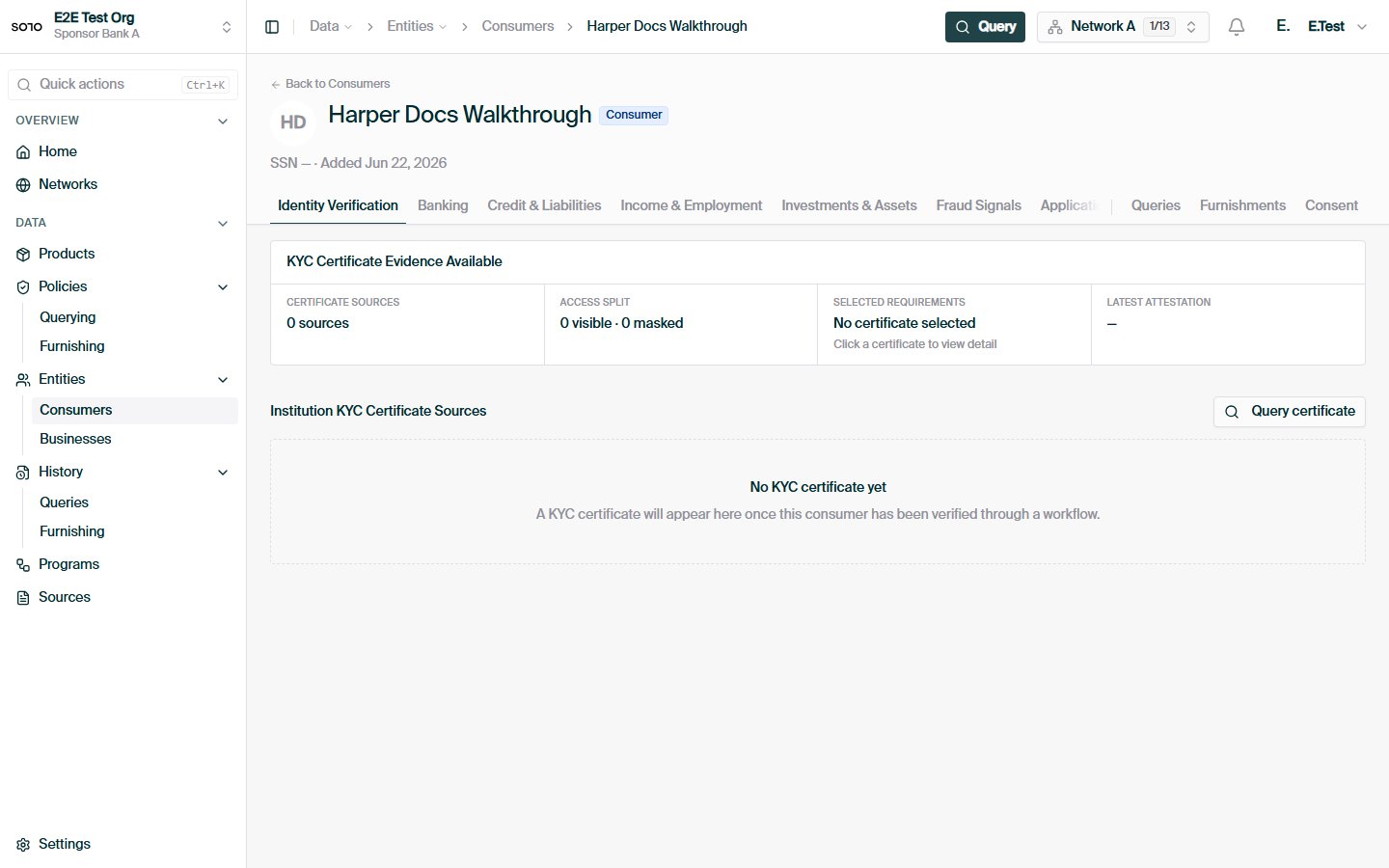
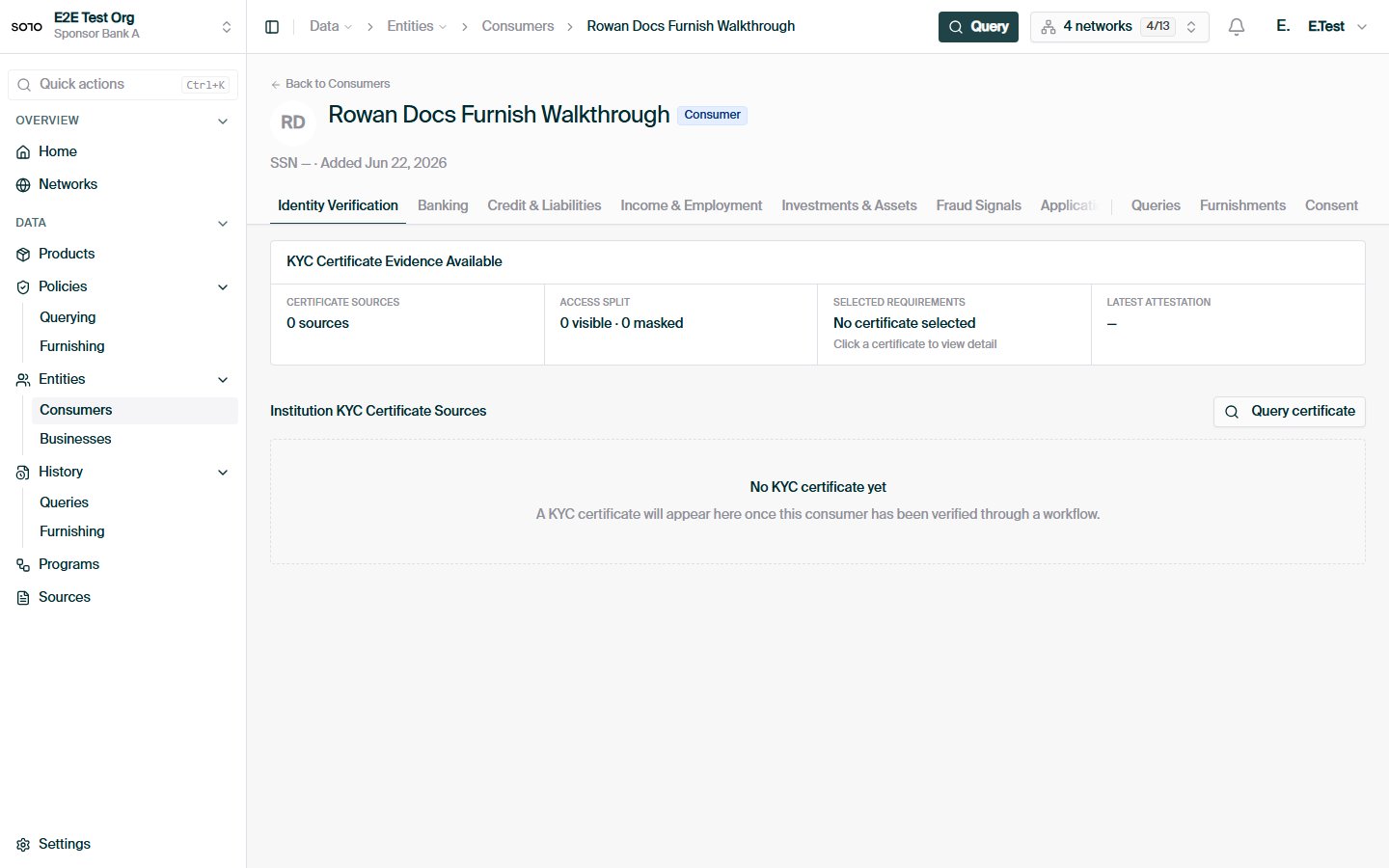
Individual people, identified by personal details such as name, date of birth, email, phone, and SSN.
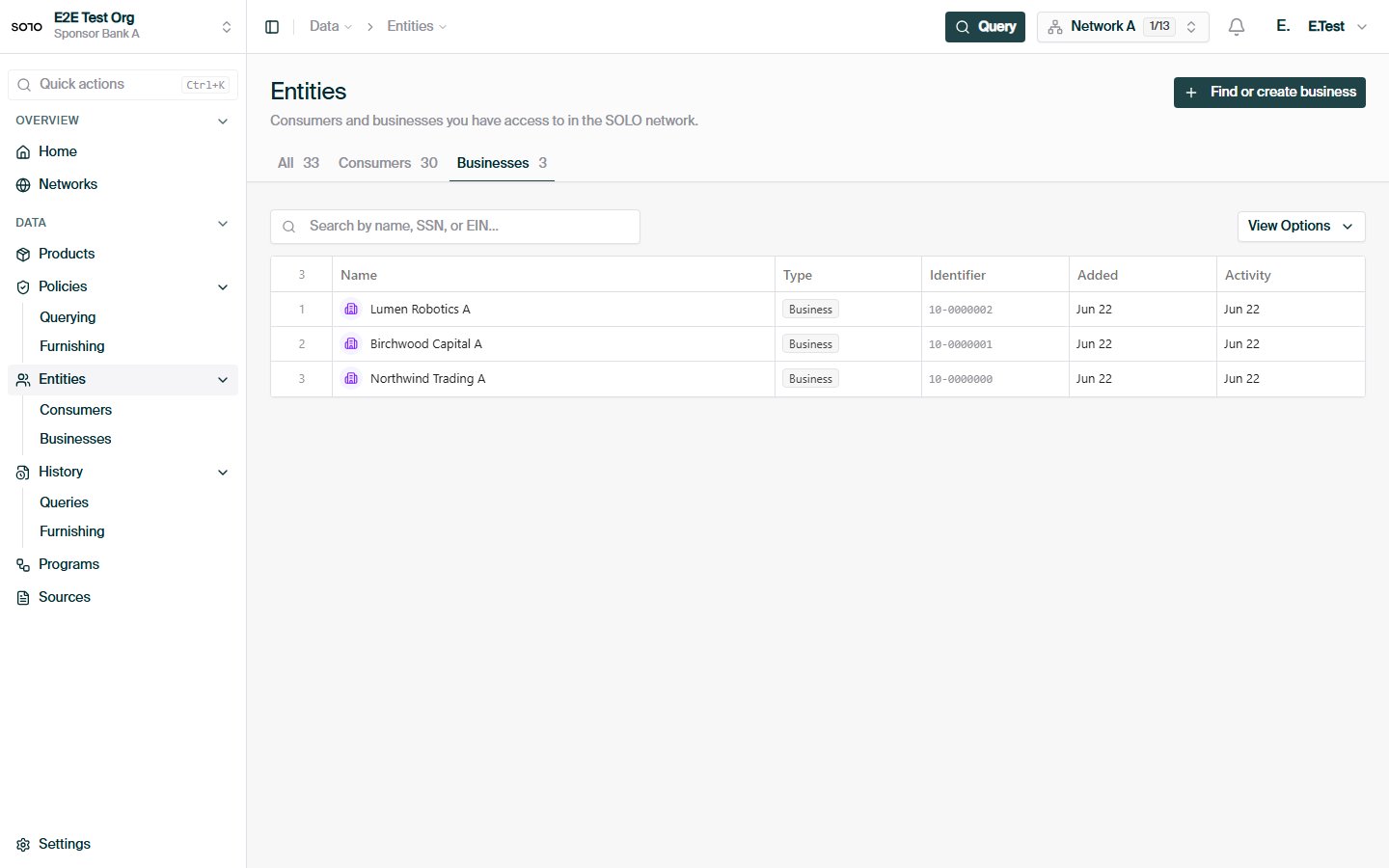
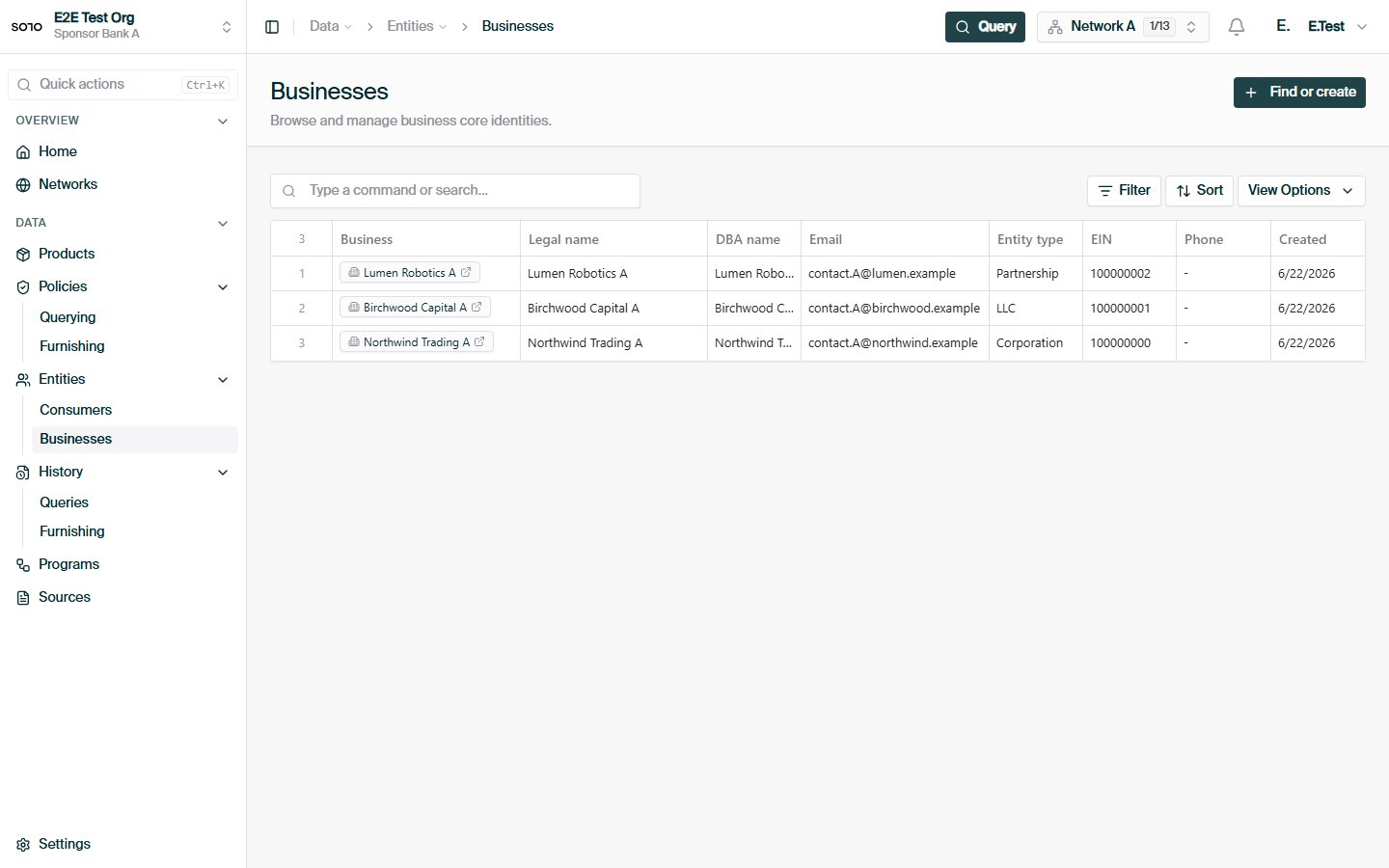
Legal entities, identified by details such as legal name, jurisdiction of formation, registration number, and tax identifier.
The same person or company resolves to a **single profile** in a network. When
you furnish or query, the network matches the identity you supply to that
profile, so contributions from different participants accumulate on one subject
rather than fragmenting into duplicates.
## How entities come into existence
You never call a "create entity" endpoint. Profiles materialize as a side effect
of normal participation:
When you [furnish](/api-overview/furnishing/overview) through a product endpoint
(for example `POST /v1/products/kyc_certificate/furnish`), the identity in
your payload is resolved to an existing profile or a new one is created.
When you create a [consent](/concepts/identity/consent) record with
`POST /v1/consent/consumer`, the identity payload is used to create and link
a consumer profile if you don't point at an existing one.
Consent creation accepts an optional `consumer_id`. If you've already found
the subject via search, pass its `id` and the consent links to that profile
instead of creating a new one.
## Consumers
A consumer represents a single individual, identified by:
| Field | Notes |
| ------------------------- | --------------------------------- |
| `first_name`, `last_name` | Legal name |
| `date_of_birth` | ISO `YYYY-MM-DD` |
| `personal_email` | |
| `phone_number` | |
| `social_security_number` | Used for high-confidence matching |
You don't need every field to identify a consumer, but more identifiers produce
higher-confidence matches. SSN and date of birth are the strongest signals.
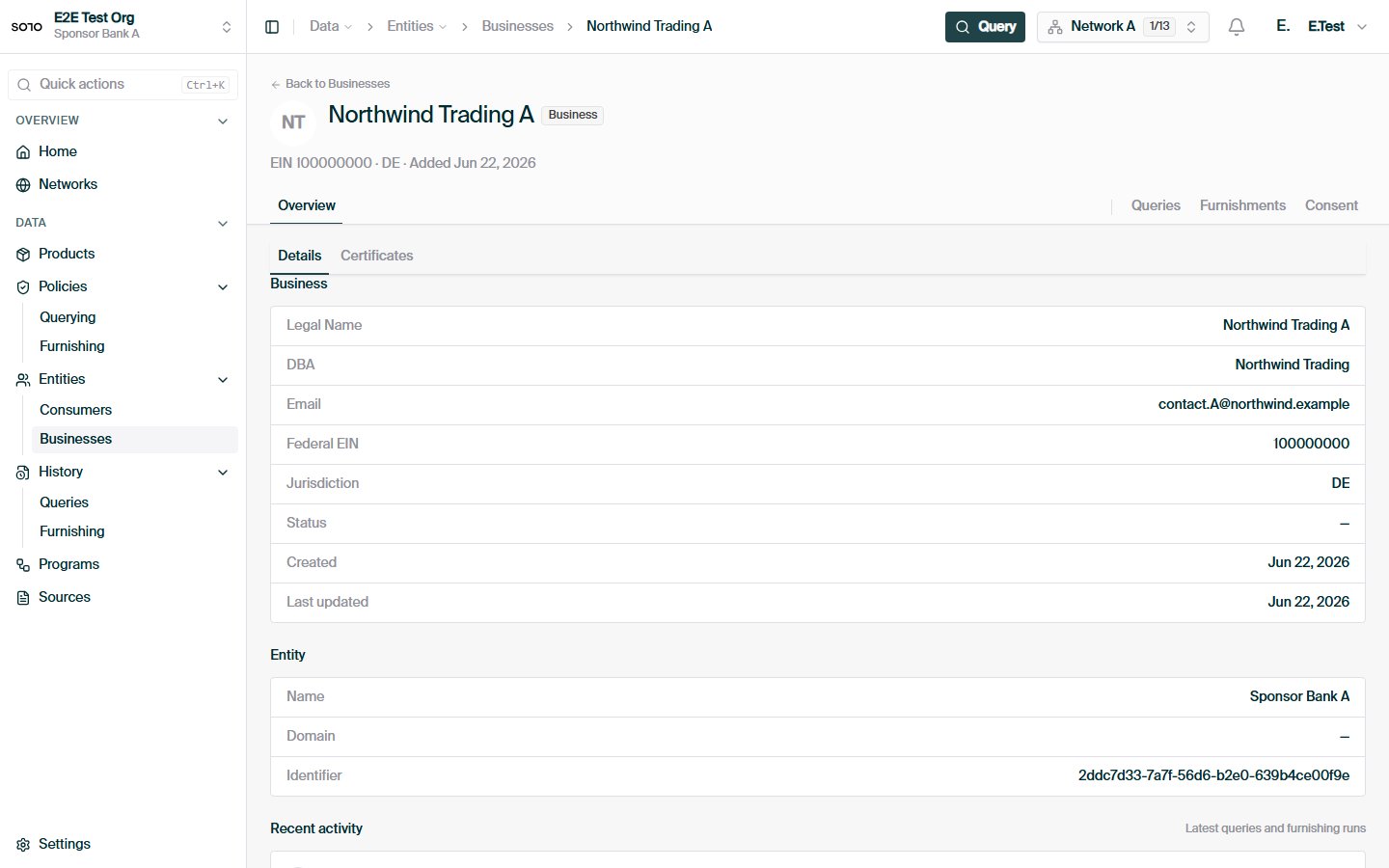
## Businesses
A business represents a legal entity, identified by:
| Field | Notes |
| ----------------------------------------------------------------- | --------------------------------------- |
| `business_legal_name` | Registered legal name |
| `business_jurisdiction_of_formation` | e.g. a US state |
| `business_registration_identifier_from_jurisdiction_of_formation` | Registration number issued at formation |
| `business_tax_identifier_type` / `business_tax_identifier_value` | e.g. `EIN` |
| `business_dba_name` | Optional "doing business as" name |
| `business_website_url` | Optional |
## Searching for entities
Before furnishing or querying, look up subjects that already exist with the
search endpoints:
* `GET /v1/entities/consumer/search`
* `GET /v1/entities/business/search`
Both endpoints share the same mechanics:
* **`network_id` is required.** Search is always scoped to a single
[network](/concepts/governance/networks); you cannot search across networks in one call.
* **All identity parameters are optional** and combine with AND — every
criterion you supply must match.
* **`limit`** caps results between 1 and 100, defaulting to 20.
### Match semantics
Each search parameter has a fixed matching rule:
| Kind | Parameter | Match |
| -------- | ------------------------ | ------------------------ |
| Consumer | `first_name` | Case-insensitive partial |
| Consumer | `last_name` | Case-insensitive partial |
| Consumer | `personal_email` | Case-insensitive partial |
| Consumer | `social_security_number` | Exact |
| Consumer | `date_of_birth` | Exact (`YYYY-MM-DD`) |
| Business | `business_legal_name` | Case-insensitive partial |
| Business | `business_dba_name` | Case-insensitive partial |
| Business | `business_email` | Case-insensitive partial |
| Business | `federal_ein` | Exact (integer) |
Partial matching means `first_name=jan` matches both "Jan" and "Janet";
exact-match fields like SSN and EIN must be supplied in full.
### Searching consumers
```bash theme={null}
curl -G https://api.solo.one/v1/entities/consumer/search \
-H "Authorization: Bearer $SOLO_TOKEN" \
--data-urlencode "network_id=9f1c0c2e-…" \
--data-urlencode "first_name=Jane" \
--data-urlencode "last_name=Doe" \
--data-urlencode "limit=10"
```
A `200 OK` returns an array of matching profiles:
```json theme={null}
[
{
"id": "7c9e6679-7425-40de-944b-e07fc1f90ae7",
"identifier": "7c9e6679-7425-40de-944b-e07fc1f90ae7",
"created_at": "2026-05-02T18:21:44.310000+00:00",
"updated_at": "2026-06-01T09:03:12.778000+00:00",
"first_name": "Jane",
"last_name": "Doe",
"personal_email": "jane@example.com",
"date_of_birth": "1990-01-15",
"social_security_number": "123-45-6789"
}
]
```
Consumer results carry these fields:
| Field | Type | Notes |
| ------------------------ | -------------- | --------------------------------- |
| `id` | UUID | The consumer profile's identifier |
| `identifier` | string | Same value as `id` |
| `created_at` | string \| null | When the profile was created |
| `updated_at` | string \| null | When the profile last changed |
| `first_name` | string \| null | |
| `last_name` | string \| null | |
| `personal_email` | string \| null | |
| `date_of_birth` | string \| null | `YYYY-MM-DD` |
| `social_security_number` | string \| null | |
### Searching businesses
```bash theme={null}
curl -G https://api.solo.one/v1/entities/business/search \
-H "Authorization: Bearer $SOLO_TOKEN" \
--data-urlencode "network_id=9f1c0c2e-…" \
--data-urlencode "business_legal_name=Acme" \
--data-urlencode "limit=10"
```
```json theme={null}
[
{
"id": "b4d2e9a1-0f6c-4a3e-8d57-91c2f0ab34de",
"identifier": "b4d2e9a1-0f6c-4a3e-8d57-91c2f0ab34de",
"created_at": "2026-04-18T11:02:09.114000+00:00",
"updated_at": "2026-05-30T16:47:51.902000+00:00",
"business_legal_name": "Acme Corp",
"business_dba_name": "Acme",
"business_email": "ops@acme.example.com",
"business_entity_type": "corporation",
"business_date_of_incorporation": "2015-03-09",
"business_phone": "+14155550123",
"business_website_url": "https://acme.example.com",
"federal_ein": 123456789,
"employee_count": 250
}
]
```
Business results carry these fields:
| Field | Type | Notes |
| -------------------------------- | --------------- | --------------------------------- |
| `id` | UUID | The business profile's identifier |
| `identifier` | string | Same value as `id` |
| `created_at` | string \| null | When the profile was created |
| `updated_at` | string \| null | When the profile last changed |
| `business_legal_name` | string \| null | |
| `business_dba_name` | string \| null | |
| `business_email` | string \| null | |
| `business_entity_type` | string \| null | e.g. corporation, LLC |
| `business_date_of_incorporation` | string \| null | |
| `business_phone` | string \| null | |
| `business_website_url` | string \| null | |
| `federal_ein` | integer \| null | |
| `employee_count` | number \| null | |
Search returns **core identity fields only** — enough to confirm you have the
right subject. It is not a data product: credit and verification data come
back through [product queries](/api-overview/querying/overview), gated by consent and
entitlement.
## From search to consent: find or create
The search endpoints exist primarily to support a **find-or-create** workflow
before consenting and querying a consumer:
Call `GET /v1/entities/consumer/search` with the strongest identifiers you
hold (SSN and date of birth where possible).
Pass the result's `id` as `consumer_id` when calling
`POST /v1/consent/consumer`. The consent attaches to the existing profile,
keeping the subject's history consolidated.
Omit `consumer_id`. The identity payload on the consent request creates and
links a fresh consumer profile.
Use the returned `consent_id` on [product queries](/api-overview/querying/products) for
that subject.
See [Consent](/concepts/identity/consent) for the full consent API.
## Provenance: one entity, many furnishers
An entity profile is a **shared subject**, not a record you own. In a healthy
network, several participants typically furnish data about the same consumer or
business — one bank contributes identity verification outcomes, another
contributes fraud events, a third contributes business registration details.
All of it accrues to the same profile.
Two consequences follow:
1. **You don't control the whole profile.** Your furnished fields sit alongside
fields contributed by other participants. Updating your own contribution
never overwrites theirs.
2. **What you can read is governed, not automatic.** Sharing a profile with
another furnisher does not mean you see their data. A query returns the
intersection of what the network's
[querying policy](/concepts/governance/querying-policies) exposes and what you are
[entitled](/concepts/governance/entitlement) to — entitlement you earn by furnishing or
previously querying that entity.
Identifying an entity tells the network *who* you mean. Consent and entitlement
determine *what* you may read about them. The same search result can yield
very different query responses for two different participants.
For how each furnisher's contribution stays attributed — and how the network
chooses which furnisher's verification to reuse — see
[Provenance](/concepts/trust/provenance).
## Network scoping
Entities are always handled in the context of a network:
* Search requires a `network_id` and only surfaces subjects visible to you in
that network.
* Consent records are created against a `network_id`, and the same subject
needs separate consent per network.
* Furnishes and queries run under a network's policies.
If you participate in multiple networks, treat each as a separate scope — an
entity you can see in one network is not automatically visible in another. See
[Networks](/concepts/governance/networks) for how membership and roles work.
## Common questions
No profile visible to you in that network matched **all** of your criteria.
Remember that criteria combine with AND: `first_name=Jane` plus
`last_name=Smith` only matches profiles satisfying both. Try fewer or
looser criteria, or double-check exact-match fields (`social_security_number`,
`date_of_birth`, `federal_ein`) for typos — partial input never matches an
exact-match field.
Partial matching on names and emails can surface several candidates.
Disambiguate with the exact-match identifiers — SSN or date of birth for
consumers, federal EIN for businesses — before linking a profile to a
consent record. When in doubt, omit `consumer_id` and let consent creation
work from the identity payload you trust.
Yes. All identity parameters are optional, so a request with only
`network_id` returns profiles up to `limit` (default 20, max 100). This is
useful for an initial look at a network, but for production matching always
pass the strongest identifiers you hold.
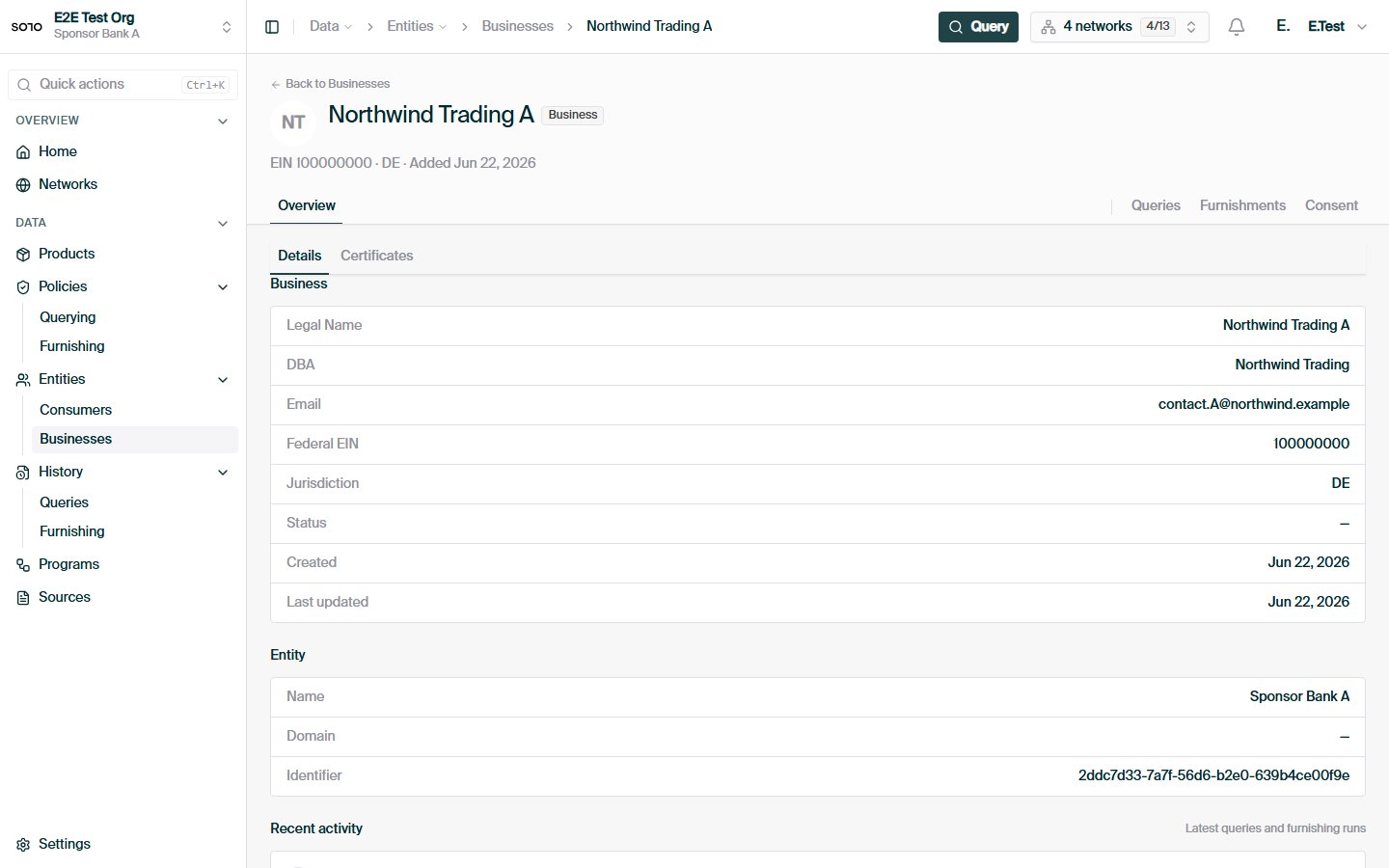
## In the dashboard
 ## Related concepts
How to record permission to query a consumer or business.
Why you can read a given field about an entity.
How contributing data creates and enriches entities.
How consolidated entity data is read back.
## Related concepts
How to record permission to query a consumer or business.
Why you can read a given field about an entity.
How contributing data creates and enriches entities.
How consolidated entity data is read back.