> ## Documentation Index
> Fetch the complete documentation index at: https://docs.solo.one/llms.txt
> Use this file to discover all available pages before exploring further.
# Network contribution
> How contributing verified work to the network works — and what a contributor keeps
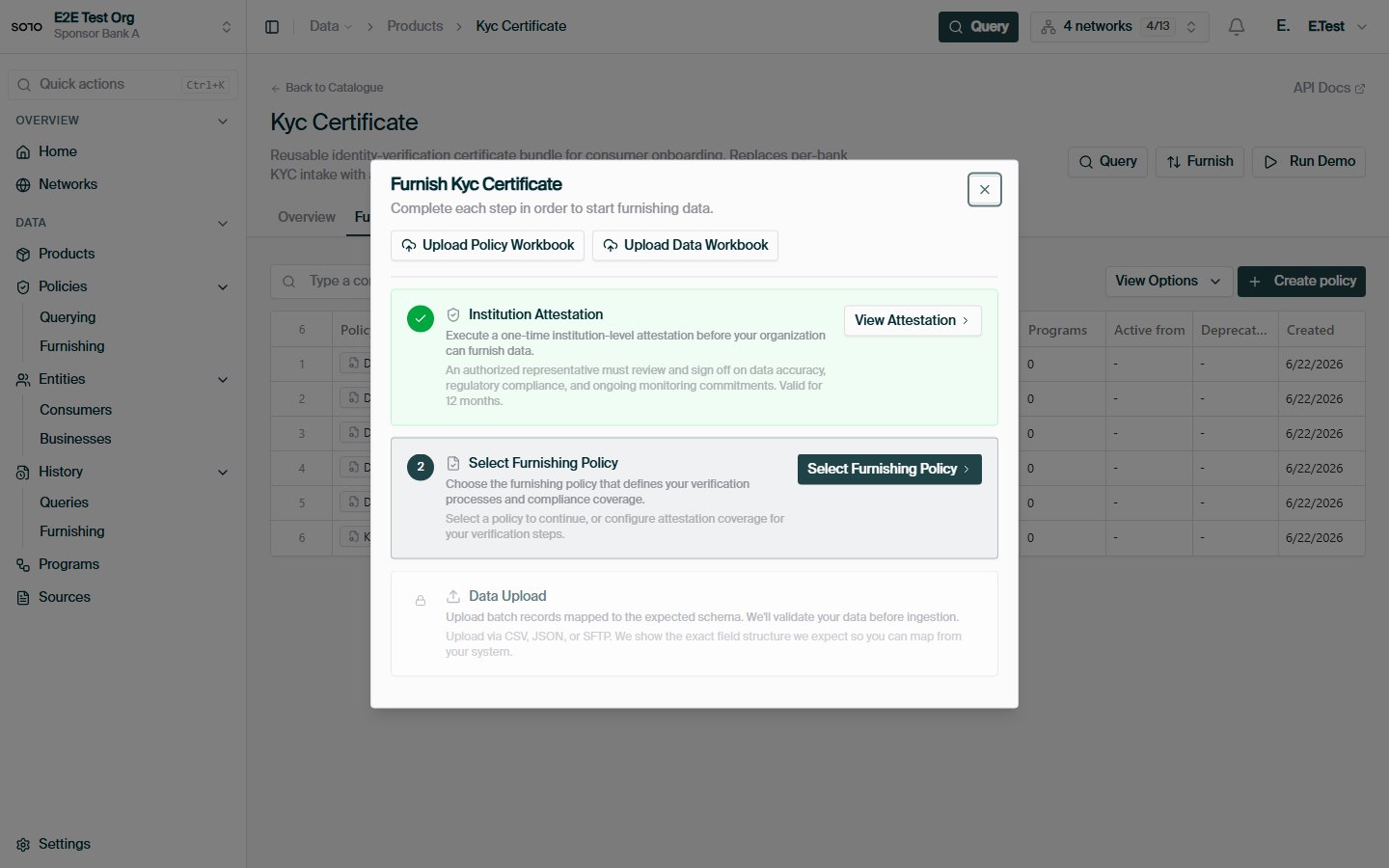
**Furnishing** is how a participant contributes verified work into a network.
It's the write half of the network: a verification your institution already
performed becomes a reusable [trust asset](/concepts/trust/trust-assets) that
entitled participants can later query. If querying is how you take value out of
a SOLO network, contributing is how you put value in — and how you earn the
right to take value out in the first place.
## Contributing is asset creation, not data donation
The natural fear of contributing is "I'm giving away proprietary customer
intelligence and losing control." A SOLO network is designed so that isn't what
happens. When you furnish a verification, it does not vanish into a vendor
database — it becomes an **attributed, governed asset** you still have a stake
in:
* **You keep attribution.** Every certificate sub-product your data backs
carries your `furnishing_entity_id` and `attestation_id`. The verification
travels with your name on it — see [Provenance](/concepts/trust/provenance).
* **You keep governance.** Contributed data is still gated by the subject's
[consent](/concepts/identity/consent), the network's
[querying policy](/concepts/governance/querying-policies), and each reader's
[entitlement](/concepts/governance/entitlement). Furnishing does not expose
your data to passive observers.
* **You gain read access.** Contributing is how you earn entitlement to read a
subject back later (see below).
## Why furnish?
Banks furnish for two reasons, one regulatory and one economic:
1. **It's how the network has anything to say.** Every certificate, attestation,
and screening result a querier receives traces back to a record some
furnisher contributed. A network where nobody furnishes is an empty
database with a governance layer.
2. **It earns you read access.** Furnishing an entity makes you
[entitled](/concepts/governance/entitlement) to that entity's data on future
queries. Contributing is one of the two ways to earn entitlement — the other
is a prior query. For most participants, furnishing the entities you already
onboard is by far the cheapest way to build broad read coverage across the
network.
This earn-back loop is deliberate. Networks stay healthy when read access is
proportional to contribution, so the [entitlement
model](/concepts/governance/entitlement) treats every furnish as a deposit
against future reads.
## The three furnishing channels
There are three ways to get records into a network. All three converge on the
same ingestion machinery — the differences are in transport, batch size, and
how much automation you want to build.
| | REST furnish | Bulk file upload | SFTP drops |
| ------------------------ | ---------------------------------------------- | ------------------------------------------------ | --------------------------------------------------------------------- |
| **Endpoint / transport** | `POST /v1/products/{product}/furnish` | `POST /v1/file-upload/ingest` | SFTP server (`sftp.solo.one`) |
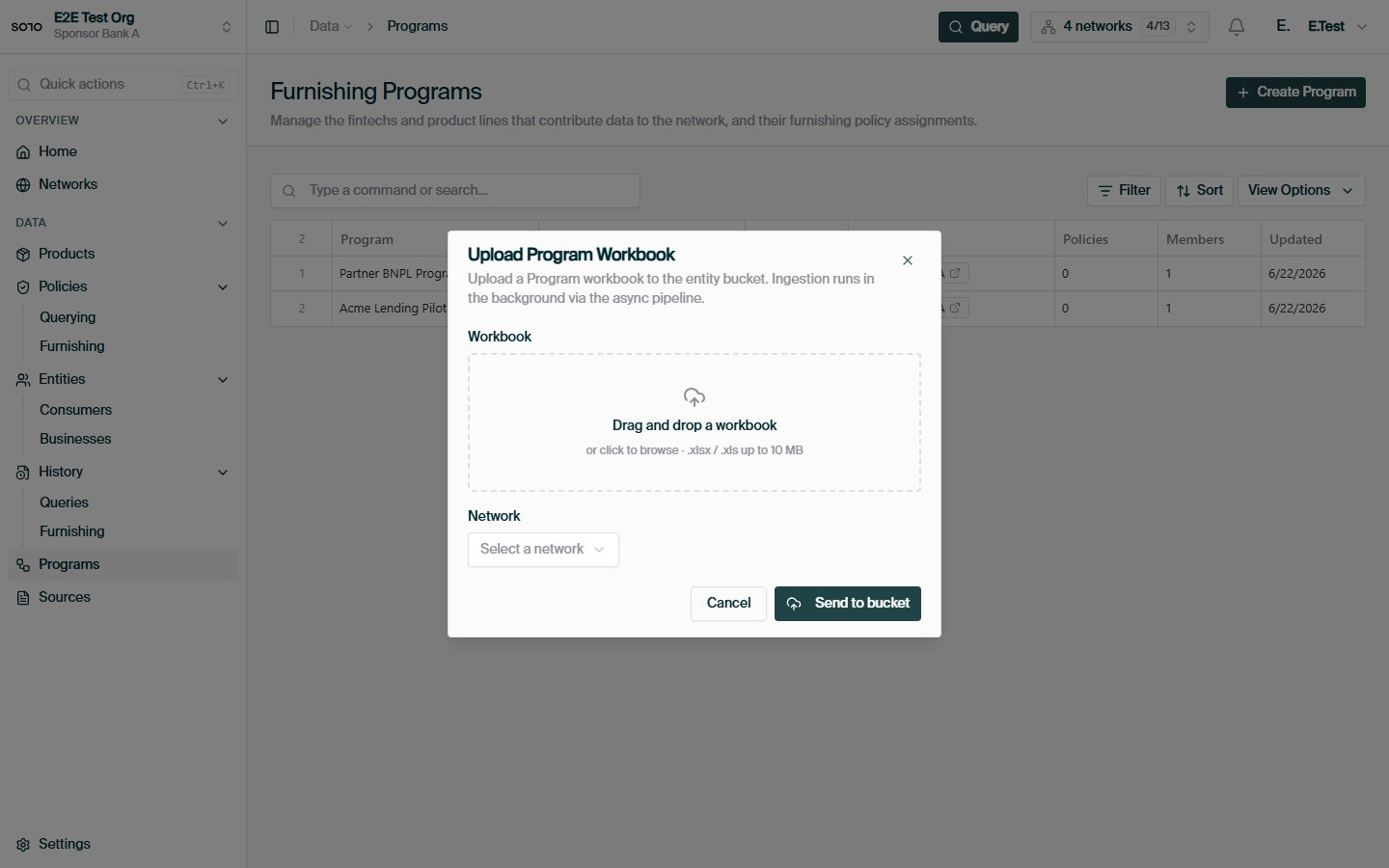
| **Payload** | JSON records in the request body | One file per request (multipart) | Excel workbooks dropped into category directories |
| **Batch size** | One to a few records per call | One file, many rows | One workbook, many rows; many workbooks per session |
| **Processing** | Synchronous — response reflects the furnish | Asynchronous — returns an upload record to track | Asynchronous — ingestion triggers on upload |
| **Best for** | Real-time furnishing from your onboarding flow | Programmatic batch jobs that already speak HTTPS | Recurring scheduled drops from core-banking or data-warehouse exports |
When to choose each:
* **REST furnish** when furnishing is an event in your system — a consumer
finishes onboarding, you furnish their record in the same workflow. Lowest
latency, immediate feedback, no file handling.
* **[Bulk file upload](/api-overview/furnishing/file-upload)** when you have a
periodic batch job and an HTTPS client but don't want to manage SFTP
credentials or a file-transfer pipeline.
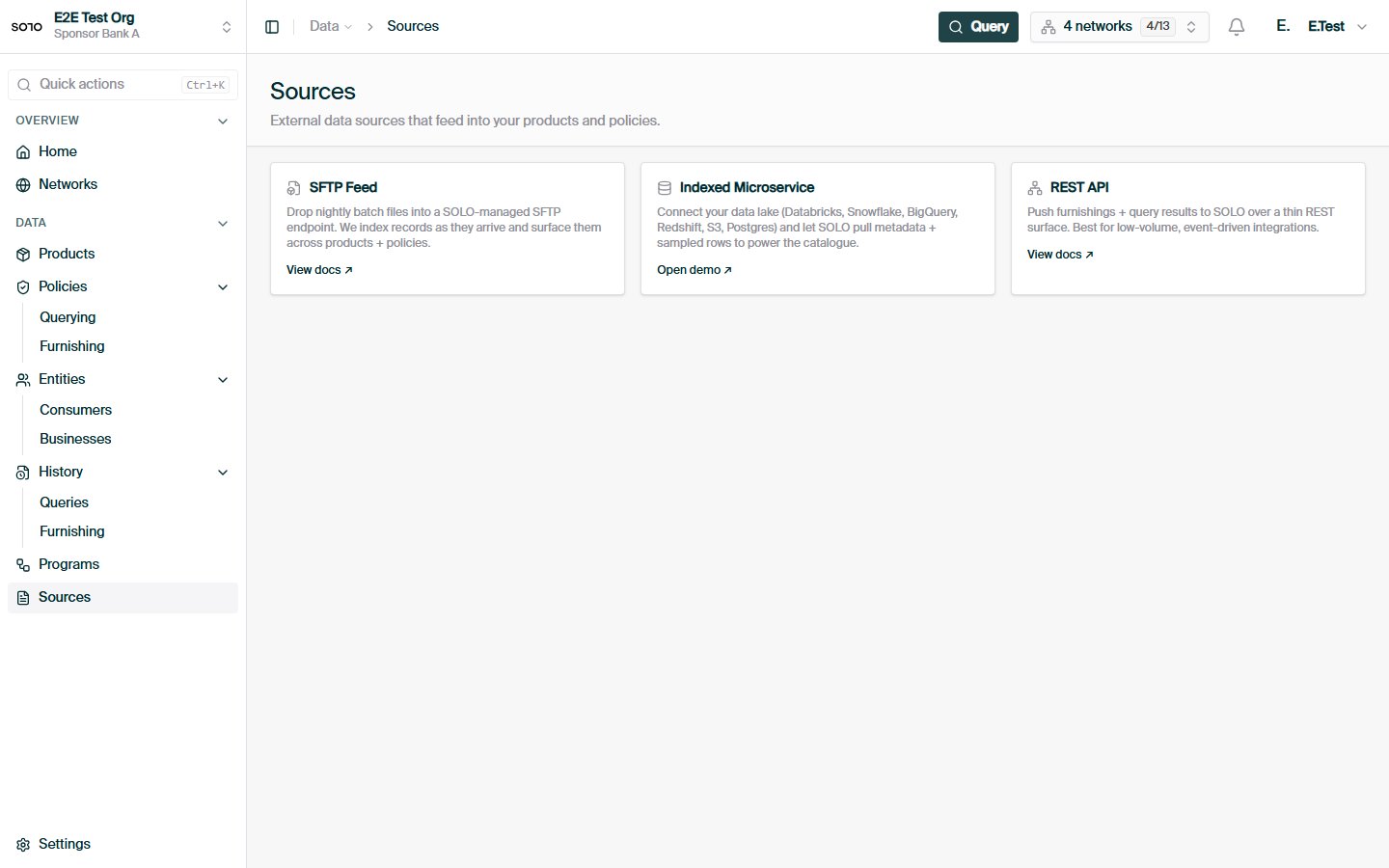
* **[SFTP](/api-overview/sftp/overview)** when your data already leaves your
systems as files on a schedule. Most core-banking and data-warehouse stacks
can target an SFTP endpoint with zero custom code, which makes it the usual
choice for nightly or monthly drops.
All three channels feed the same furnishing pipeline. A record furnished over
REST and the same record uploaded in a workbook over SFTP end up as identical
data in the network — same validation, same policy resolution, same
entitlement effect.
## How a furnish works
A furnish brings together a **network**, a **program**, a resolved **furnishing
policy**, and a **consumer** (or business):
```mermaid theme={null}
flowchart LR
Rec[Your records] --> F[Product furnish]
N[Network + program] --> F
P[Furnishing policy] -. resolved .-> F
F --> M[Matched to entity]
M --> Store[(Network data)]
```
| Concept | Role in the furnish |
| ----------------------- | ------------------------------------------------------------------------------------------------------------------------------------- |
| **Product** | *What* you're contributing (e.g. a KYC certificate). Determines the endpoint and record schema. |
| **Network** | *Where* the data is contributed. You must be a [furnisher](/concepts/governance/network-roles) of it. |
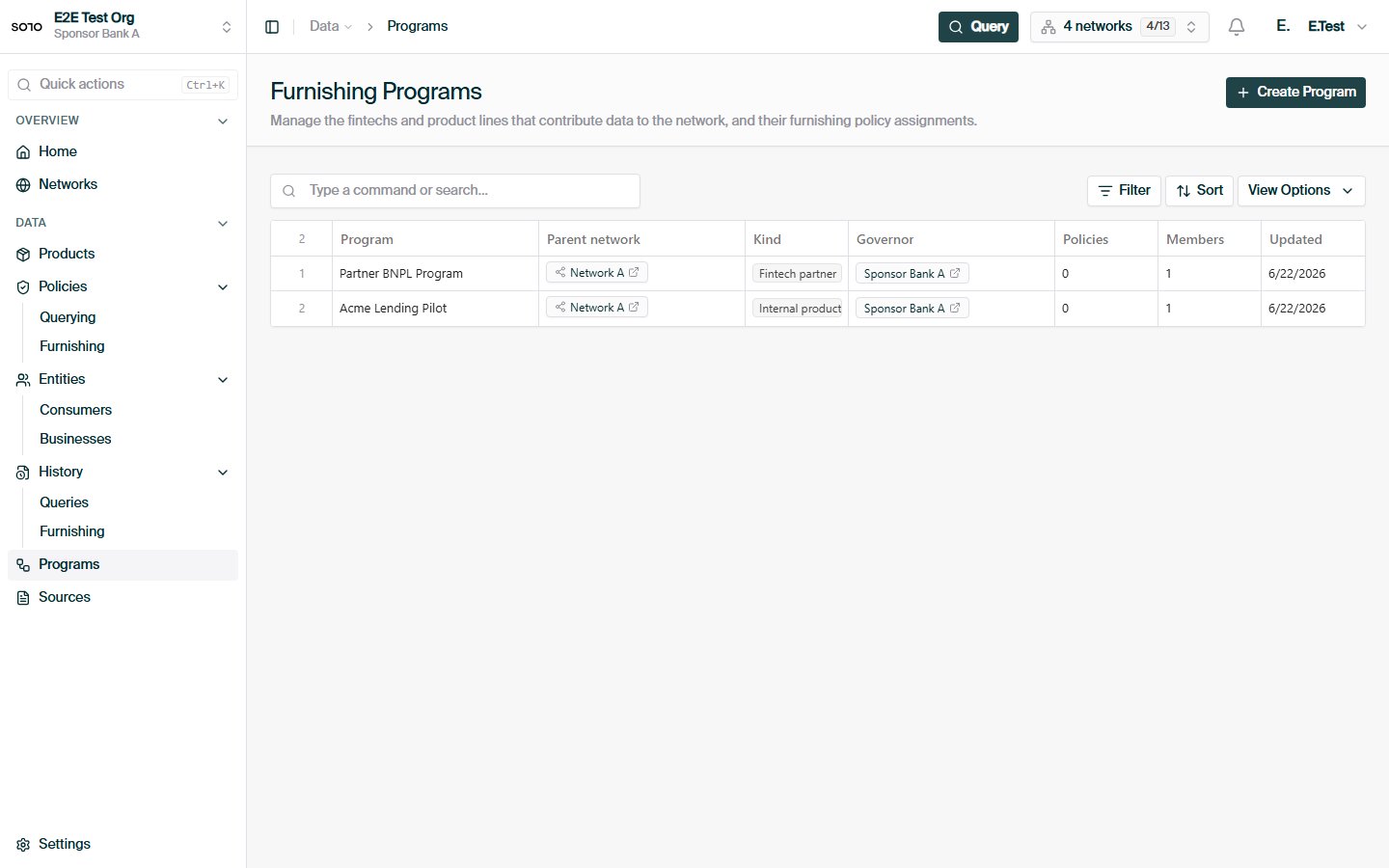
| **Program** | *Which partition* inside the network the data belongs to. Programs link to the policies that govern acceptance. |
| **Policy** | The [furnishing policy](/concepts/governance/furnishing-policies) the network resolves automatically from program + application date. |
| **Consumer / Business** | *Who* the data is about — matched from the identifiers in each record. |
### Anatomy of a REST furnish
You call the product's furnish endpoint with the network scope and one or more
records. For a KYC certificate:
```bash theme={null}
curl -X POST https://api.solo.one/v1/products/kyc_certificate/furnish \
-H "Authorization: Bearer $SOLO_TOKEN" \
-H "Content-Type: application/json" \
-d '{
"network_id": "9f1c0c2e-7a44-4f1e-9d2a-08b6f3a1c5d7",
"program_name": "default",
"application_date": "2026-05-28",
"records": [
{
"first_name": "Jane",
"last_name": "Doe",
"date_of_birth": "1990-01-15",
"social_security_number": "123-45-6789"
}
]
}'
```
A successful furnish returns a submission acknowledgment:
```json theme={null}
{
"success": true,
"submission_id": "5b2e9f10-3c7d-4e8a-b1f6-2d9c0a47e831"
}
```
Field by field:
* `network_id` — the network you're furnishing into. You must hold the
furnisher role there.
* `program_name` — names the program inside that network. Together with
`application_date`, this is what the network uses to resolve the applicable
furnishing policy.
* `application_date` — when the consumer applied. Used in policy resolution
(see below), not as a record timestamp.
* `records` — one or more consumer records. For KYC certificates each record
carries `first_name`, `last_name`, `date_of_birth`, and
`social_security_number` — all strings. The SSN is the matching key that
connects your record to a consumer [entity](/concepts/identity/entities).
The same shape applies to `POST /v1/products/kyb_certificate/furnish` for
business records.
### Program routing and policy resolution
You never attach a furnishing policy yourself. At ingest, the network resolves
it in two steps:
1. **Program lookup.** `program_name` is resolved to a program inside the
network identified by `network_id`. An unknown program name fails the
record — programs must be configured by the network's governor before
furnishers can target them.
2. **Policy matching.** Each program is linked to one or more
[furnishing policies](/concepts/governance/furnishing-policies), each link
carrying an effective date window. Your record's `application_date` is
compared against the policy's active window and the program-link's
effective window. Policies whose windows cover the application date apply;
records that fall outside every window are *filtered* — skipped without
being treated as errors.
```mermaid theme={null}
flowchart TD
R[Record: program_name + application_date] --> PG[Resolve program in network]
PG -->|not found| ERR[Record fails]
PG --> PM[Match linked furnishing policies]
PM -->|application_date in window| RUN[Ingest under policy]
PM -->|outside all windows| FIL[Filtered — skipped, not an error]
```
This is why the policy is "optional" from your perspective: it's always
applied, but never something you pass in. As a furnisher you state *facts*
(program, date, record); the governor's configuration decides *rules*. If a
program links several policies whose windows overlap your application date,
the record is ingested under each matching policy.
## What happens after ingest
Once a record is accepted, the furnishing pipeline takes over:
1. **Validation.** The record is checked against the resolved policy's
requirements. Each record is processed independently — one bad record in a
batch doesn't fail its neighbors.
2. **Entity matching.** Identifiers in the record (SSN for consumers; tax
identifier and jurisdiction for businesses) are matched to an existing
[entity](/concepts/identity/entities), or a new entity profile is created.
Re-furnishing the same entity updates the existing profile rather than
creating a duplicate.
3. **Records become network data.** The furnished attributes are written as
that entity's data, attributed to your organization as furnisher.
4. **Certificates and attestations.** For certificate products, the furnished
operations (document capture, address verification, and so on — whatever
the policy requires) become the evidence behind KYC/KYB certificates that
queriers later receive. Where your organization has attested to the data,
the attestation is linked to the resulting certificates.
5. **Entitlement is recorded.** Your organization becomes
[entitled](/concepts/governance/entitlement) to this entity's data on
future queries.
## Data quality expectations
The network is only as good as what's furnished into it. A few expectations
hold across every channel:
* **Identifiers must be real and complete.** SSNs, EINs, and dates of birth
are matching keys. A typo doesn't just corrupt one record — it creates a
phantom entity or pollutes a real one.
* **Treat identifiers as text.** SSNs and tax identifiers are strings, not
integers. This matters in spreadsheets especially: a numeric cell silently
drops leading zeros.
* **`application_date` should be the genuine application date.** It drives
policy resolution; backdating or defaulting it to "today" routes records to
the wrong policy version.
* **Furnish what the policy asks for.** Policies enumerate required
verification operations. Records that don't satisfy them won't produce
certificates, even if they ingest cleanly.
* **Idempotency is on natural keys.** Re-submitting a consumer record with the
same SSN updates rather than duplicates. Don't "fix" a bad record by
furnishing a second one with a tweaked identifier.
## Furnishing vs. querying
| | Furnishing | Querying |
| ------------------------ | --------------------------- | ---------------------- |
| Direction | Write into the network | Read from the network |
| Needs consent? | No | Yes |
| Needs a policy you pass? | No (resolved automatically) | Yes (`network_policy`) |
| Earns entitlement? | Yes | Yes |
See [Querying](/api-overview/querying/overview) for the read half.
## Troubleshooting
Your organization must hold the furnisher role in the target network. See
[network roles](/concepts/governance/network-roles). Check that
`network_id` is the network where you were granted the role — roles don't
carry across networks.
`program_name` must exactly match a program configured in the network by
its governor. Program names are matched within the network identified by
`network_id` — confirm both halves. If the program genuinely doesn't exist
yet, the governor needs to create it (over the API or a
[programs workbook](/api-overview/sftp/schemas#programs)) before you furnish
against it.
Most often the record was **filtered**: its `application_date` fell outside
every linked policy's effective window. Filtered records are skipped
deliberately, not errored. Check the program's policy links and their date
windows against the application dates you're sending.
Records are validated independently, so a batch can partially succeed.
Common causes: missing required fields (all four KYC record fields are
required), malformed dates (use ISO 8601, e.g. `1990-01-15`), or empty
identifier strings.
Entity matching keys on identifiers (SSN; EIN + jurisdiction). If you see
duplicates, the identifiers differed between submissions — check for
formatting drift such as dropped leading zeros or embedded whitespace.
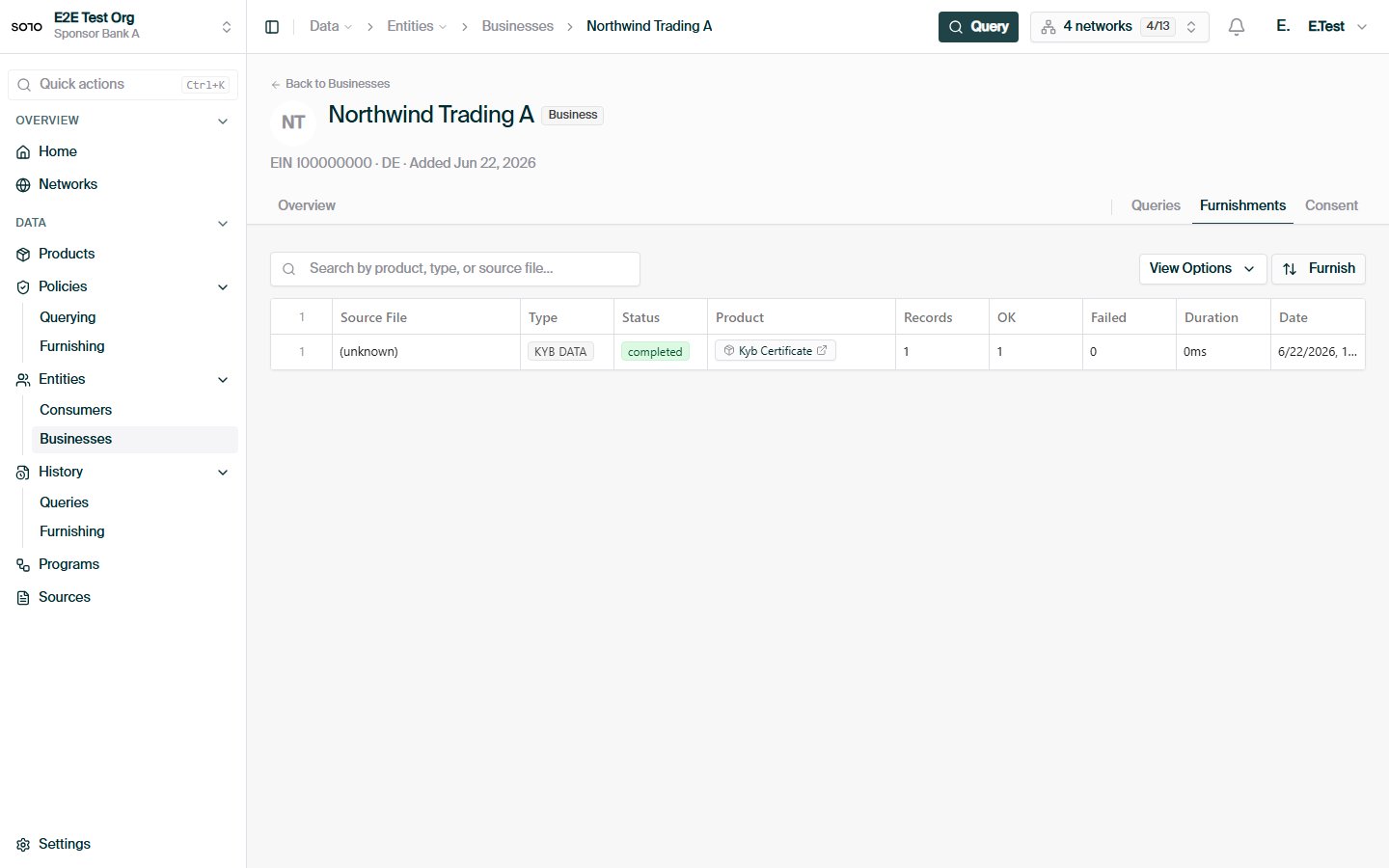
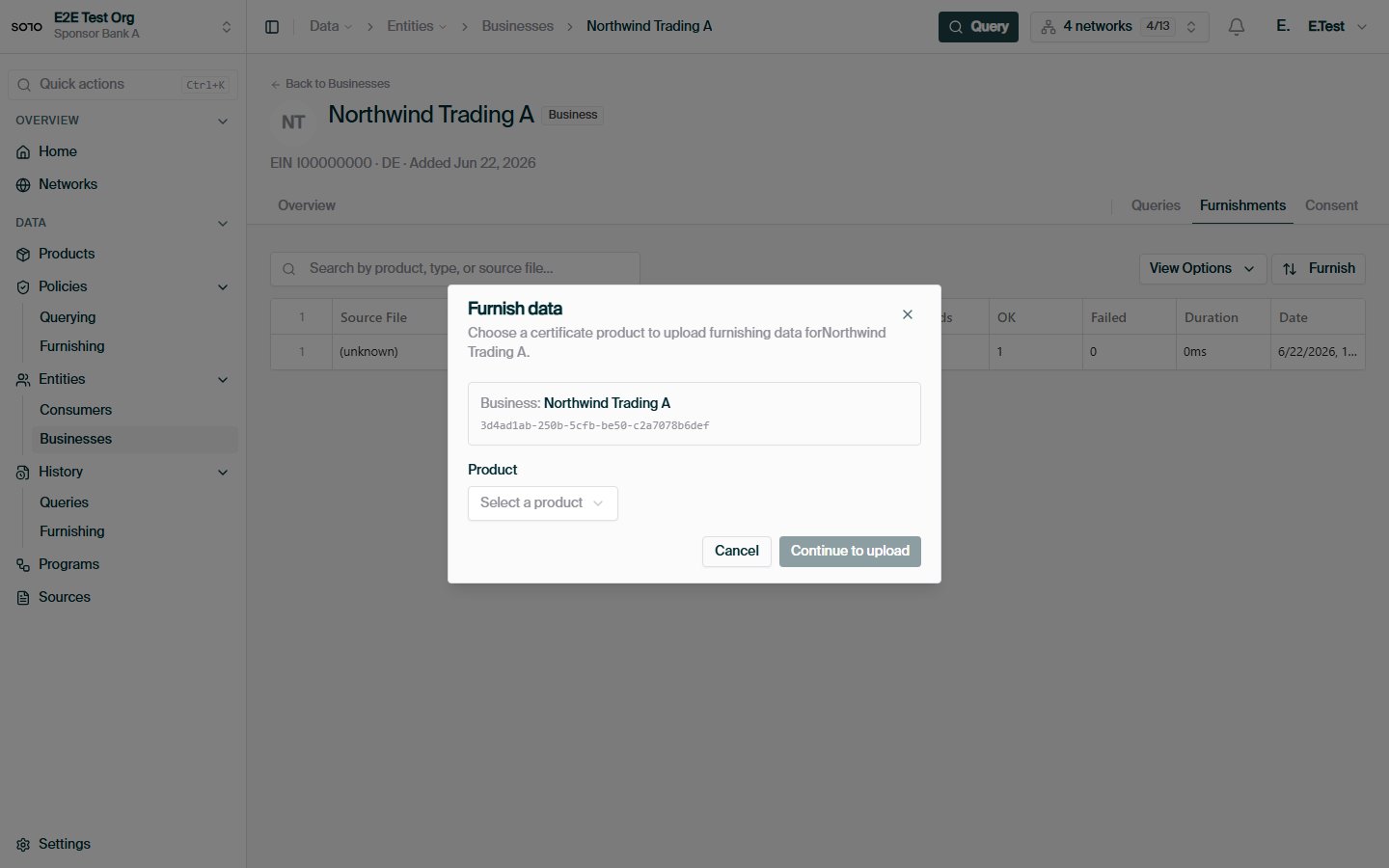
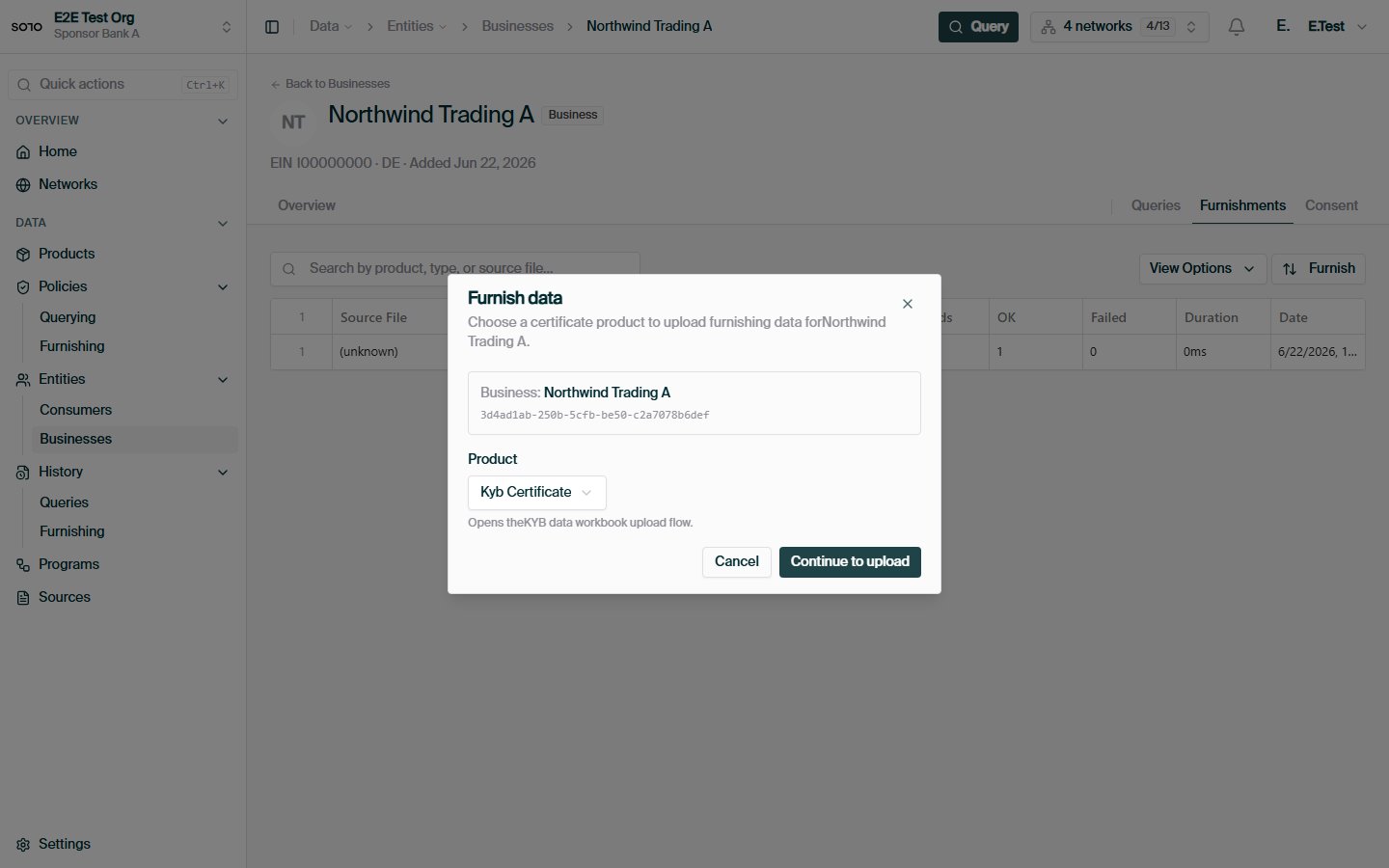
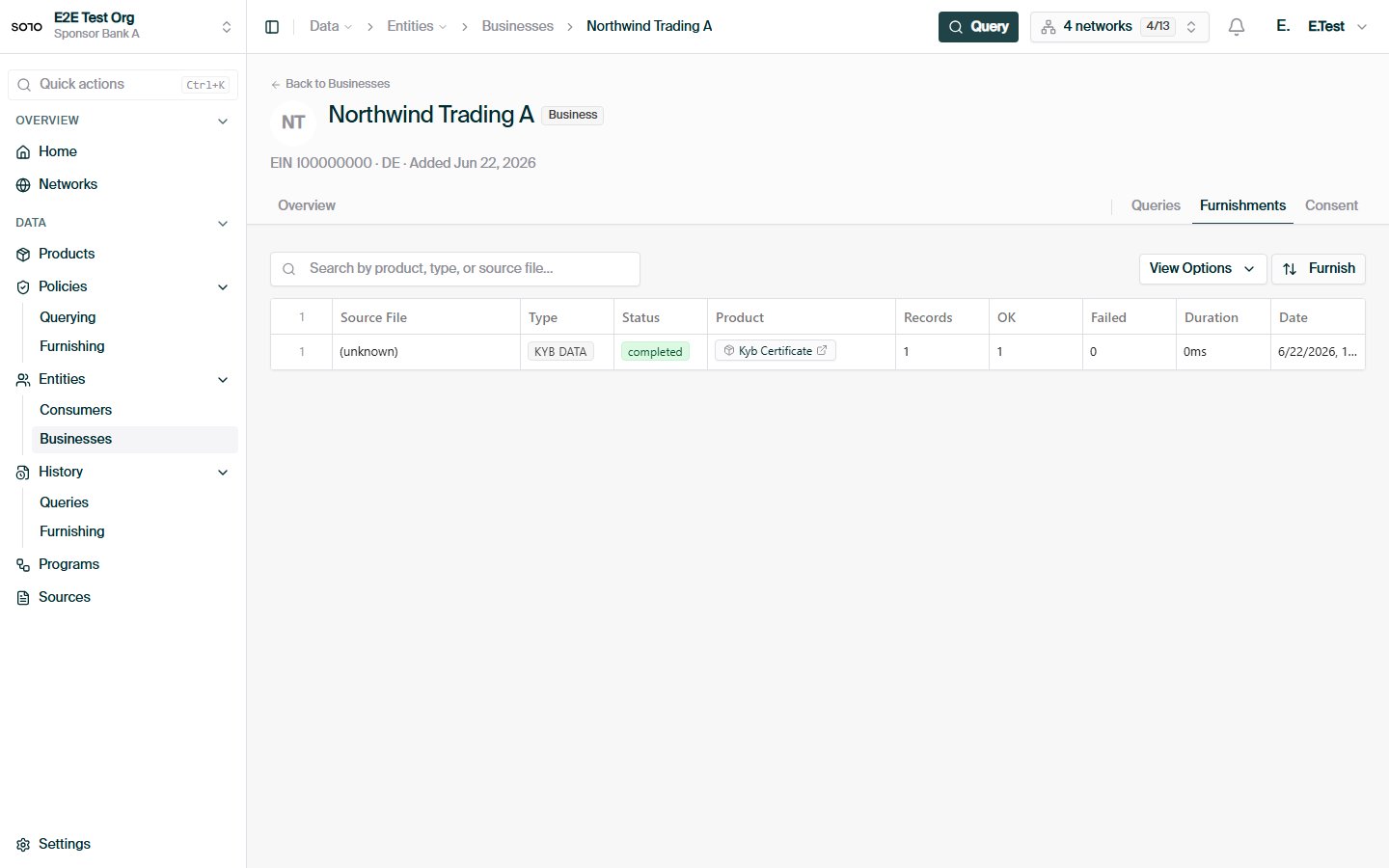
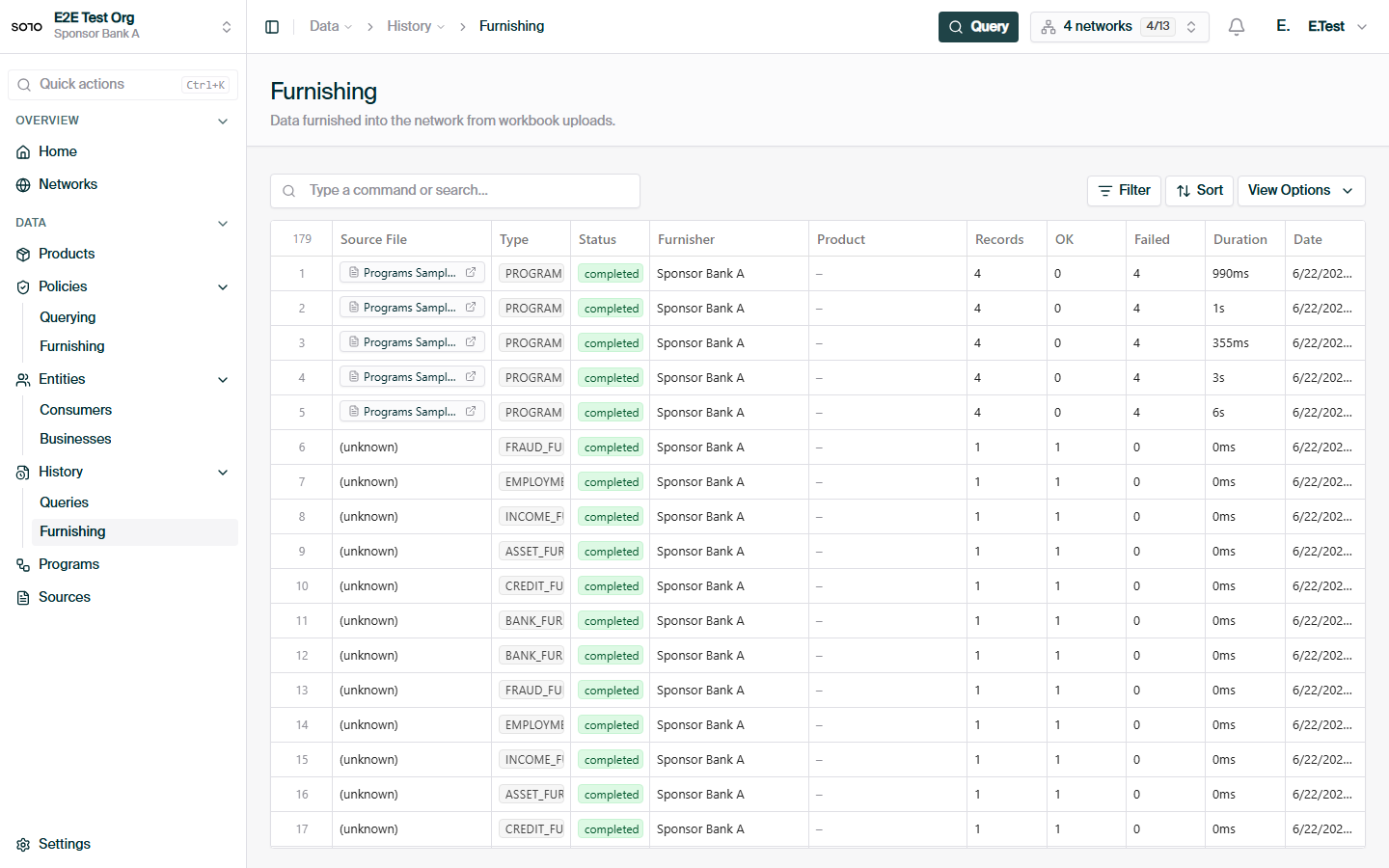
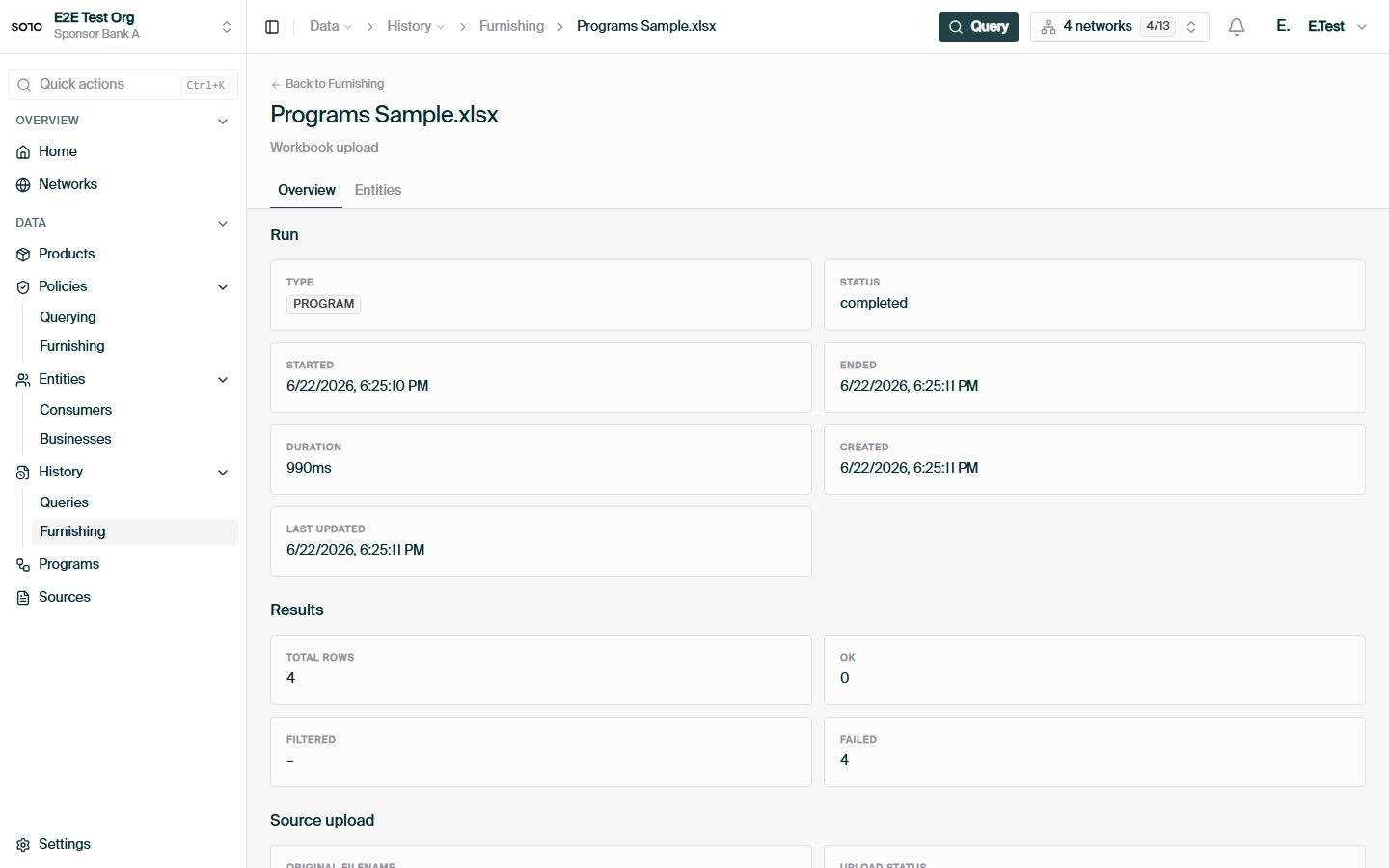
## In the dashboard
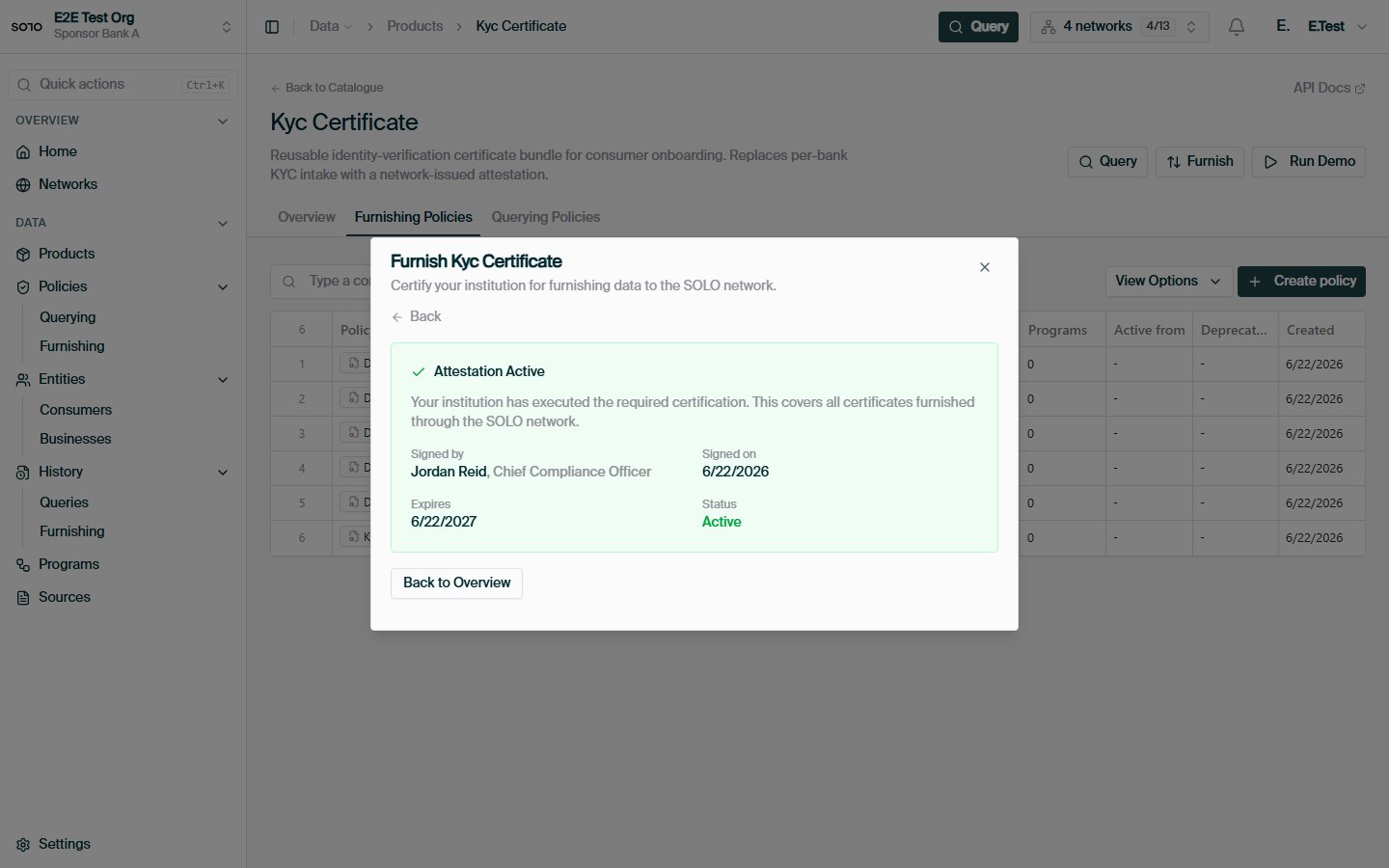
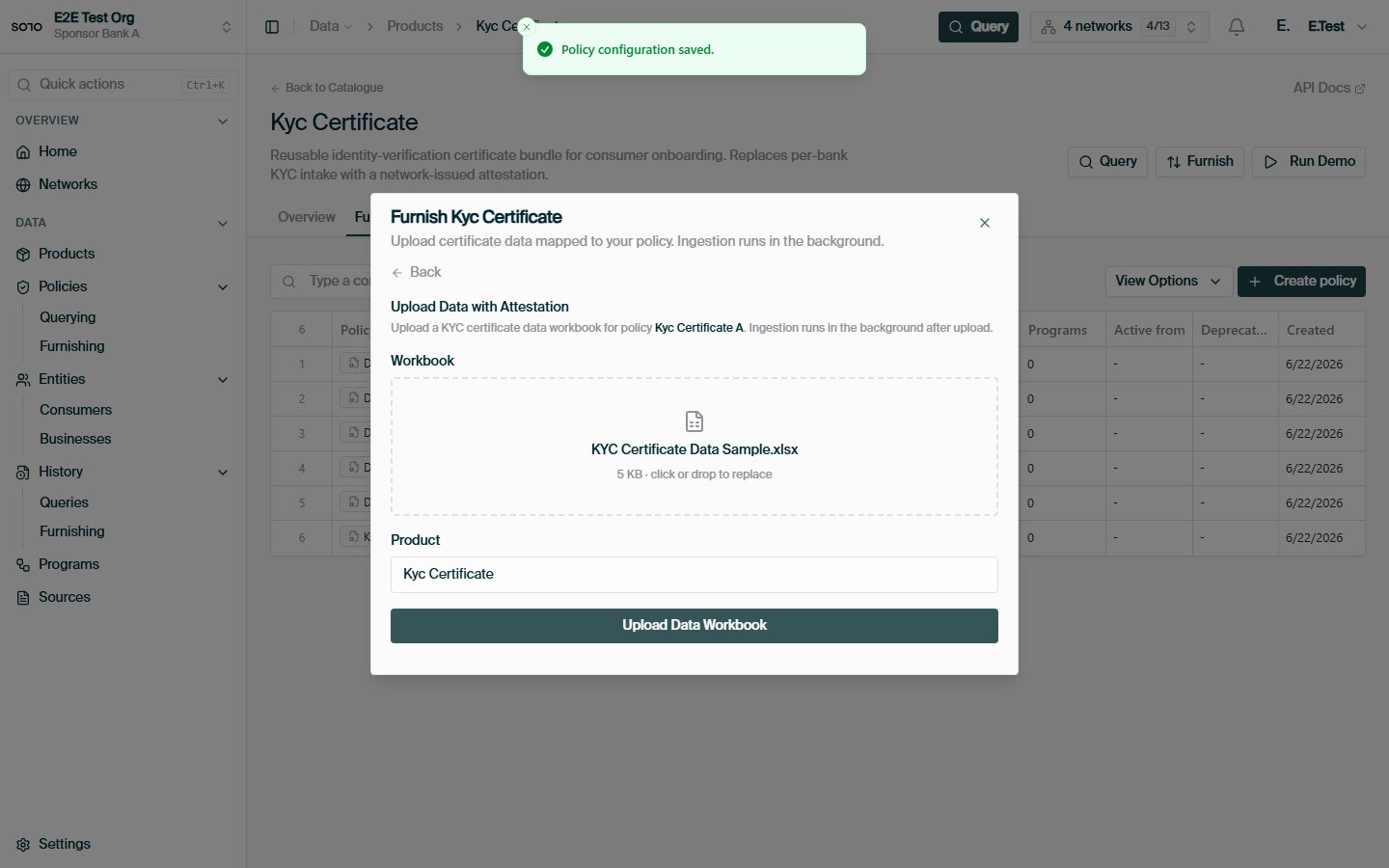
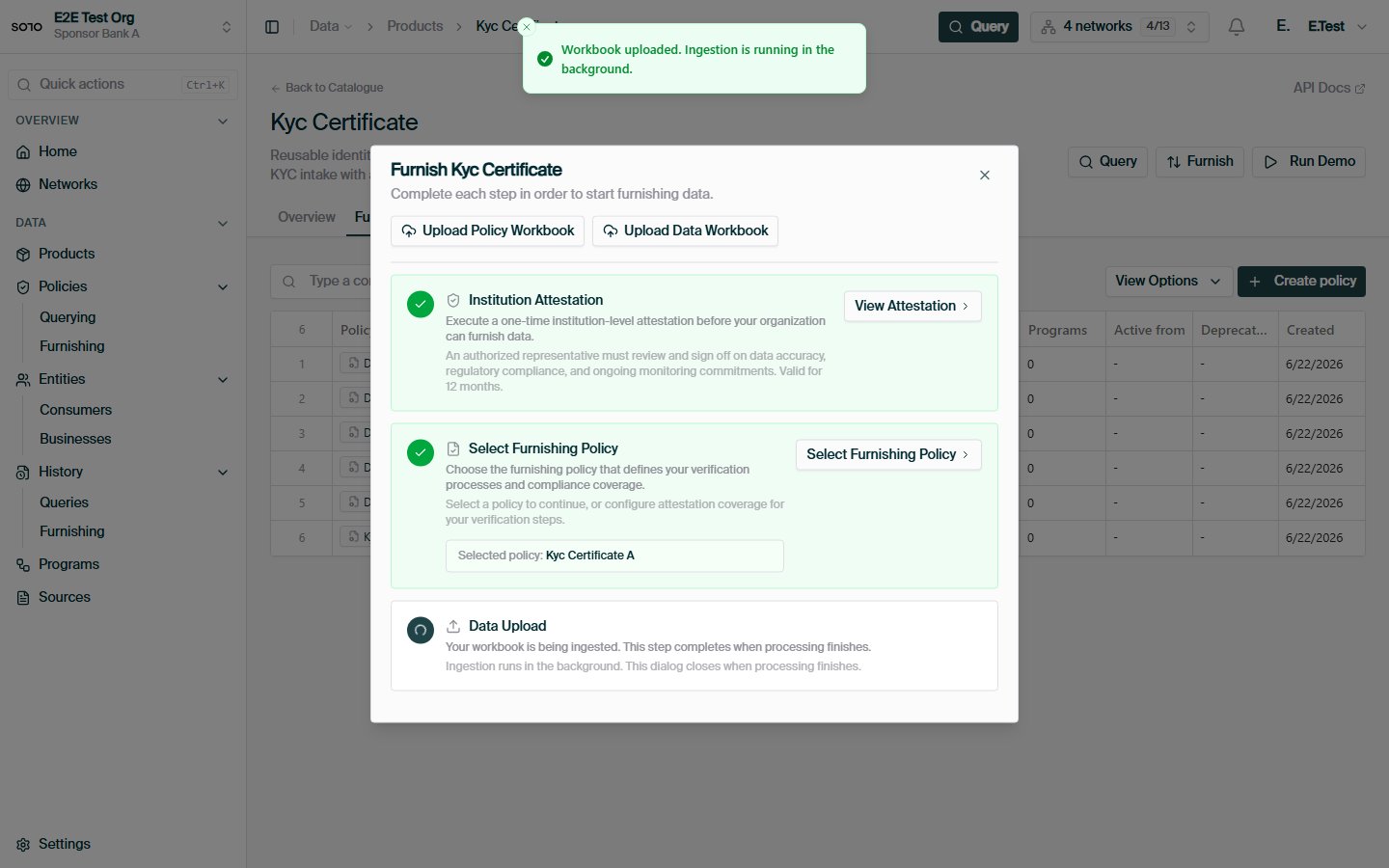
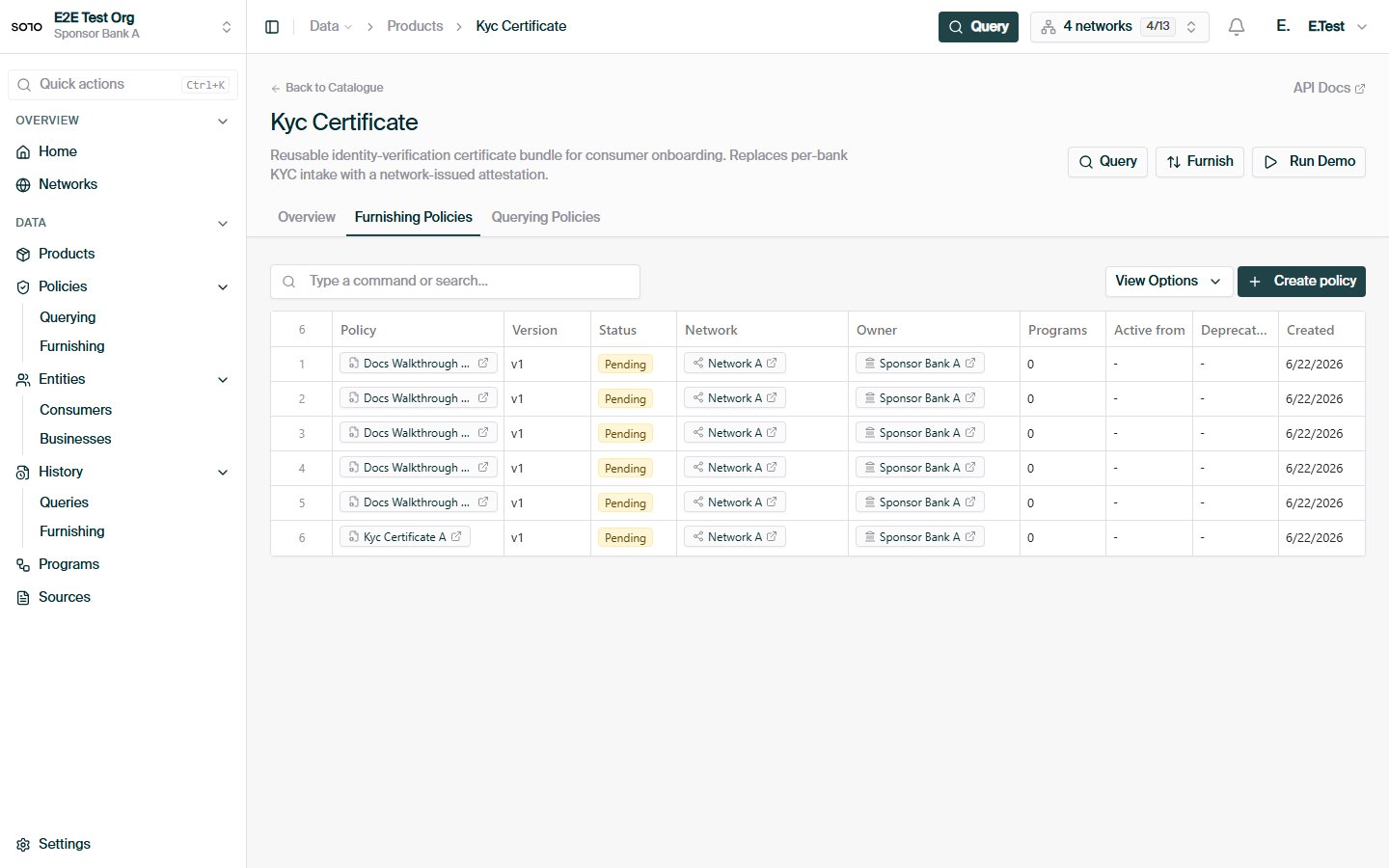
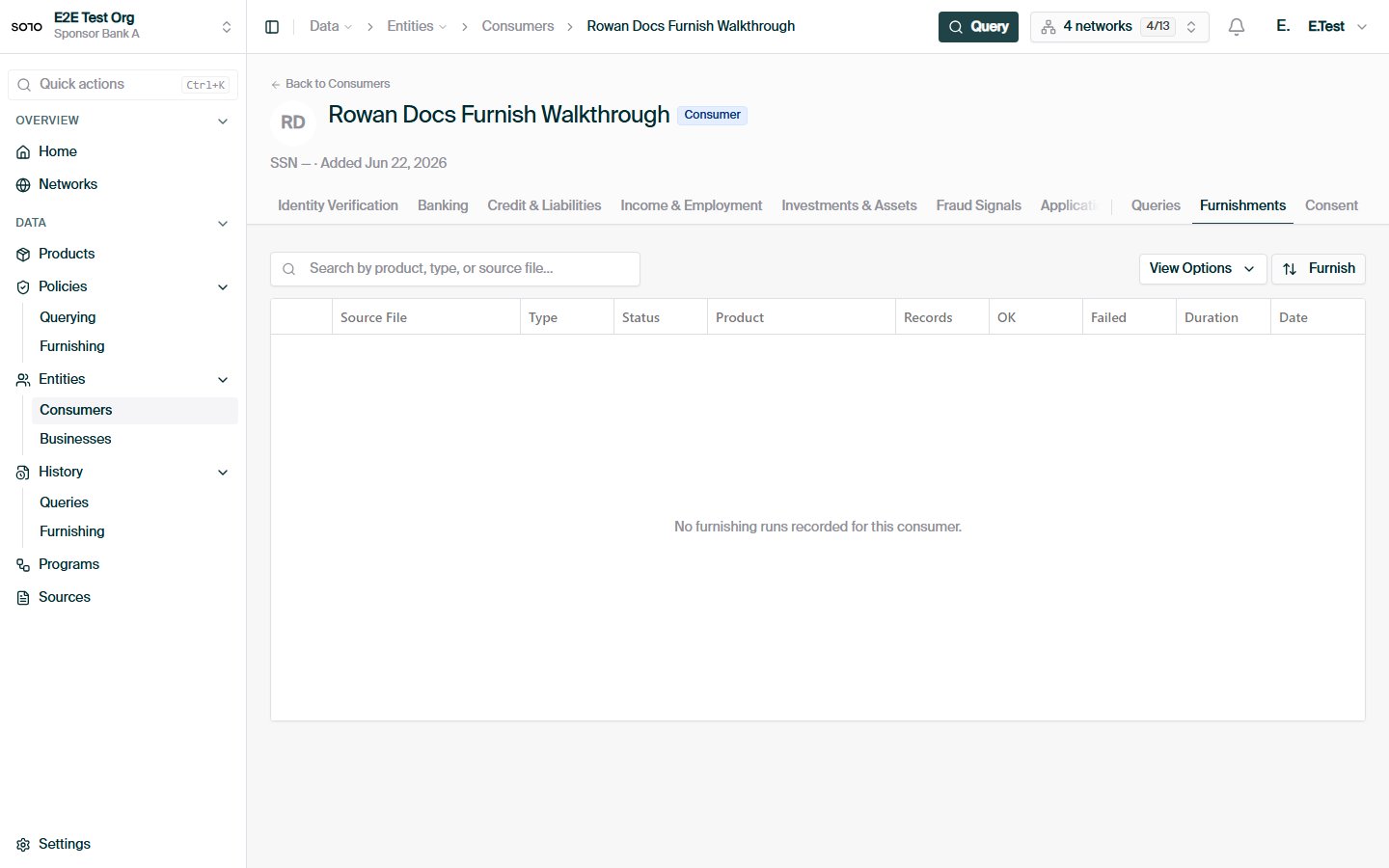
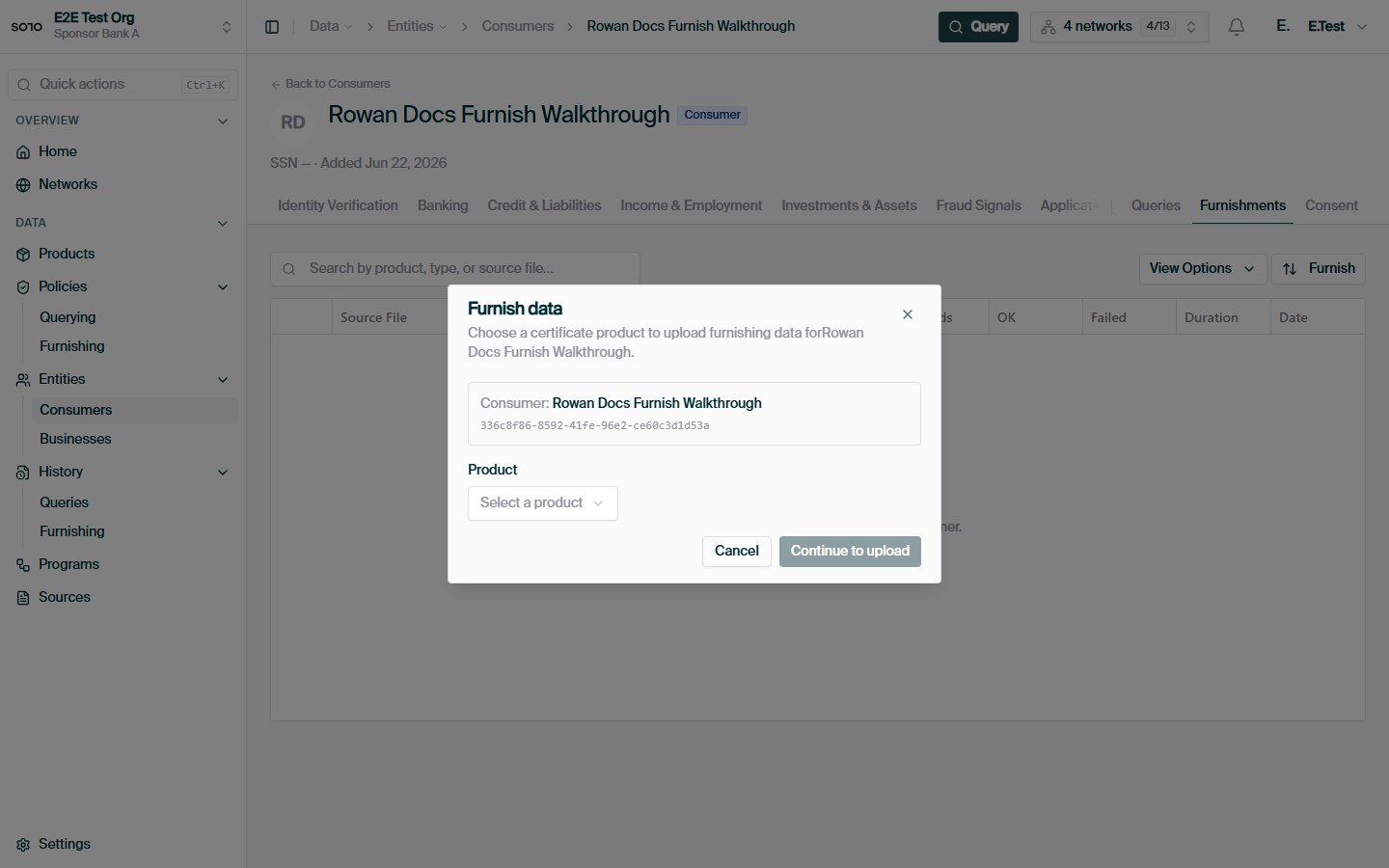
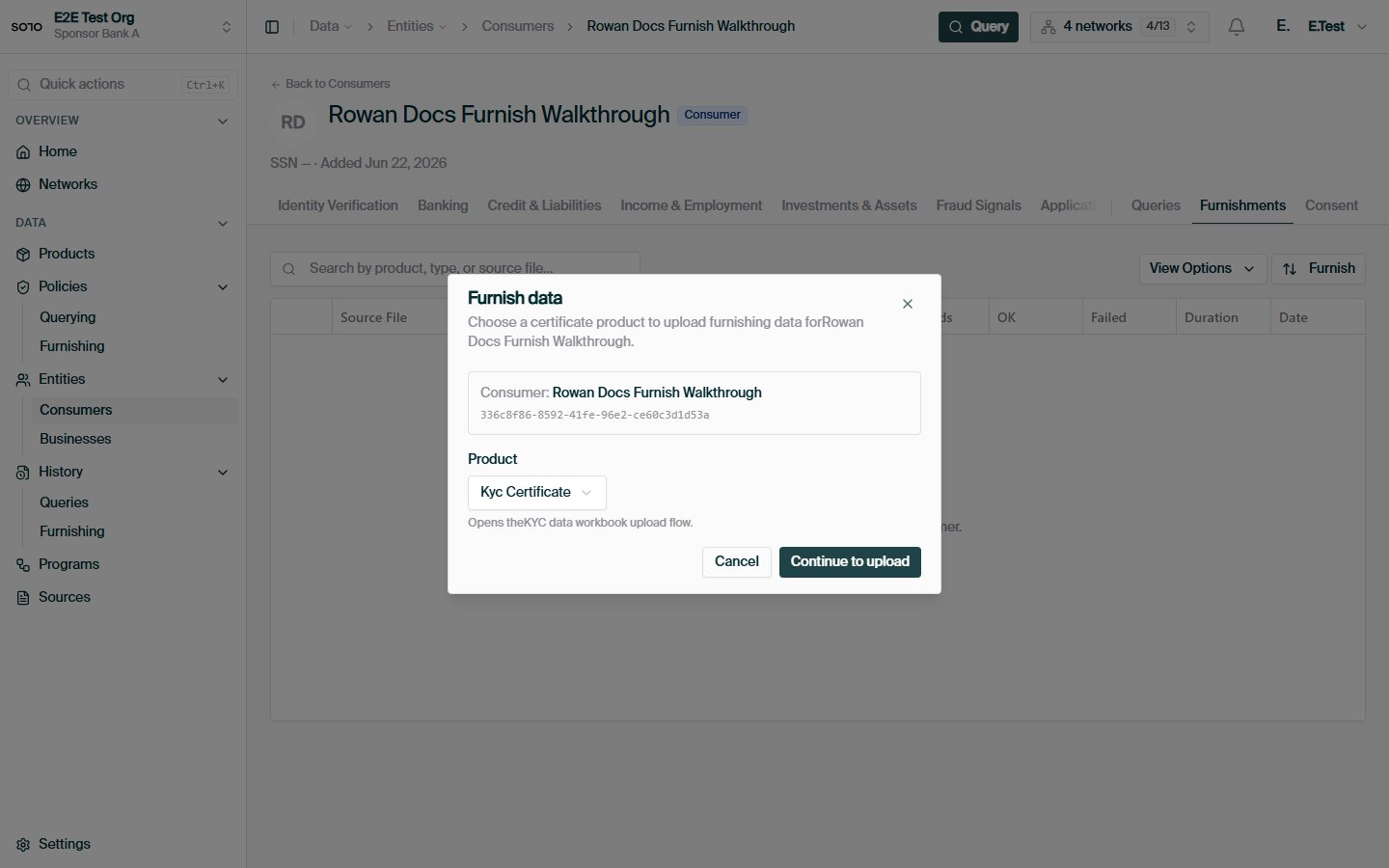
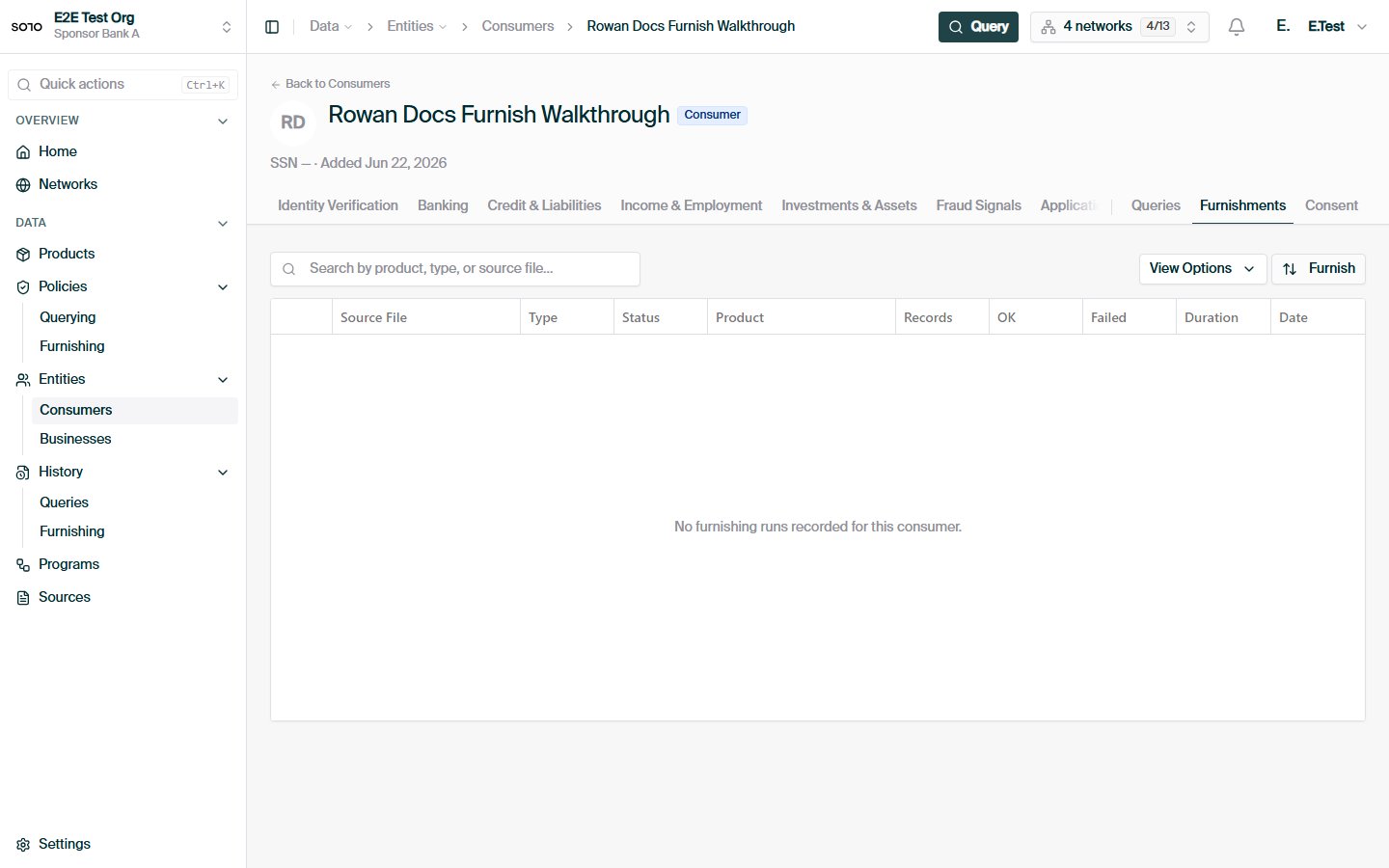
 ## Related concepts
Furnish whole files over REST with one request.
Recurring workbook drops, no HTTP client required.
The rules the network applies to what you contribute.
A hands-on walkthrough of your first furnish.
## Related concepts
Furnish whole files over REST with one request.
Recurring workbook drops, no HTTP client required.
The rules the network applies to what you contribute.
A hands-on walkthrough of your first furnish.